
Import & Export Settings helps you back up and move two things:
- Plugin settings (saved as a JSON file)
- Products with location data (saved as a CSV file)
This is useful for backups, site migration, or bulk updates.
How to Access Import & Export Settings
To configure this feature:
- Go to Location Manage →Settings →Advanced
- Find the Import & Export Settings panel
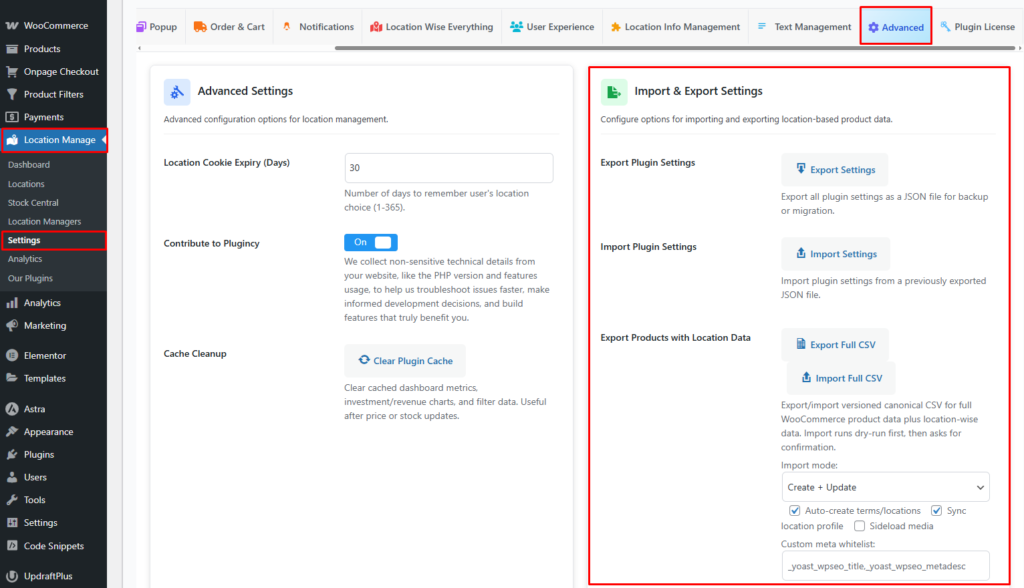
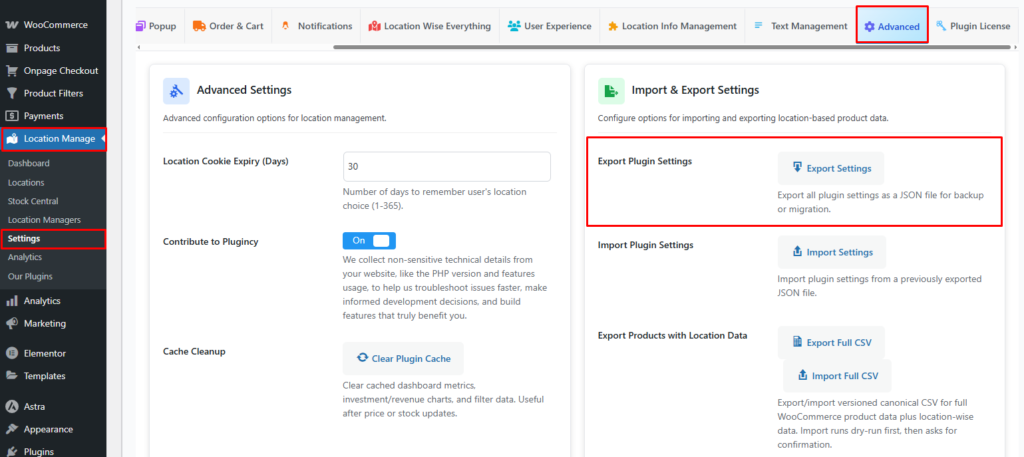
Export Plugin Settings
Exports all plugin configuration settings into a JSON file.
Use Cases:
- Backup before making major changes
- Migrate settings to another website
- Restore configuration after reinstalling the plugin
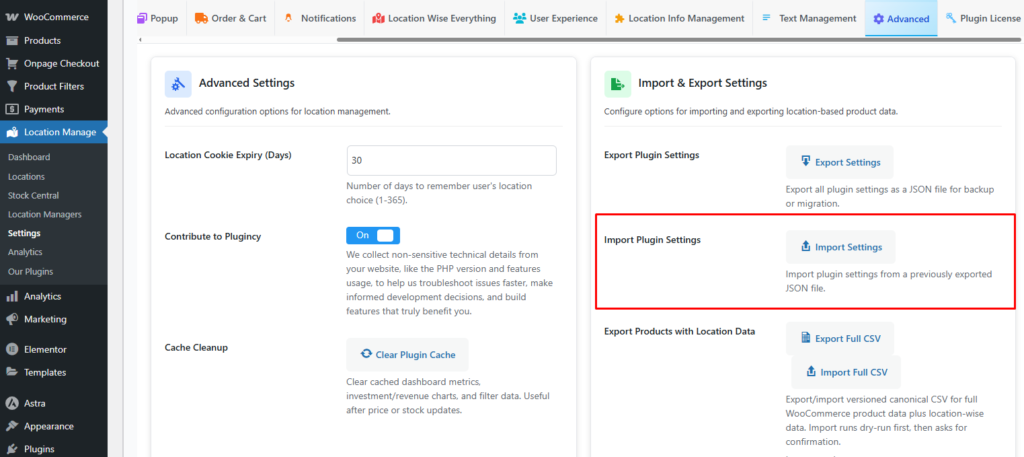
Import Plugin Settings
Imports plugin configuration from a previously exported JSON file.
Behavior:
- Replaces existing plugin settings
- Applies all configuration options instantly
- When you want to restore settings from a backup
Note:
Ensure the JSON file was generated by the same plugin version for best compatibility.
Use Export/Import Settings (JSON) to back up or restore the plugin configuration.