
Frequently Asked Questions
Everything you need to know about our WordPress plugins in one place.
Questions We Get Frequently in Our Inbox
Have questions? You’re not alone! Here you’ll find clear answers to the most frequently asked queries to help you set up, customize, and get the best results from your plugins.
How do I install the plugin?
Step-by-step installation guide for beginners: free from WordPress.org, Pro from your account.
● About 2 minutesRead the guide →What’s included in the license?
Complete breakdown of license features and usage rights, from plans to renewals.
● Yearly or lifetimeSee plans →How can I get support?
Multiple ways to reach our support team: live chat with AI, tickets and email.
● Support 24/7Go to Support →Browse by Topic
Pick a topic to see its questions.
Are your plugins compatible with all WordPress themes?
Yes, all Plugincy plugins are built with standard clean code and are compatible with most modern WordPress themes.
Do you offer free versions of your plugins?
Absolutely! We provide both free and premium versions to suit different needs and budgets. The free versions are on WordPress.org.
Will your plugins slow down my website?
Not at all. Our plugins are lightweight and optimized for speed to keep your site running smoothly.
Can I try a plugin before I buy?
Yes. Every plugin has a free live demo at demo.plugincy.com, so you can test the features on a real store first.
What is included in a Pro licence?
All Pro features, plugin updates and ticket support for as long as the licence is active. Plans come as yearly or lifetime, for 1, 3 or 5 sites.
What happens when my yearly licence ends?
Renew it to keep getting updates and ticket support. Renewals keep your plugin current and secure.
How do I request a refund?
Email us within 15 days of purchase from the address you used at checkout, with your order number. Refunds do not apply to upgrades or renewals, and are processed within 2 working days.
Can I get support if I use the free version?
Yes, basic support is available for free users, while premium users get priority, dedicated support.
How do I get support?
Start a live chat for quick answers, or open a ticket from the Support page for anything that needs a closer look.
When is support available?
Support is open 24/7. Live chat is answered around the clock, and we aim to answer every ticket within 24 hours.
How do I install the plugin?
Install the free version from Plugins → Add New in your WordPress admin. For Pro, upload the zip you downloaded, activate it, and enter your licence key.
How do I update a plugin?
Updates show in Dashboard → Updates like any other plugin. Pro updates arrive while your licence is active.
Do the plugins need WooCommerce?
The WooCommerce plugins need WooCommerce active. AI Visibility & Brand Mention Tracker works on any WordPress site.
Where to Look Next
Four places, from fastest to most detailed.
359 step-by-step guides with screenshots, for every setting.
Our AI assistant answers from the docs, any time of day.
A person from the team picks up the same chat.
For bugs and licence problems, a developer replies.
Watch It Set Up, Step by Step
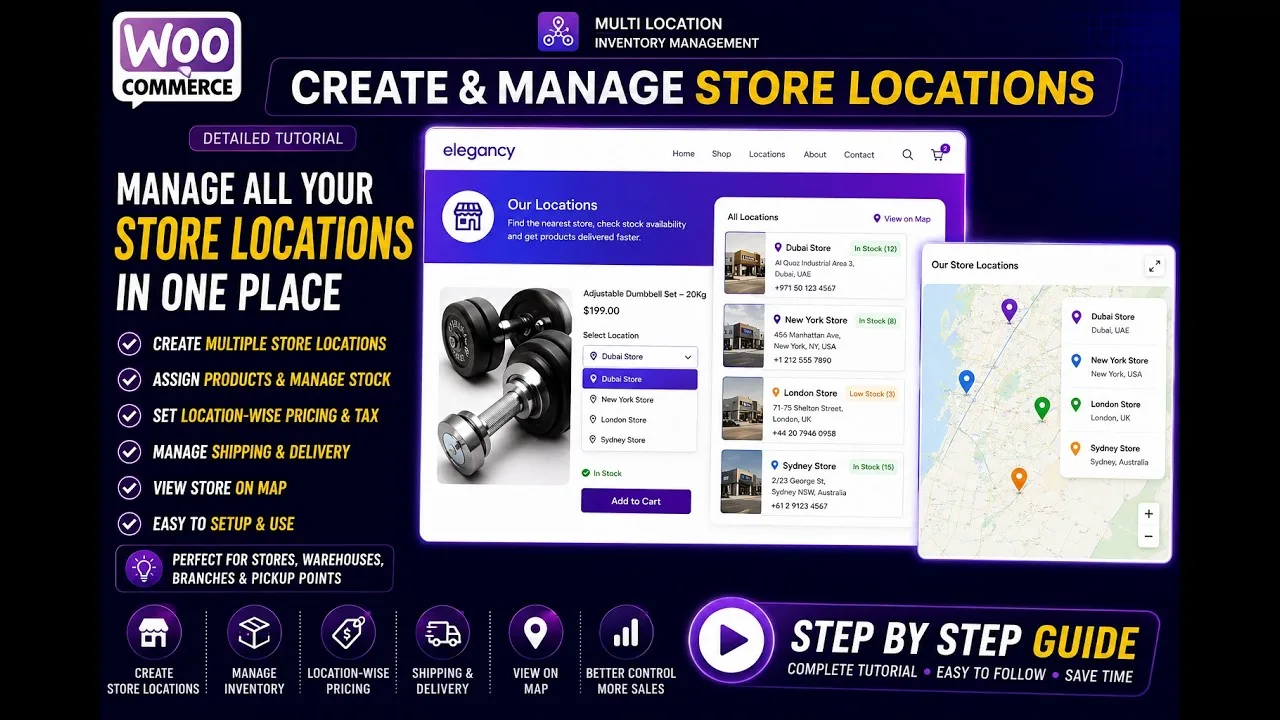
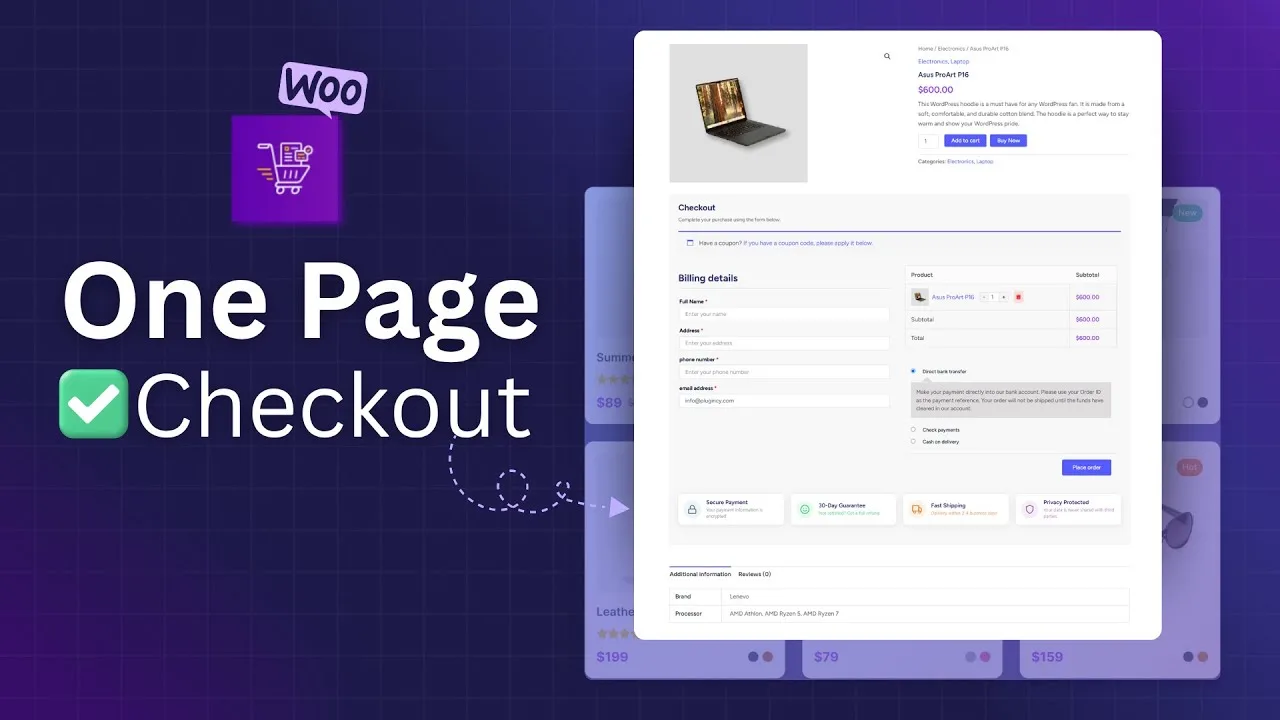
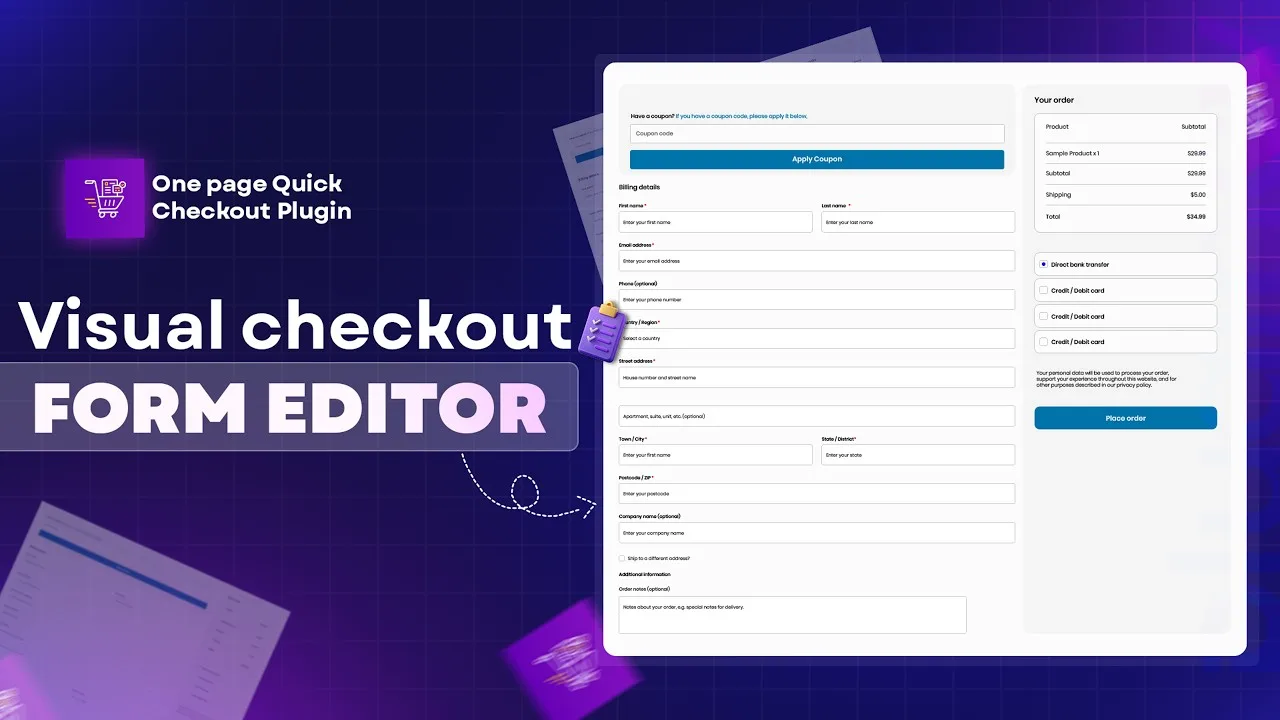
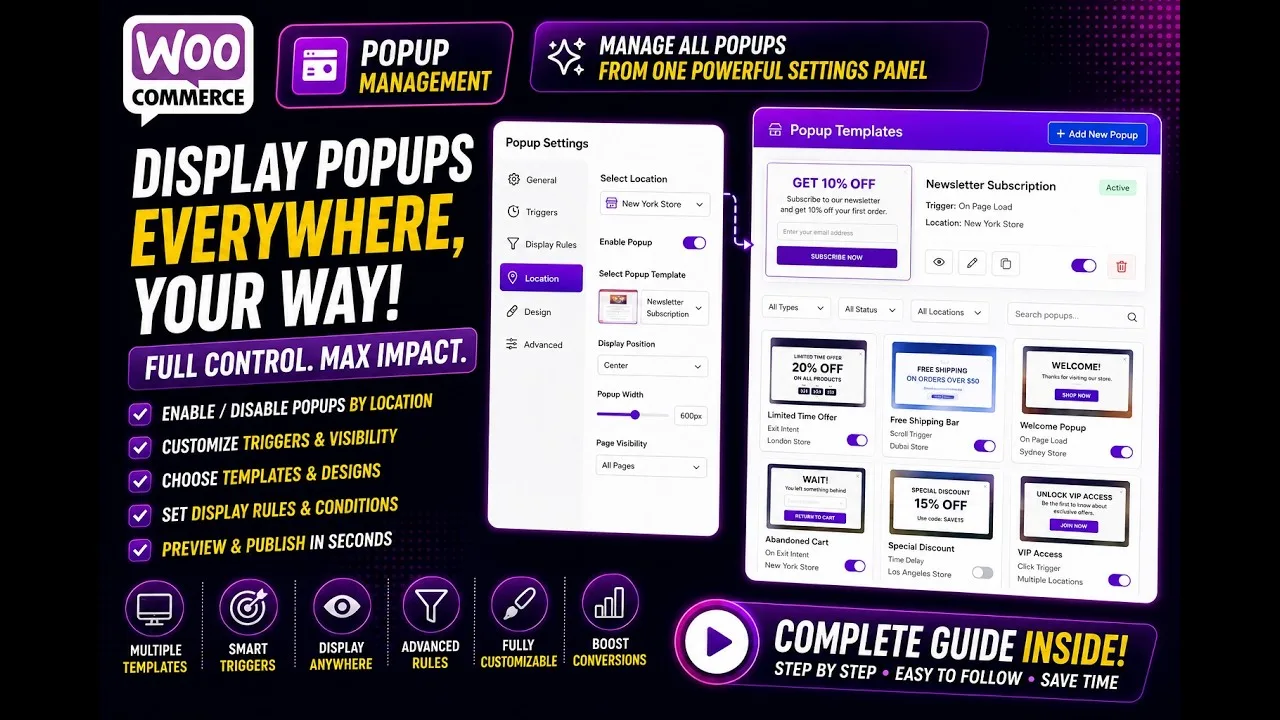
Short walkthroughs on our YouTube channel for the features people ask about most.
Still Have a Question?
Ask in live chat or open a ticket. The people who built the plugin answer.