
Need Help? We’re Here for You!
Get instant solutions, explore step-by-step documentation, or connect directly with our support team to maximize the value of your WooCommerce plugins. We’re committed to your success every step of the way.
Choose the Best Way to Reach Us
Select the support option that fits your needs best – we’re always here to help you succeed with Plugincy plugins.
Live Chat
Connect instantly with our team for real-time support and quick answers to your questions. Our AI assistant replies straight away, and the team joins when you need a person.
● 24/7, every dayStart Chat Now →Submit a Ticket
Share your issue and receive a detailed response from our technical experts. Attach screenshots and follow every reply in your portal.
● Get replies within 24 hoursCreate Ticket →Hi, your refund is on its way. It reaches your card in 2 working days…
[email protected]Email Us
For refunds, billing and anything about your order, write to [email protected] with your order number.
● Refunds within 2 working days[email protected] →From Question to Fixed
Most questions end in the chat. Anything that needs a closer look goes to the developer who knows the plugin.
Our AI assistant answers straight away, using every guide in our documentation.
If the answer does not fix it, a person from the team picks up the same chat.
Bugs and licence problems go to a ticket, with a detailed reply within 24 hours.
You get the fix by email and in your portal, and the guide is updated for the next person.
Fix It Yourself in a Minute
The questions we hear most, each with a step-by-step guide. Pick your plugin.
What We Commit To
How fast you hear back from us, whichever way you reach out.
The AI assistant answers any time of day.
A person joins when the AI can’t fix it.
From the developer who knows the plugin.
15-day money-back on every Pro plugin.
Support is open 24/7, every day of the week.
Please login or create an account to access the Customer Support Portal
Open tickets, attach files and follow every reply in one place.
- Log in or create a free account
- Click New Ticket and choose your plugin
- We reply by email and in the portal
Please login or create an account to access the Customer Support Portal
Forgot your password? Reset password
Watch It Set Up, Step by Step
Short walkthroughs on our YouTube channel for the features people ask about most.
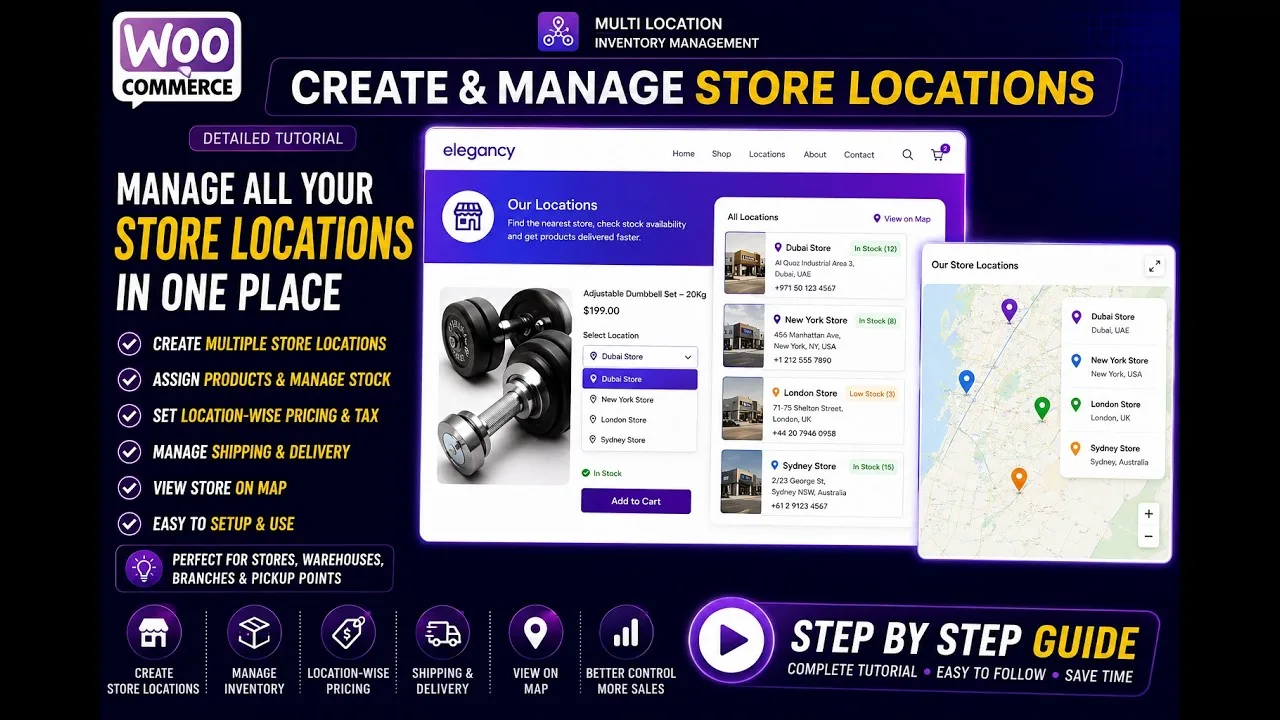 ▶
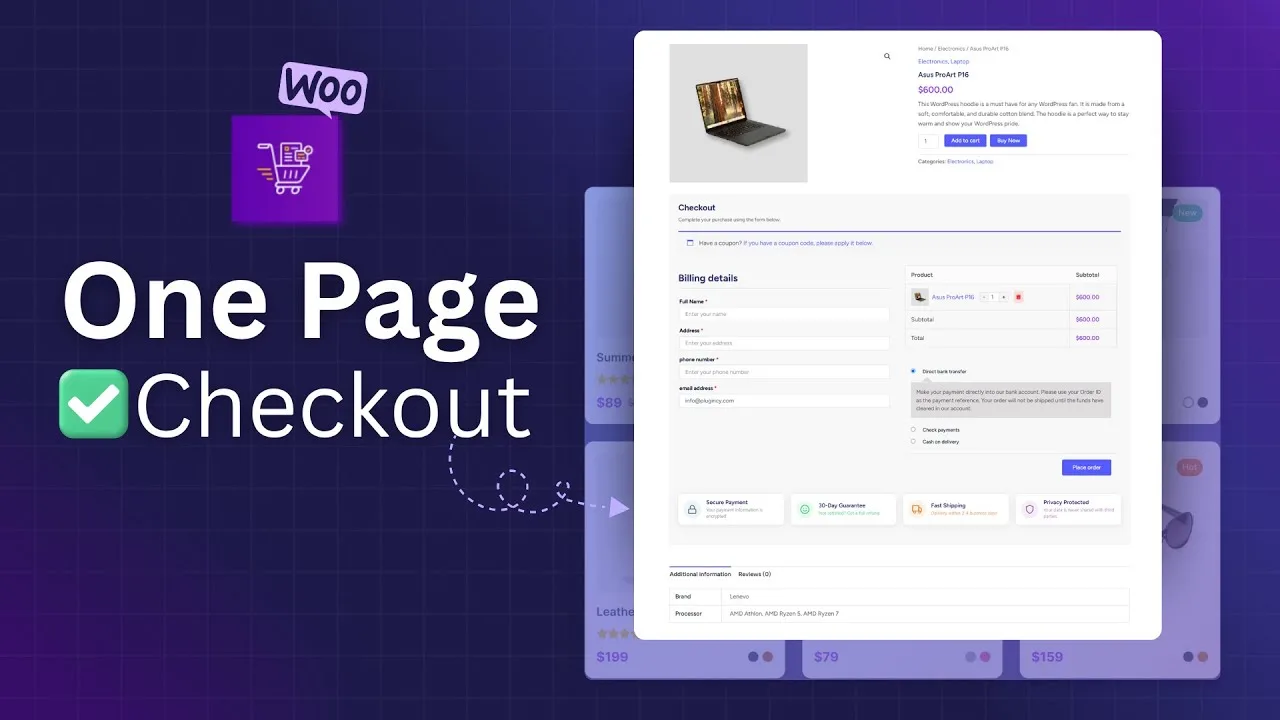 ▶
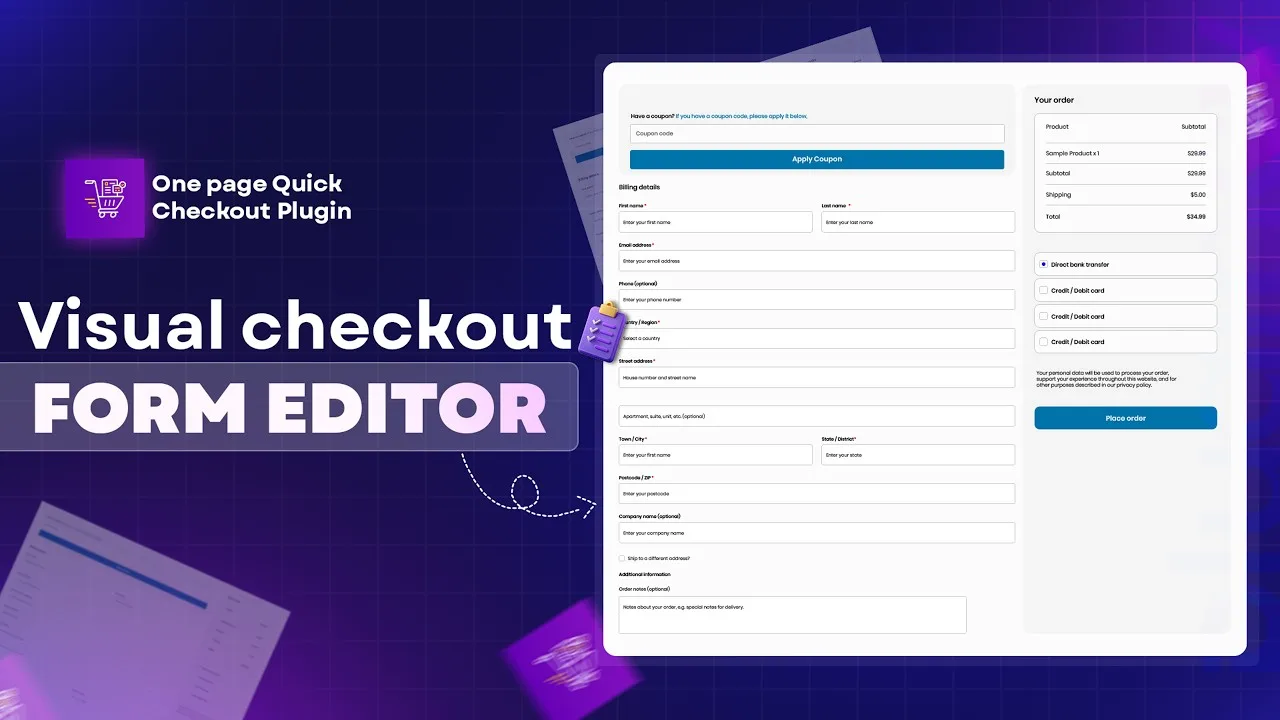 ▶
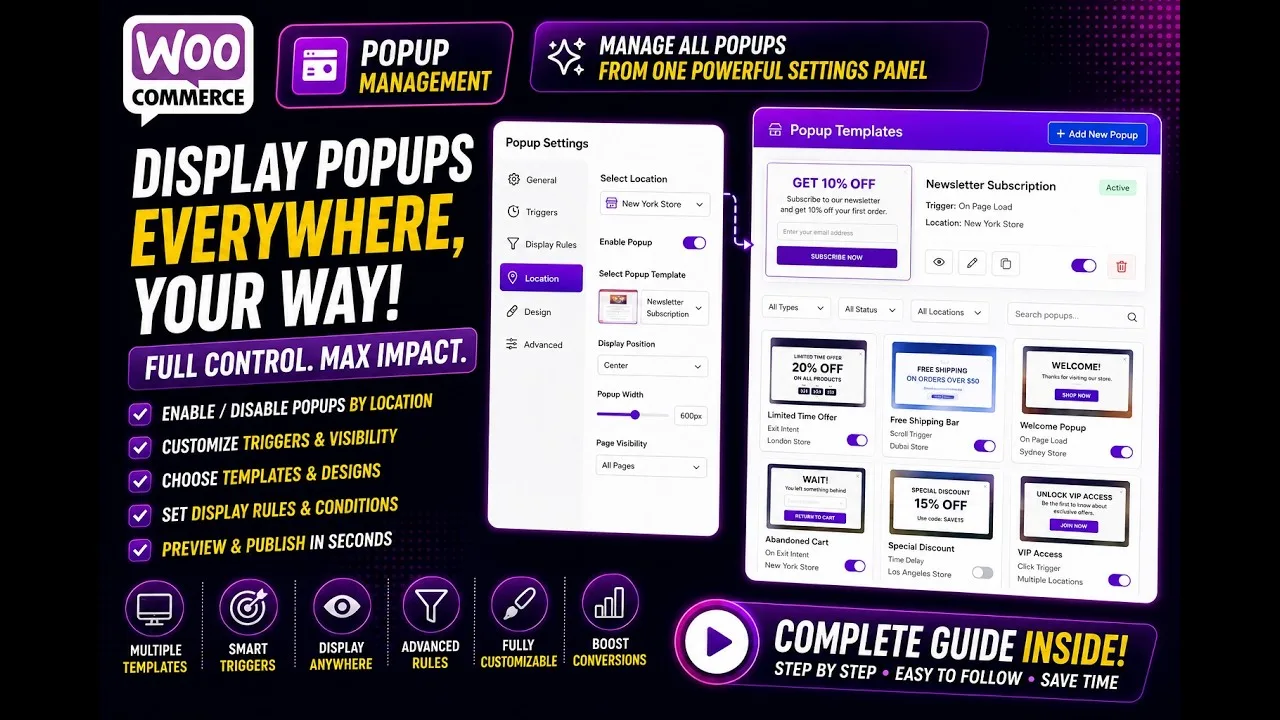 ▶
Send These and We Fix It Faster
With these details we can usually solve it in the first reply.
Which plugin, Free or Pro, and its version number.
Found under Dashboard → Updates and WooCommerce → Status.
What you expected, what you saw, and the steps to repeat it.
The page where it happens, or a short screen recording.
Whether it still happens with a default theme like Storefront.
What Users Say About Our Support
Real reviews from WordPress.org, word for word.
The most impressive part is the support team — they responded quickly and provided a clear and helpful solution, even for a free user.
I had some difficulties, possibly related to the theme I’m using, and I contacted support, and they responded very quickly and resolved the issue.
I contacted support for a reason, and they replied quickly and provided a clear solution. Appreciate both the plugin and the support experience.
The plugin has exactly what we needed, and the tech support was fast and brilliant.
Setup was simple, and everything worked as expected. The team provided excellent support when I needed.
It handles large product lists well and stays responsive. Support was also quick when I had a small question.
Questions About Support
Taken from our Support Policy and Refund Policy.
Who can open a support ticket?
Ticket support is for customers with an active licence for any of our Pro plugins. If your licence has expired, renew it to get ticket support again.
I use the free version. Where do I get help?
Start with the documentation and live chat. You can also post in the plugin’s forum on WordPress.org.
When is the team available?
Support is open 24/7. Live chat is answered around the clock, and we aim to answer every ticket within 24 hours.
Which languages do you support?
Support is provided in English.
What does support cover?
Installation, setup, how the features work, bug reports and fixing features that do not work as intended. It does not cover custom development, custom styling or conflicts caused by third-party themes and plugins.
How do I request a refund?
Email us within 15 days of purchase from the address you used at checkout, with your order number. Refunds do not apply to upgrades or renewals, and are processed within 2 working days.
Most Answers Are Already Written
Find the resources you need – fast. Explore guides, FAQs, and admin tools to get the most out of your Plugincy plugins.
Documentation
Step-by-step guides and tutorials to help you install, configure, and optimize your plugins.
Browse Docs →FAQs
Get quick answers to common questions and solve issues instantly without waiting.
View FAQs →Support Admin
Easily manage your support preferences and track your tickets in one place.
Admin Panel →Still Stuck? Talk to the People Who Built It.
Live chat answers in minutes. Tickets get a detailed reply within 24 hours.