
AI Visibility & Brand Mention Tracker
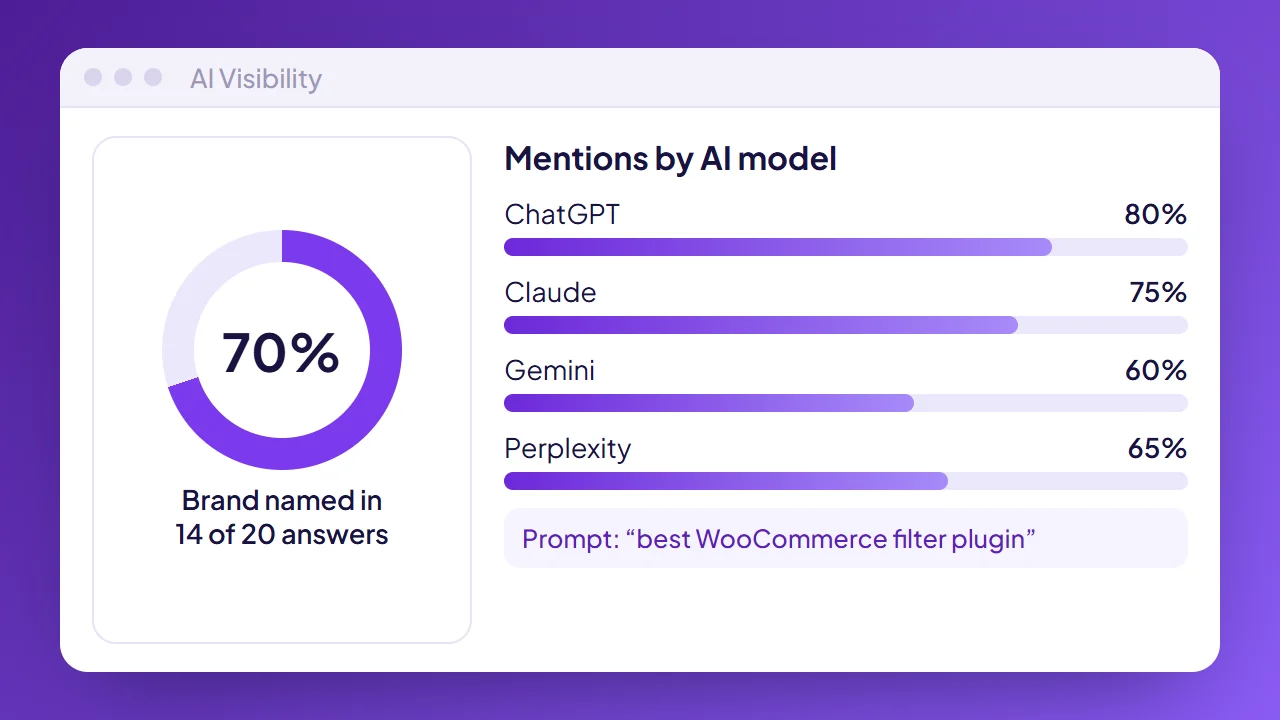
See whether ChatGPT, Claude, Gemini and Perplexity name your brand, and what to change so they do.
All 13 sections
39step-by-step guides
13sections
Nov 2026last updated
Free + ProPRO tag on paid parts
Start here
Four guides take you from install to your first AI visibility results.
1Install the pluginInstallation guide2Add your AI API keyGet a ChatGPT, Claude, Gemini or Perplexity key3Run your first checkSet up the plugin and run a check4Read your resultsReading the dashboard
All sections
Each box shows its first guides, so you can go straight to the one you need.
- Installation Guide for AI Visibility & Brand Mention Tracker
- Set Up the Plugin and Run Your First AI Visibility Check
- Activate Your AI Visibility Pro License Key
- How to Get an API Key for ChatGPT, Claude, Gemini and Perplexity
- Models and What a Check Costs
- Monthly API Call Limit
- Add and Manage Prompts: the Questions Buyers Ask AI
- Prompt Types and Countries for Local AI Results
- How to Write Prompts Buyers Really Ask
- AI Visibility Suggestions Explained: Types, Impact and Actions
- Mark Done and “Did It Work?”
- Write the Missing Page: Writing Brief and AI Drafts
- Connect Claude or ChatGPT to WordPress With MCP
- Let Claude or ChatGPT Make Changes, With Your Approval (Pro)
- AI Sentiment: Is Your Brand Praised or Warned Against? (Pro)
- Prompt Ideas From Your Pages (Pro)
- Deep AI Page Review (Pro)
Stuck on a step?
Open a support ticketTalk to the people who built the plugin.