
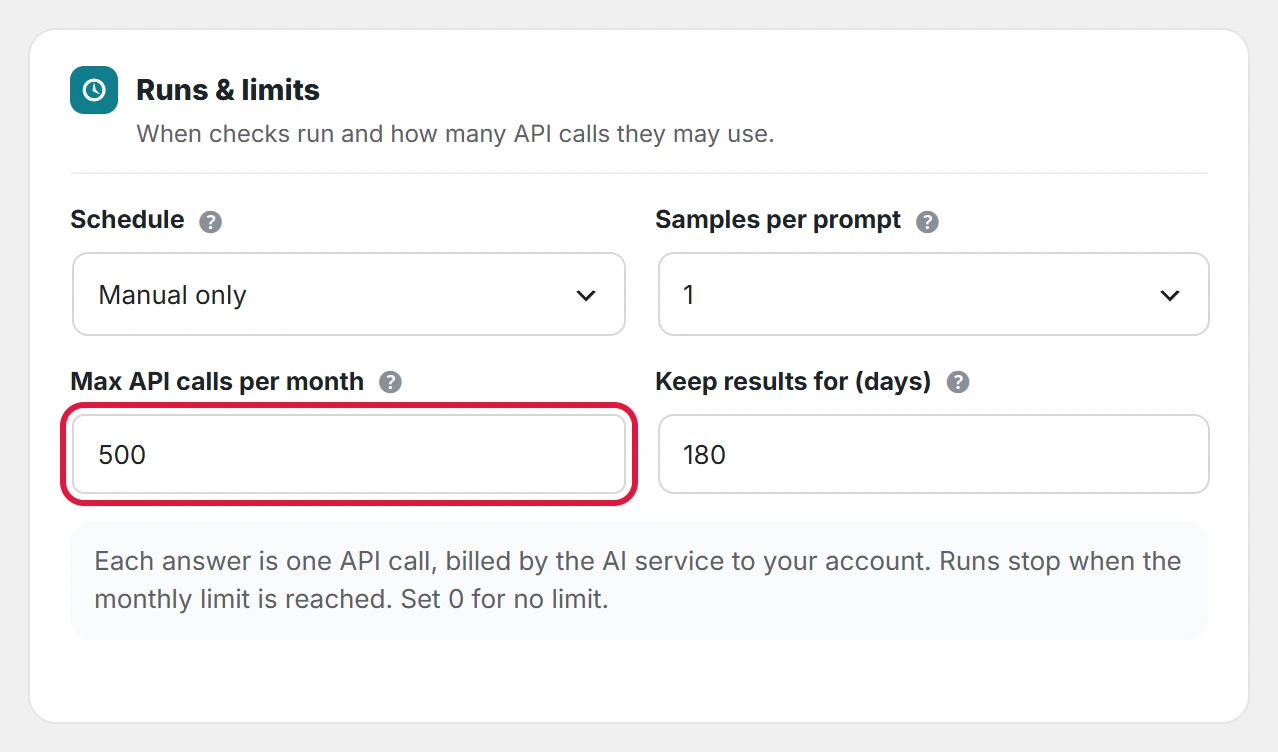
The monthly limit is a safety cap on your AI bills. Checks stop for the month when this many API calls have been made.
- Go to AI Visibility → Settings → Runs & limits.
- Set Max API calls per month. The default is 500; 0 means no limit.
- Click Save settings.
See how much you have used
The Dashboard shows the calls made this month with your own keys, against the limit, and when the next run is.

When the limit is reached
A running check stops with the message “This month’s answer limit has been reached. You can raise it in Settings.” The count starts again on the first day of the next month. Answers already collected stay.
Every answer counts, including failed ones, so the limit also protects you if a key or model is set up wrongly.