
The free plugin is complete for tracking one brand in ChatGPT, Claude, Gemini and Perplexity, with no time limit. Pro saves you the hours: it writes the missing pages, checks every day, and sends the reports for you.
| Feature | Free | Pro |
|---|---|---|
| ChatGPT, Claude, Gemini and Perplexity with your own API keys | ✓ | ✓ |
| Dashboard: visibility score, mention rate, position, share of voice, your site cited | ✓ | ✓ |
| This week’s 3 actions and the sources AI cites most, on the Dashboard | ✓ | ✓ |
| Results: every answer word for word, brands highlighted, cited sources with labels | ✓ | ✓ |
| Competitors, discovered brands and prompts where a competitor wins | ✓ | ✓ |
| Suggestions with evidence, each measured for six weeks | ✓ | ✓ |
| Writing brief for ChatGPT for each missing page | ✓ | ✓ |
| Wins page and share image | ✓ | ✓ |
| CSV export, WordPress dashboard widget, MCP read tools | ✓ | ✓ |
| Schedule | Weekly or manual | Daily, weekly or manual |
| Samples per prompt, for steadier numbers | 1 | Up to 3 |
| AI sentiment: praised or warned against, for you and each competitor | Sample | ✓ |
| Prompt ideas from your own pages | Sample | ✓ |
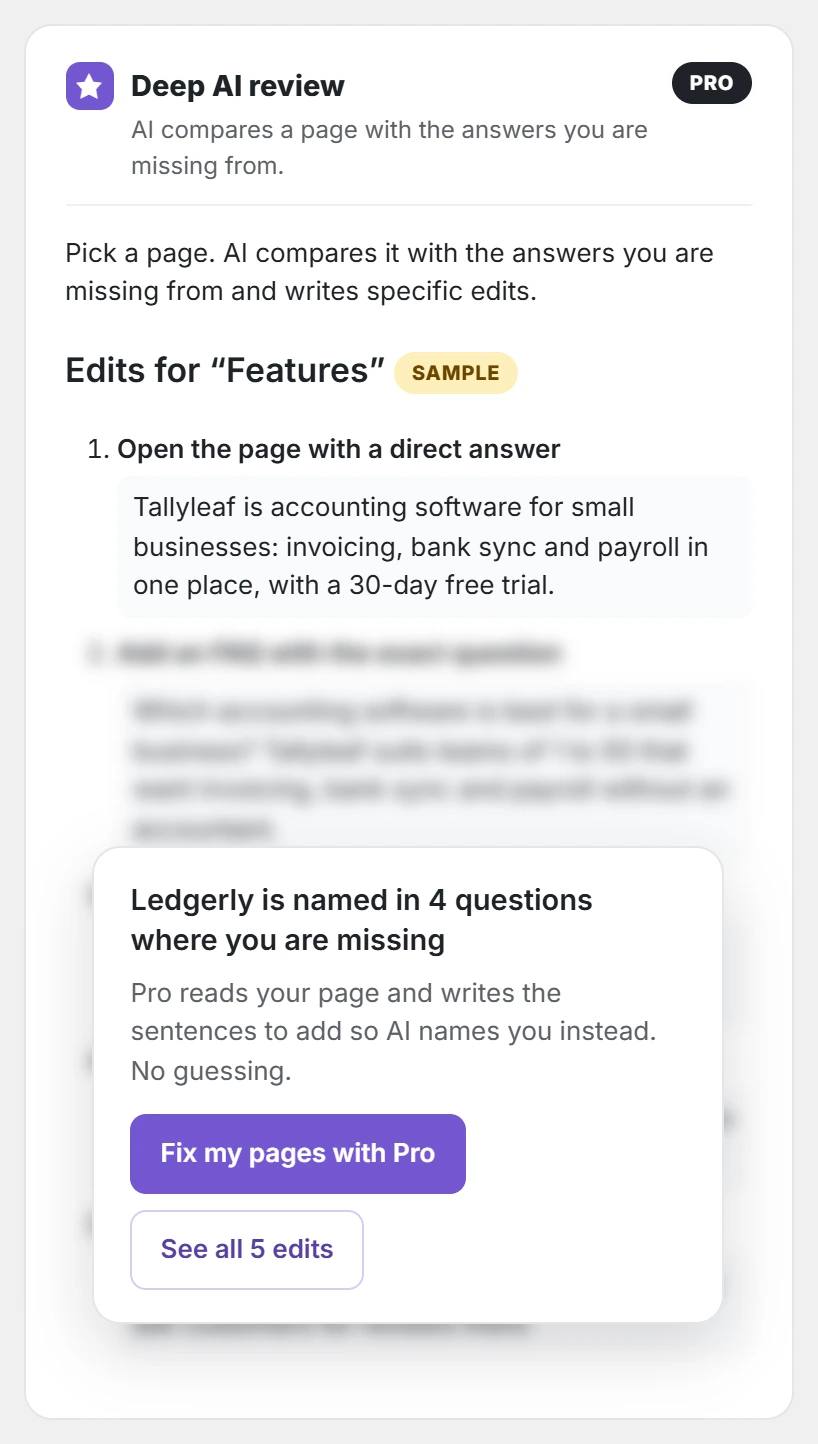
| Deep AI page review: page-by-page edits | Sample | ✓ |
| AI drafts: Pro writes the missing page, you approve it, it is saved as a draft | Sample | ✓ |
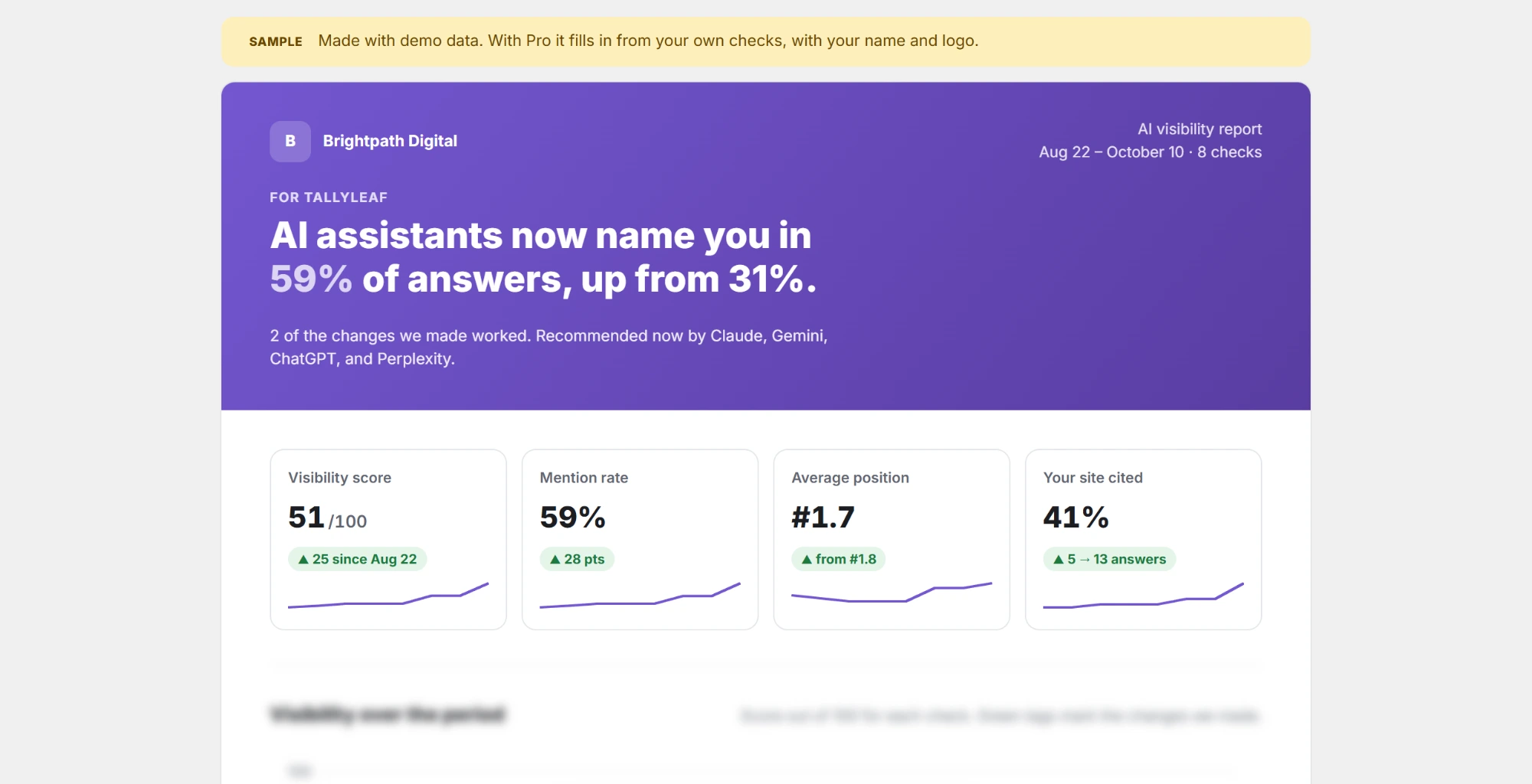
| White-label client report (PDF) | Sample | ✓ |
| Email report: every week, 2 weeks or month | — | ✓ |
| MCP changes: prompts, competitors, suggestions, checks, page edits and new posts, each with your approval | Sample | ✓ |
| Approvals page with history | — | ✓ |
| Pro updates and support with your license | — | ✓ |
Sample means the free version shows a fixed example of that Pro feature, partly blurred, right where it lives, so you see what you get before you buy. The samples use a made-up brand, Tallyleaf; no Pro code is in the free plugin.
Where the free version shows Pro samples
- Prompts: a list of suggested buyer questions, under the Add prompts form.
- Results: where the sentiment of each answer would show.
- Suggestions: the Deep AI review box with sample edits for a page, and under each writing brief, what Pro writes from it.
- Wins and the Client report tab: a full sample report with an agency name and logo.
- Settings → MCP: the Pro change tools, locked, and an example change waiting for approval.
- License: everything you have for free, and what Pro adds.
Moving from Free to Pro
Install Pro next to Free: Free switches itself off, and your prompts, competitors, results, suggestions and settings stay. The steps are in the installation guide for the Pro version, and activating your Pro license key turns on updates and support.
Pro features that use AI (sentiment, prompt ideas, deep review and AI drafts) run on one AI service you choose, with your own key, so you also pay that service directly for them.