
The Reset Settings option allows you to restore all plugin configurations to their default values.
How to Access Reset Settings
To configure this feature:
- Go to Location Manage →Settings
- Go to the bottom of any option and find Reset Settings
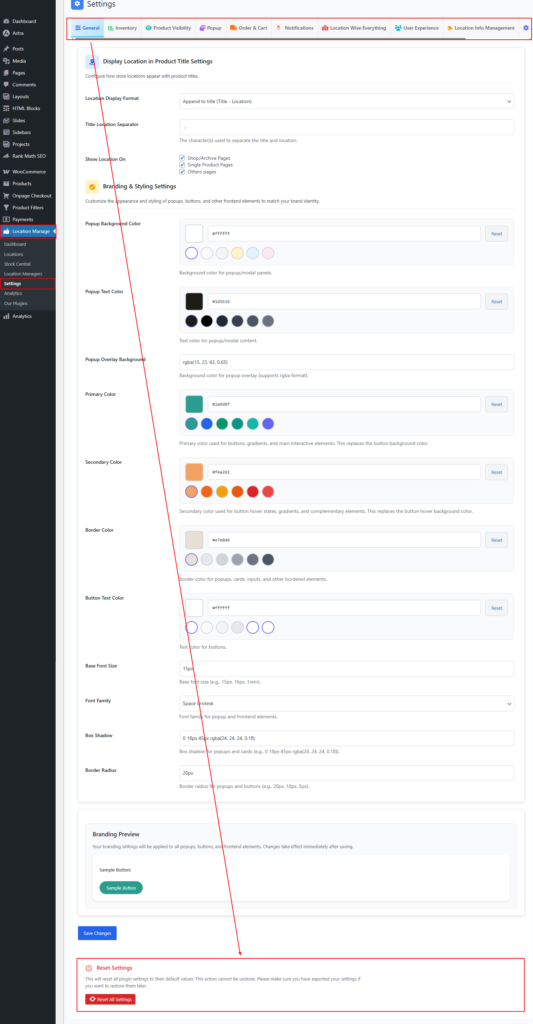
Reset All Settings
Description:
Resets all plugin settings to their original default values.
Important Warning:
- This action cannot be undone.
- All custom configurations will be permanently removed.
- Location settings, filters, integrations, and preferences will be reset.

Recommendation:
Before resetting, export your current settings using Import & Export Settings → Export Plugin Settings so you can restore them later if needed.