
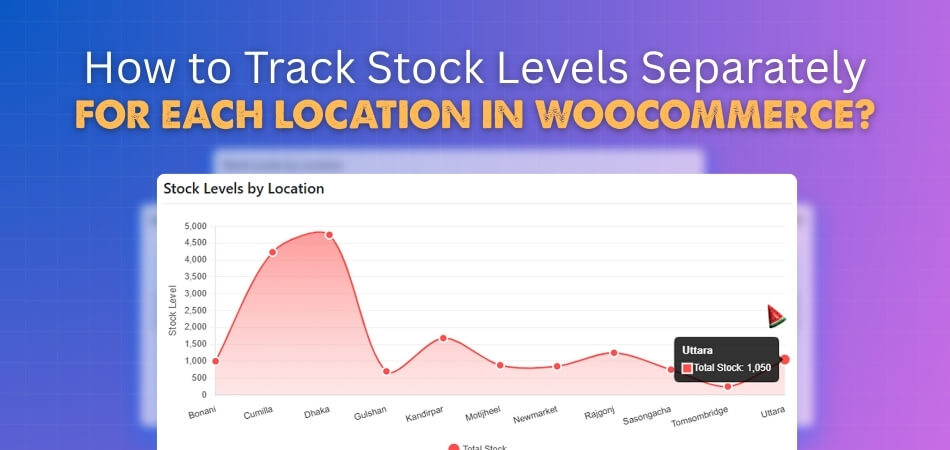
How to Track Stock Levels Separately for Each Location in WooCommerce?
Location plays a big part in how stores manage stock and serve customers better. Many shop owners want to know how to track stock levels separately for each location in
 By
By
Location plays a big part in how stores manage stock and serve customers better. Many shop owners want to know how to track stock levels separately for each location in
By
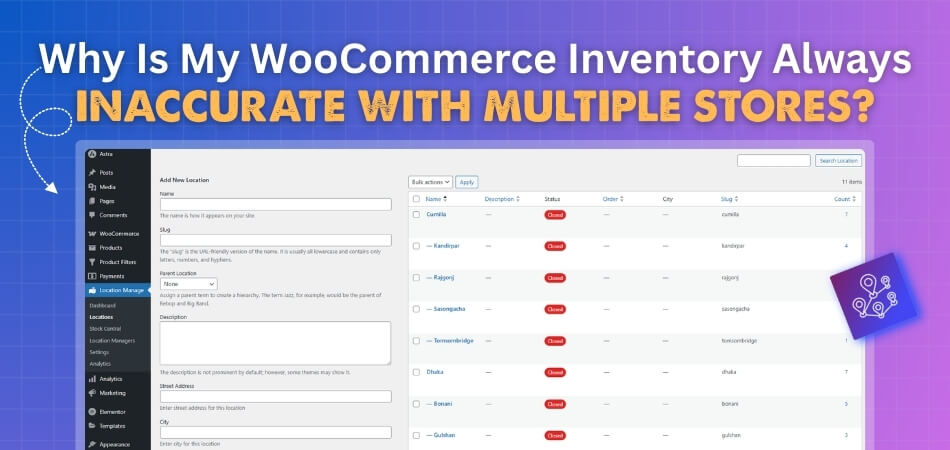
Operating multiple stores online can sound exciting, but managing stock across all of them can quickly turn into a headache. The numbers you see may not match what’s actually in
By
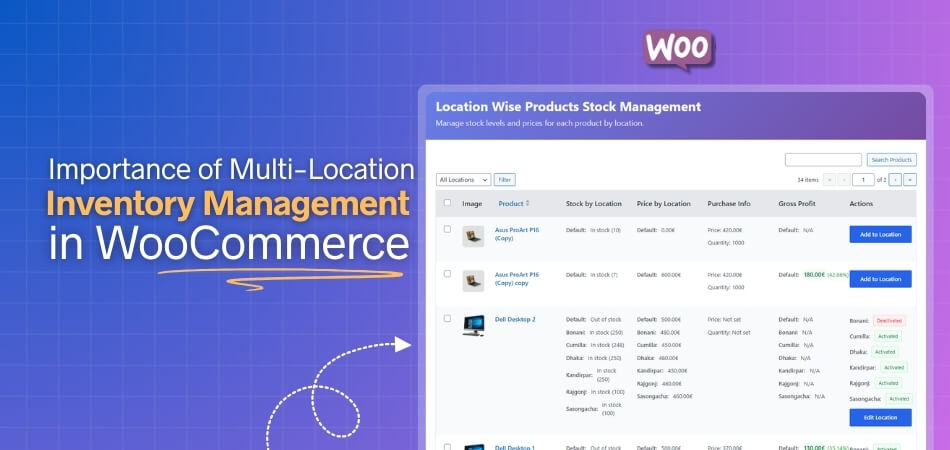
A successful online store depends on how well it handles its products. One small mistake in inventory can lead to big customer issues. That’s why many store owners turn to
By

Managing stock across multiple warehouses or store locations can quickly become complex without the right system. Multi-Location Inventory Management Plugins help WooCommerce store owners track, control, and sync inventory across different locations
By
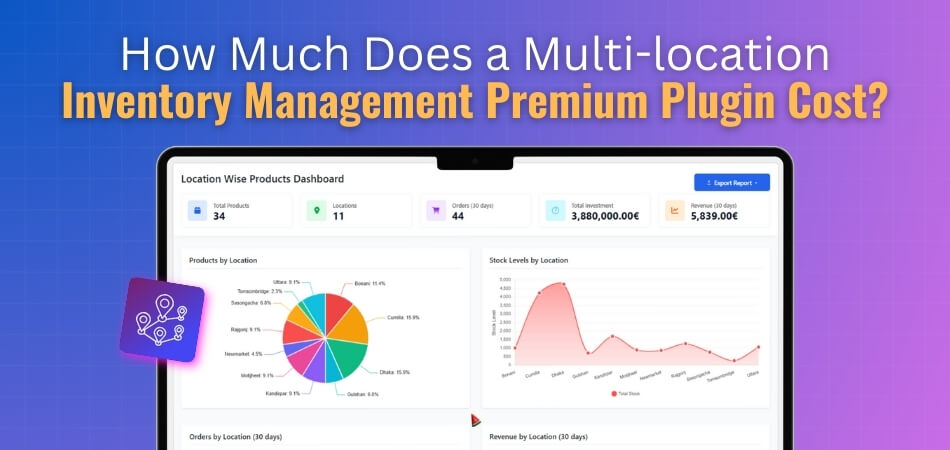
Managing stock across different store locations can be challenging, and that’s where a multi-location inventory management plugin comes in. It allows WooCommerce store owners to track products, monitor availability, and
By
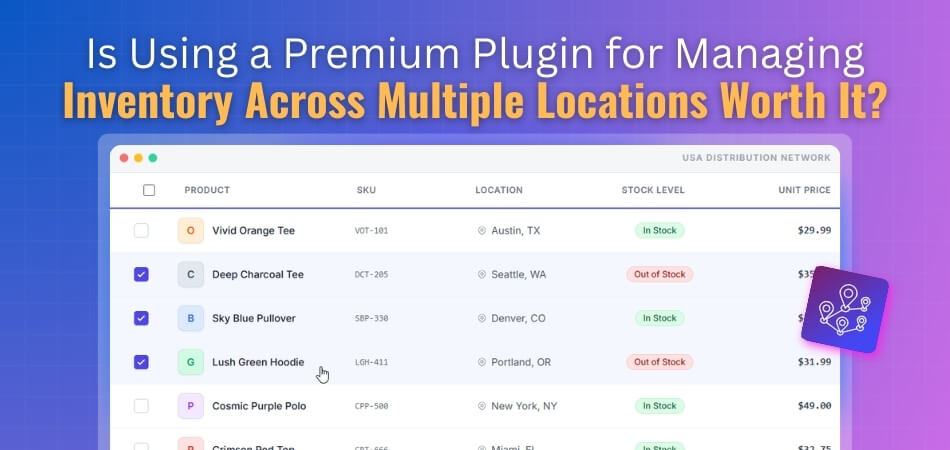
WooCommerce stores can be difficult to manage when stock is spread across multiple locations. Each location has its own stock, which can be frustrating to manage. Many store owners start
By

Handling stock for an online store can quickly become a tough task, especially when you sell across multiple locations. From tracking inventory to managing warehouse stock and preventing overselling, every
By

Inventory management plays a key role in keeping any store organized and profitable. When a store operates in many locations, tracking stock can quickly become confusing. Business owners often look
By
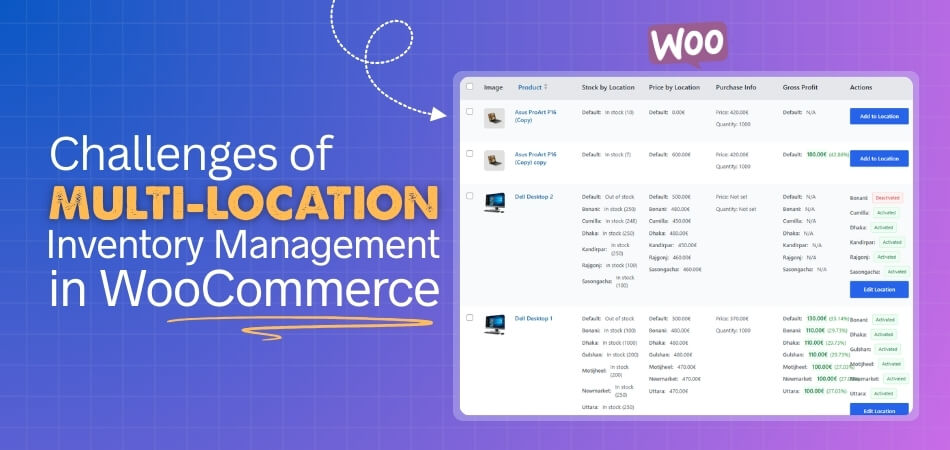
Running a growing WooCommerce store often means managing stock in more than one place, like warehouses, retail locations, or regional fulfillment centers. But as your operations expand, so does the
By