Filter Everything vs. Dynamic AJAX Product Filters for WooCommerce
Filters can change how a WooCommerce store feels almost immediately, but not every plugin approaches that job the same way. Some are built to keep product filtering closely tied to
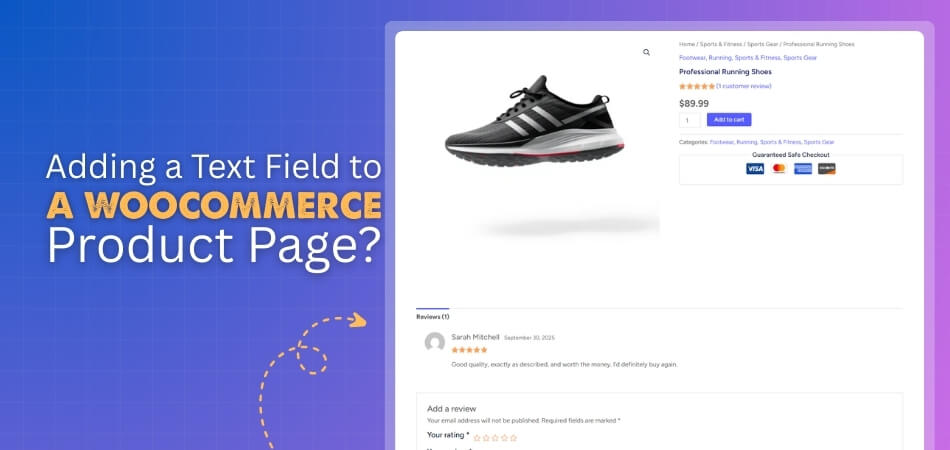
To add a text field to a WooCommerce product page, you can use either a plugin or custom code. With a plugin, it’s a quick, no-code solution that lets you
Hiding a category in WooCommerce is possible through several methods, including custom code, menu adjustments, and specialized visibility plugins. While WooCommerce doesn’t provide a built-in option to hide categories globally,
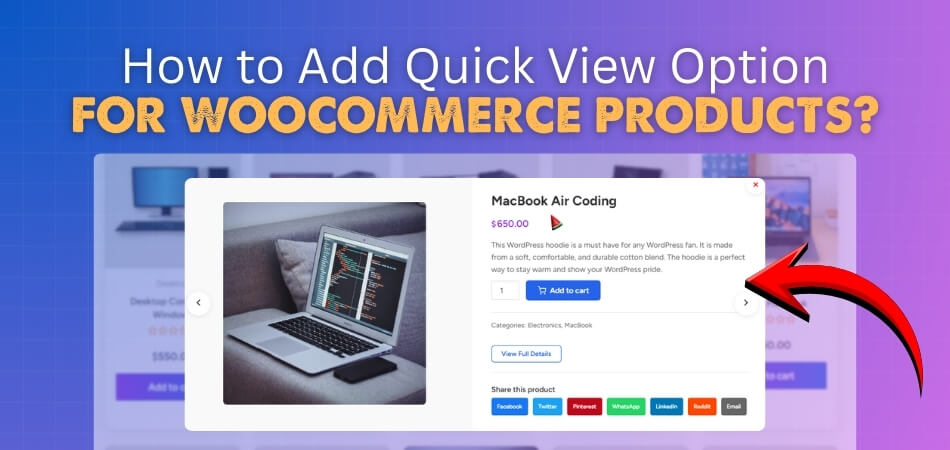
WooCommerce powers countless online stores, offering flexible product management and seamless integration with WordPress. It lets merchants sell physical or digital goods while providing tools to customize the storefront easily.
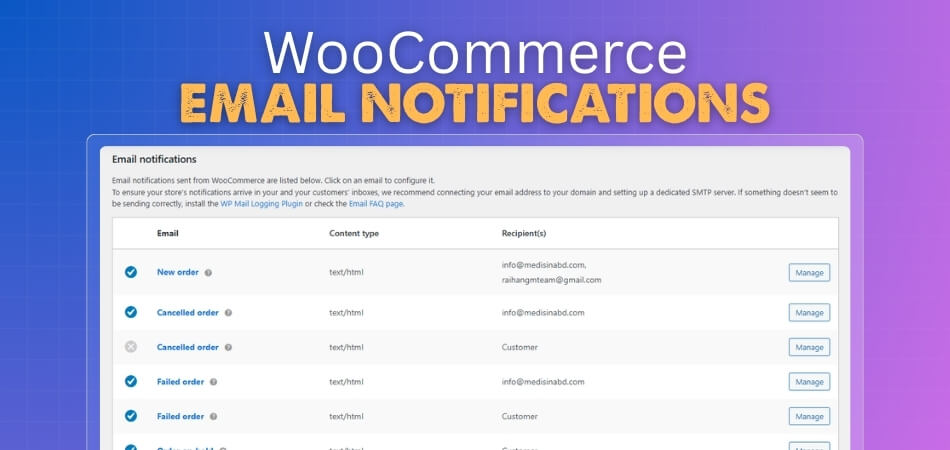
WooCommerce email notifications keep customers informed and store owners updated throughout the order process. These emails trigger automatically based on specific order actions like purchases, refunds, or account changes. When
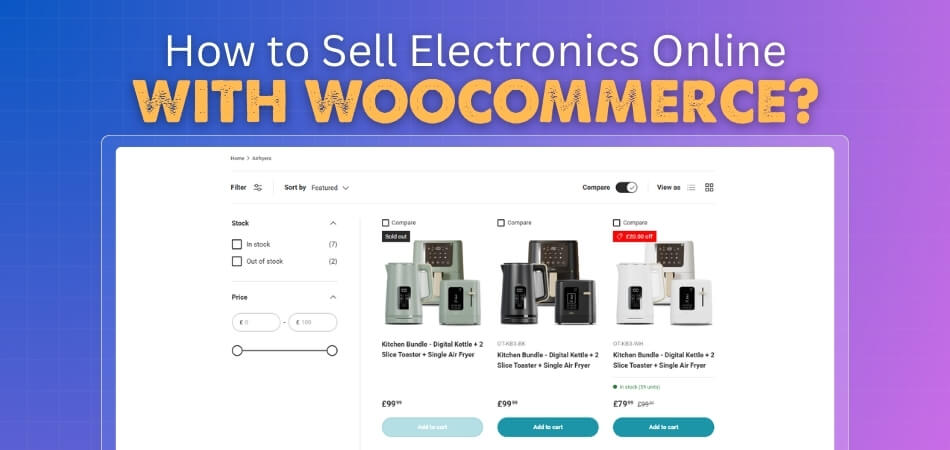
Selling electronics online is a smart way to reach tech-savvy buyers and grow a successful digital store fast. WooCommerce helps you launch and manage your shop easily. You can sell
WooCommerce makes it easy to sell both digital and physical products on any WordPress site without much setup. Store owners can manage items, track orders, and offer a smooth shopping
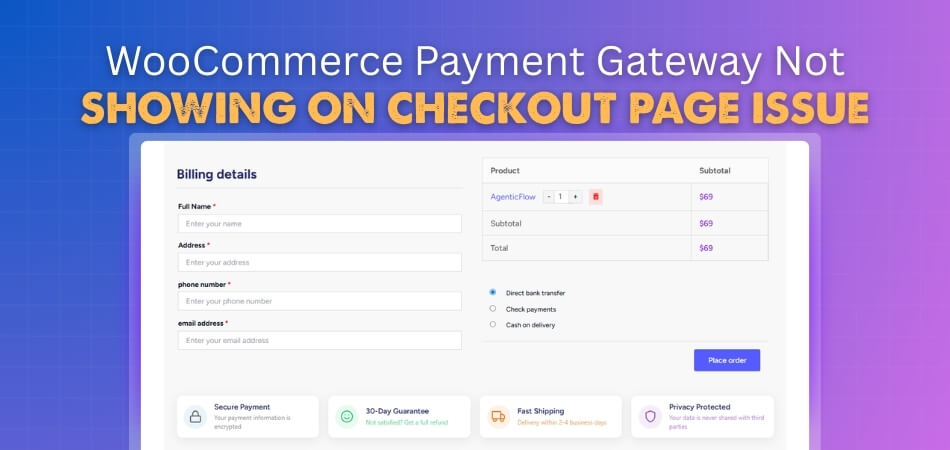
When you face the WooCommerce payment gateway not showing on checkout page issue, you should first check your payment settings and make sure the gateway is enabled. Clearing the cache
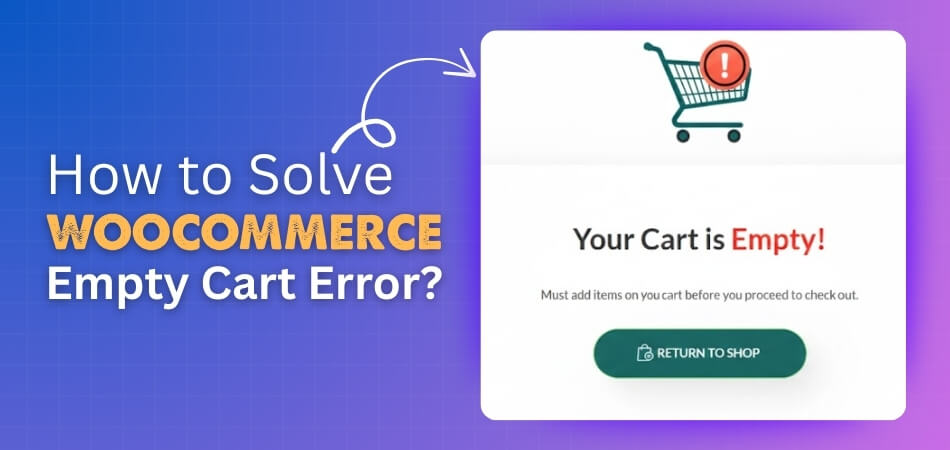
Are you looking for an easy way to resolve cart issues in your WooCommerce store? You can do that by understanding how to solve WooCommerce empty cart error and applying