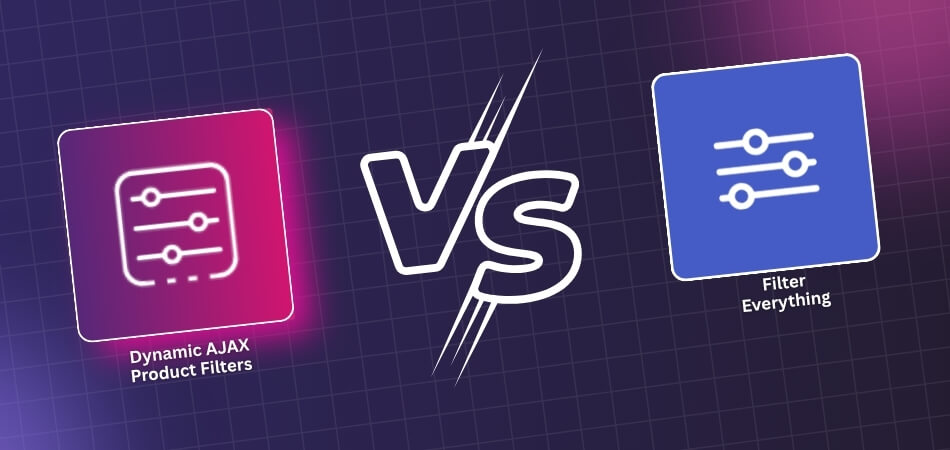
Filter Everything vs. Dynamic AJAX Product Filters for WooCommerce
Filters can change how a WooCommerce store feels almost immediately, but not every plugin approaches that job the same way. Some are built to keep product filtering closely tied to
WooCommerce filters help shoppers find what they need faster by sorting products based on price, size, or category. But sometimes these helpful tools stop appearing on shop pages, leaving store
Hierarchical category filters work like a step-by-step map for online stores. They show products under clear levels, such as main and subcategories, helping people find what they need quickly. Many
Filters make any online shop feel neat and easy to browse. They help people find products faster without scrolling endlessly. Many store owners often wonder how to set them up
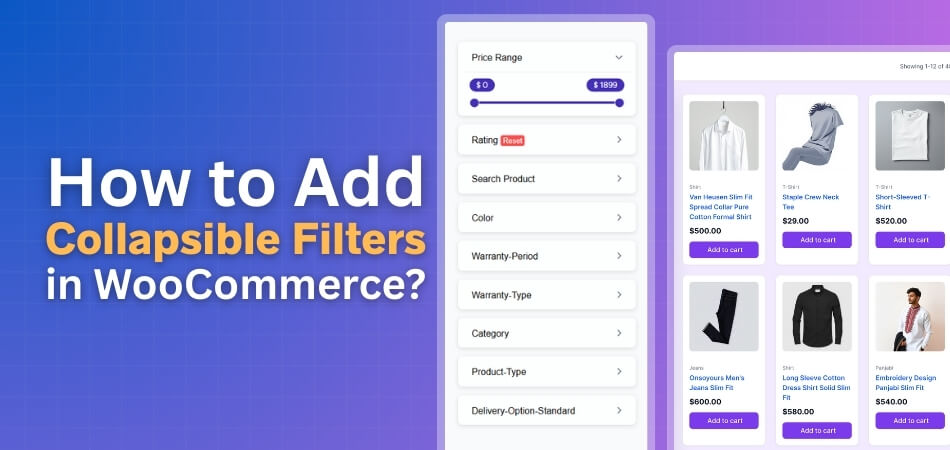
Collapsible filters let shoppers open and close filter sections while browsing. They help keep store pages neat and easy to use by saving space and reducing clutter. Many store owners
A WooCommerce store works best when items are placed in clear groups that guide people through the pages with ease. Product categories play a quiet but important role because they
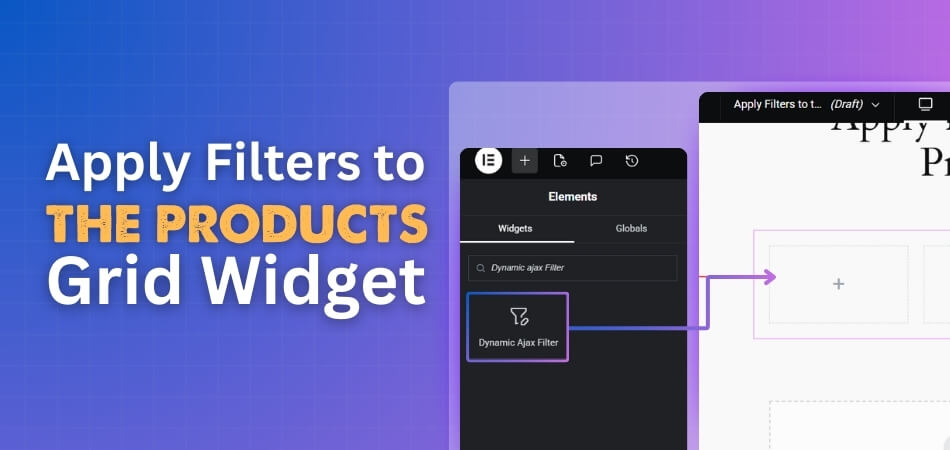
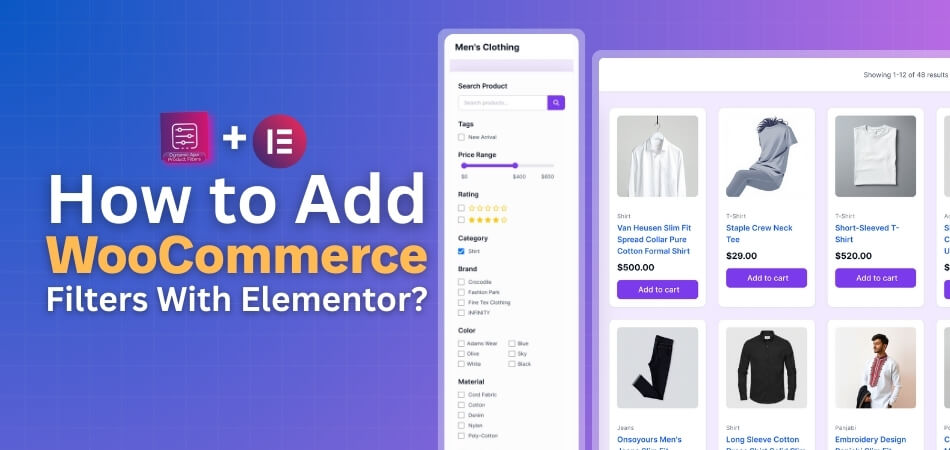
Elementor is a popular page builder that helps design WooCommerce stores with drag-and-drop tools. It allows you to place filters, product grids, and other elements anywhere on your page. Many
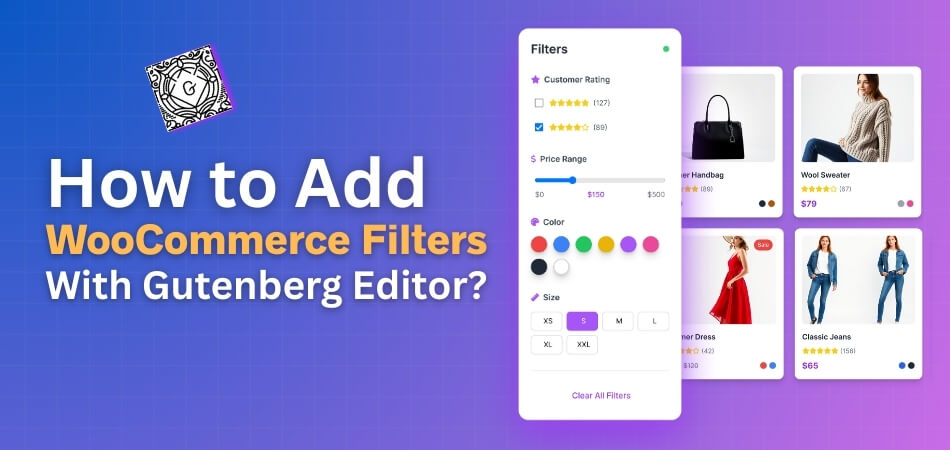
Filters can change the way shoppers find products, and many store owners want a simple way to set them up without using code. If you work with blocks, you might
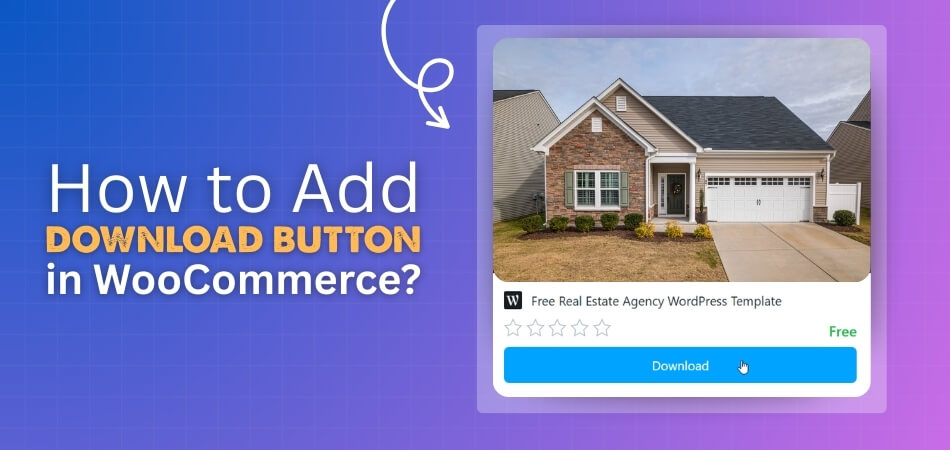
Are you looking to deliver digital files directly from your product pages? Learning how to add download button in WooCommerce can make things super easy for you. Just enable the