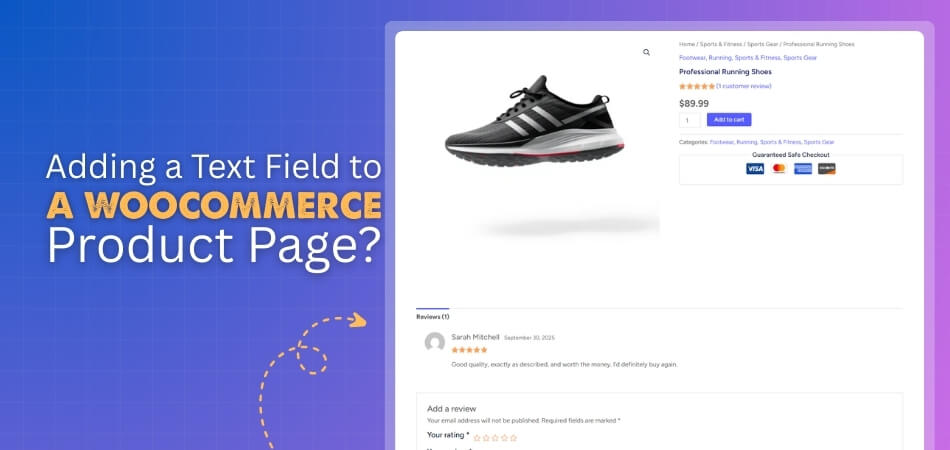
How to Add a Text Field to a WooCommerce Product Page?
To add a text field to a WooCommerce product page, you can use either a plugin or custom code. With a plugin, it’s a quick, no-code solution that lets you […]
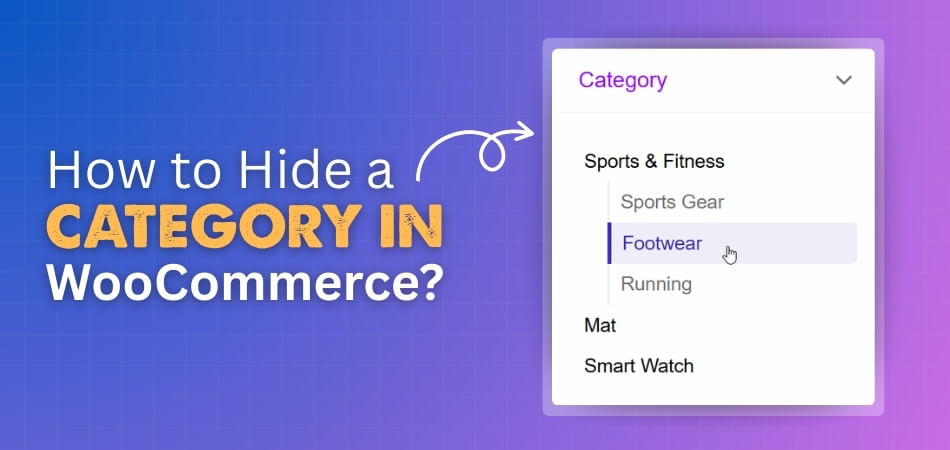
Hiding a category in WooCommerce is possible through several methods, including custom code, menu adjustments, and specialized visibility plugins. While WooCommerce doesn’t provide a built-in option to hide categories globally,
WooCommerce powers countless online stores, offering flexible product management and seamless integration with WordPress. It lets merchants sell physical or digital goods while providing tools to customize the storefront easily.
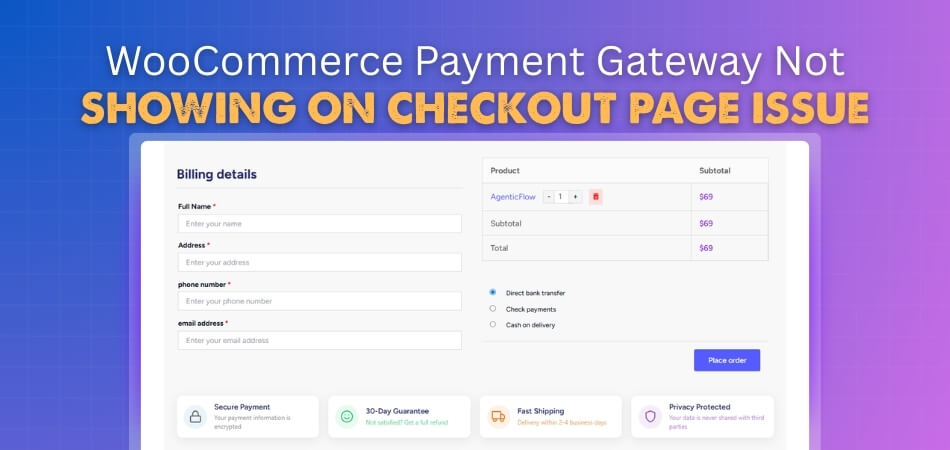
When you face the WooCommerce payment gateway not showing on checkout page issue, you should first check your payment settings and make sure the gateway is enabled. Clearing the cache
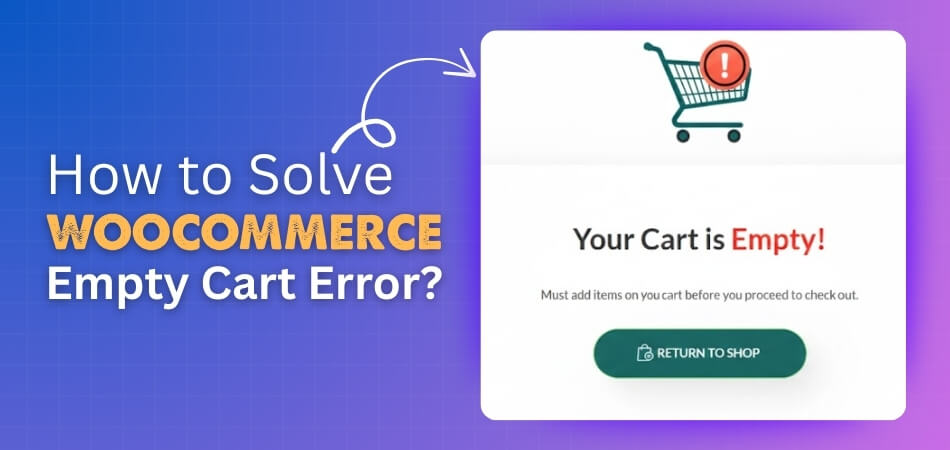
Are you looking for an easy way to resolve cart issues in your WooCommerce store? You can do that by understanding how to solve WooCommerce empty cart error and applying
Product page performance shapes how smooth and simple shopping feels for your customers. When your product pages load quickly, show items clearly, and guide buyers through an easy checkout flow,
A product page should load fast and feel light when someone opens it. Many people get confused when their shop starts slowing down and they cannot tell what caused it.
Plugins play a big role in keeping an online store simple, fast, and easy to handle. Many store owners look for small tools that make daily tasks smoother and help
Product category issues can make a store feel empty even when everything is set up right. Many store owners face this problem and feel unsure about the cause. You may