How to Show Popular Products in WooCommerce?
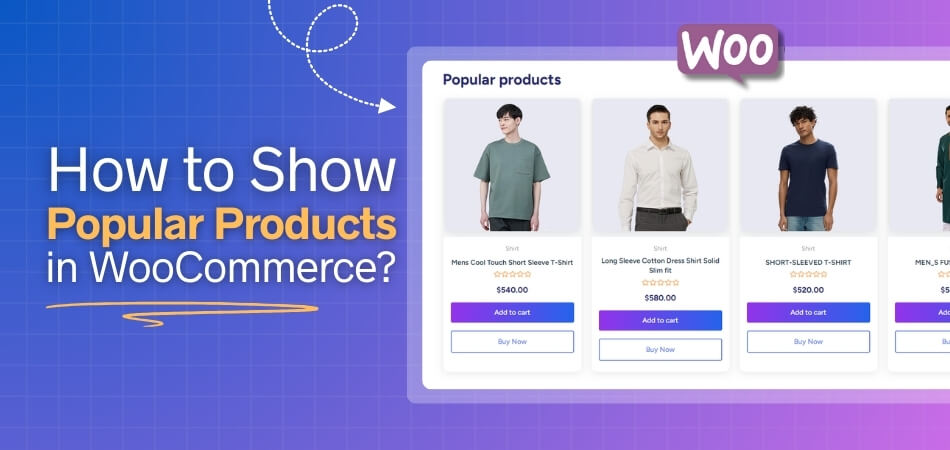
Wondering how to show popular products in WooCommerce in the best way? You can use the [[products]] shortcode with orderby=”popularity” to display popular products on any page or post. Alternatively, […]
Selling by weight in WooCommerce is essential for businesses offering products like bulk groceries, meats, or raw materials. Since WooCommerce doesn’t support weight-based pricing by default, store owners need to
WooCommerce shop page becomes more useful when it includes multiple filters for users. Filters like price, size, category, or color help customers find products quickly. This makes shopping easier and
Looking to make your WooCommerce store more user-friendly? You can easily do that by learning how to add wooCommerce multiple categories filter that shows both parent and child categories separately.
Did you know that shoppers who use a site’s search box are three times more likely to buy? But in WooCommerce, the default search often misses products, SKUs, or tags.
Despite having a small appearance, a size filter changes online shopping by lowering stress and saving time. Many shoppers leave a store when they cannot find what fits them quickly,
Brand filters are one of the most useful tools in any online store because they let shoppers focus only on the brands they want. Many people want their favorite labels
People can quickly find products from brands they know and trust by using a brand filter. It saves time, keeps browsing smooth, and gives stores a neat look. Many shoppers
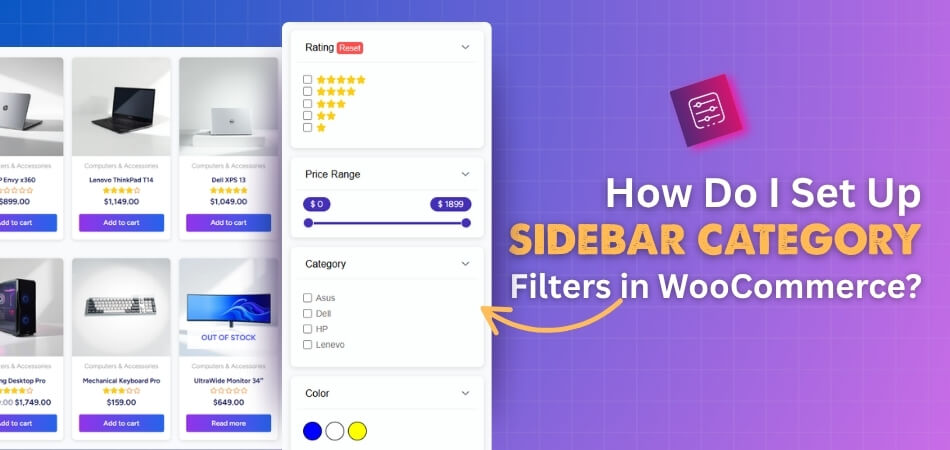
Category filters make it easy for people to quickly narrow down what they want without wasting time scrolling through endless products. If you are running a WooCommerce store, you might