
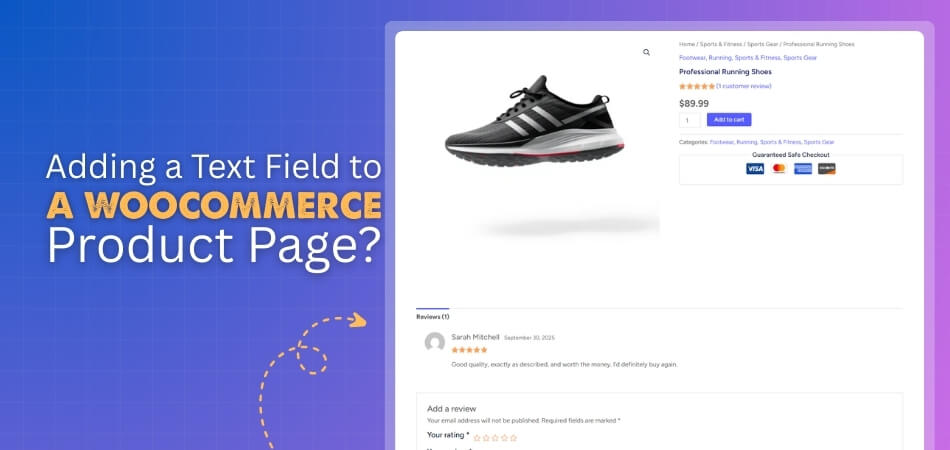
How to Add a Text Field to a WooCommerce Product Page?
To add a text field to a WooCommerce product page, you can use either a plugin or custom code. With a plugin, it’s a quick, no-code solution that lets you […]
 By
By To add a text field to a WooCommerce product page, you can use either a plugin or custom code. With a plugin, it’s a quick, no-code solution that lets you […]
By 
Hiding a category in WooCommerce is possible through several methods, including custom code, menu adjustments, and specialized visibility plugins. While WooCommerce doesn’t provide a built-in option to hide categories globally,
By 
WooCommerce helps online stores sell products with ease and supports both digital and physical goods for any business. It offers tools to manage products, track orders, and handle payments smoothly.
 By
By 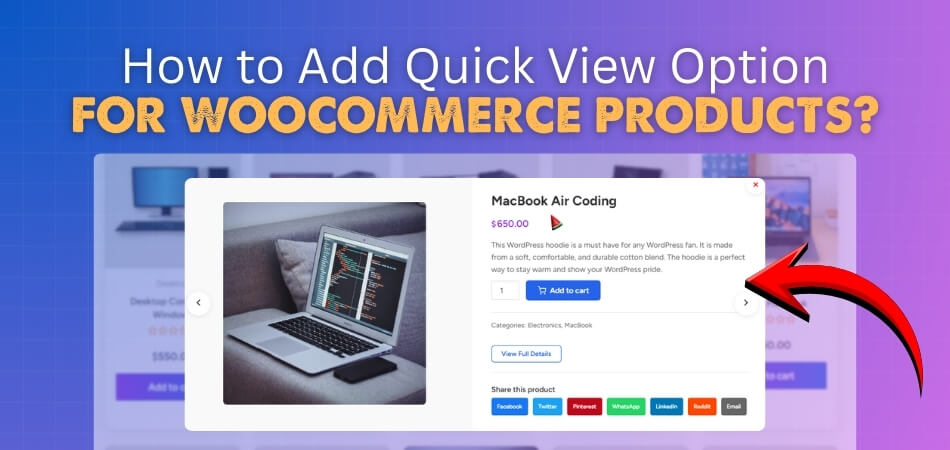
WooCommerce powers countless online stores, offering flexible product management and seamless integration with WordPress. It lets merchants sell physical or digital goods while providing tools to customize the storefront easily.
By 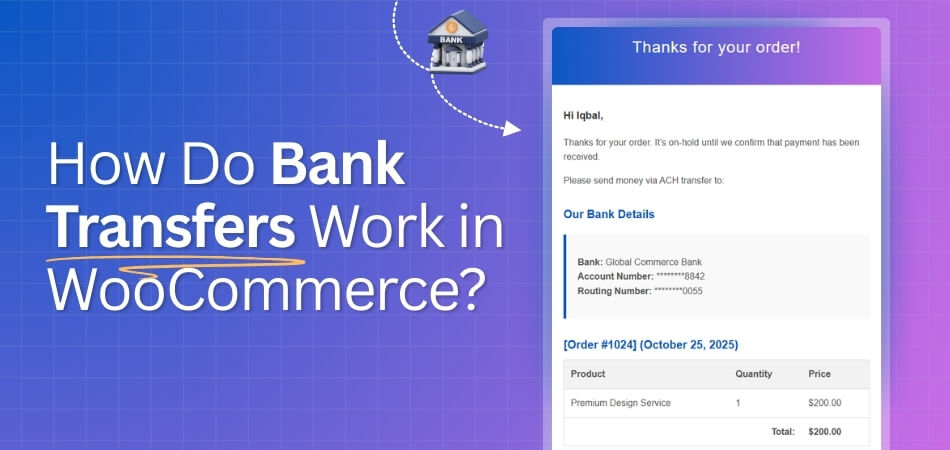
WooCommerce treats bank transfers as an offline payment method where the customer places an order first, receives your bank details at checkout, and then manually sends the payment from their
By 
If you find your WooCommerce checkout page not working, the fastest way to fix it is to check for plugin or theme conflicts, clear all cache layers, and confirm that
By 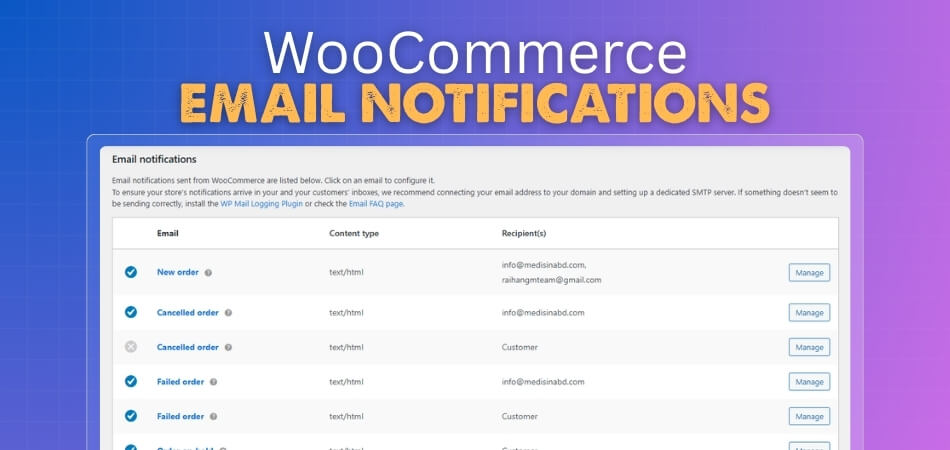
WooCommerce email notifications keep customers informed and store owners updated throughout the order process. These emails trigger automatically based on specific order actions like purchases, refunds, or account changes. When
By 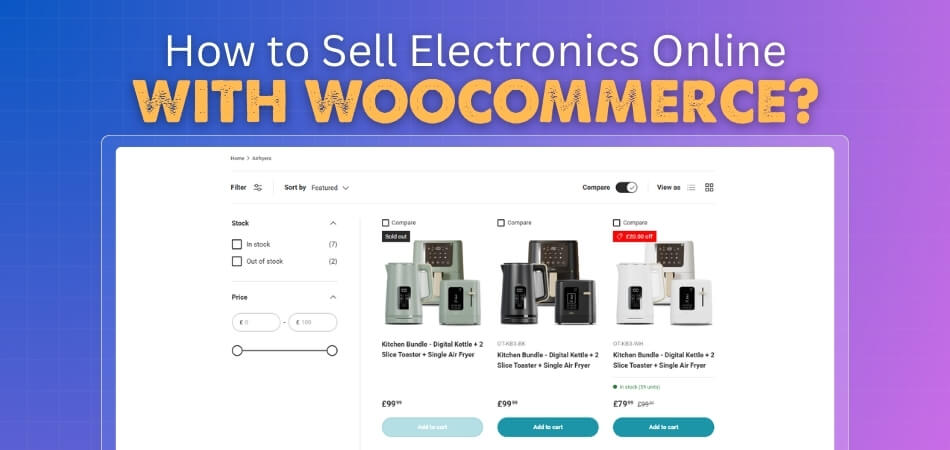
Selling electronics online is a smart way to reach tech-savvy buyers and grow a successful digital store fast. WooCommerce helps you launch and manage your shop easily. You can sell
By 
WooCommerce makes it easy to sell both digital and physical products on any WordPress site without much setup. Store owners can manage items, track orders, and offer a smooth shopping
By