How to Skip the Cart Page in WooCommerce and Redirect Add to Cart to Checkout

Direct Checkout (Skip the Cart)
Updated Nov 8, 20261 min read

Direct checkout sends shoppers straight to checkout when they click Add to Cart, so they never stop on the cart page. It works from product pages and from shop and category pages, with or without WooCommerce’s AJAX add to cart. It is free.
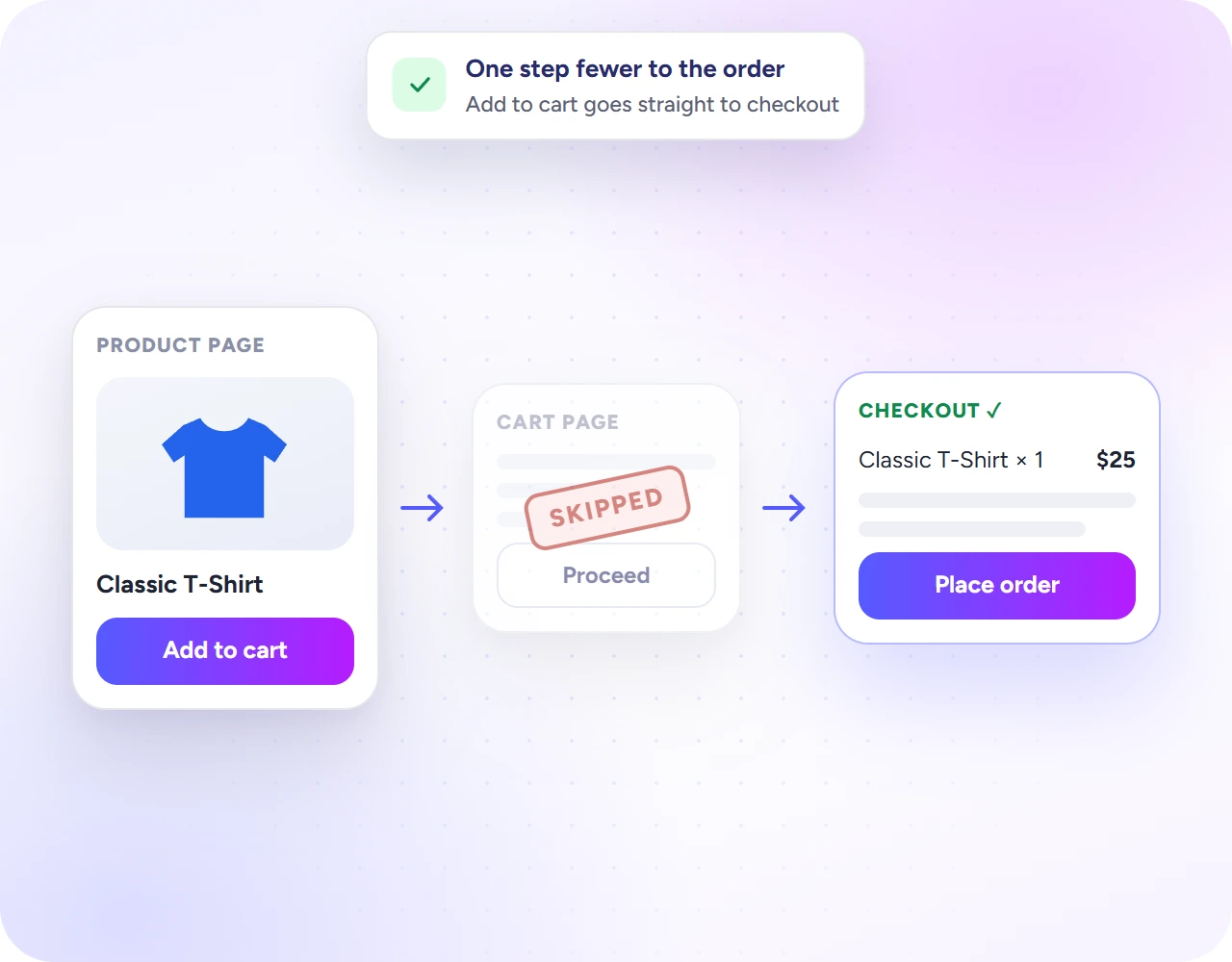
Add to cart goes straight to checkout; the cart page is skipped.
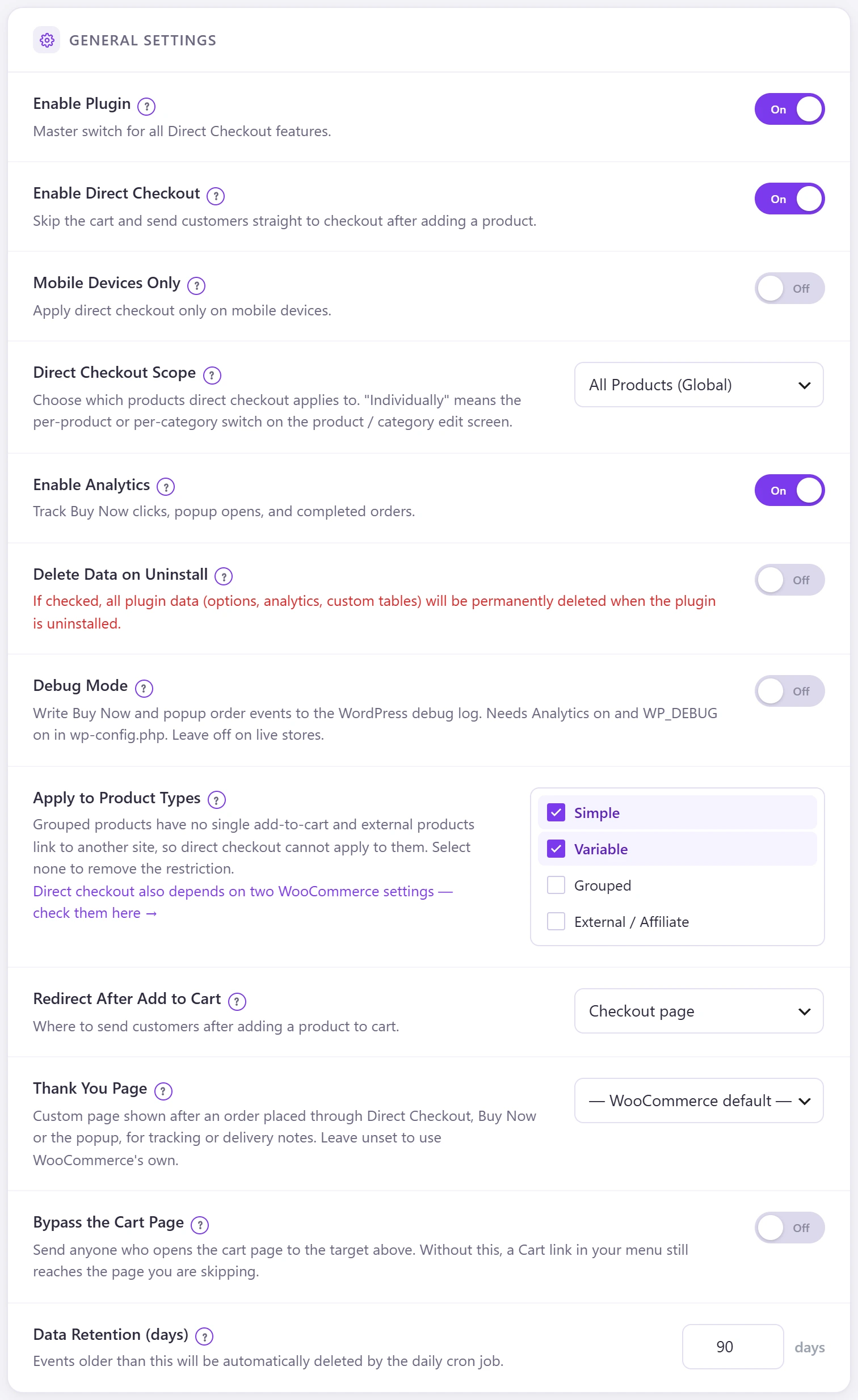
  1. Go to Direct Checkout → General.
  2. Switch on Enable Direct Checkout.
  3. Under Redirect After Add to Cart, keep Checkout page (or choose the cart, a page on your site or a custom URL).
  4. Click Save Settings.
General settings: master switch, direct checkout, scope, product types, redirect target, thank-you page and bypass the cart page.

To send anyone who opens the cart page to checkout as well, switch on Bypass the Cart Page.