
You decide which products use direct checkout: all products, chosen products or categories, or chosen customer roles, plus product types, exclusions and mobile only. All of this is free.
| Setting | What it does |
|---|---|
| Direct Checkout Scope | All Products (Global), products or categories you switch on Individually, or chosen roles. |
| Apply to Product Types | Simple and Variable by default. Grouped and External products have no single add to cart, so direct checkout cannot apply to them. |
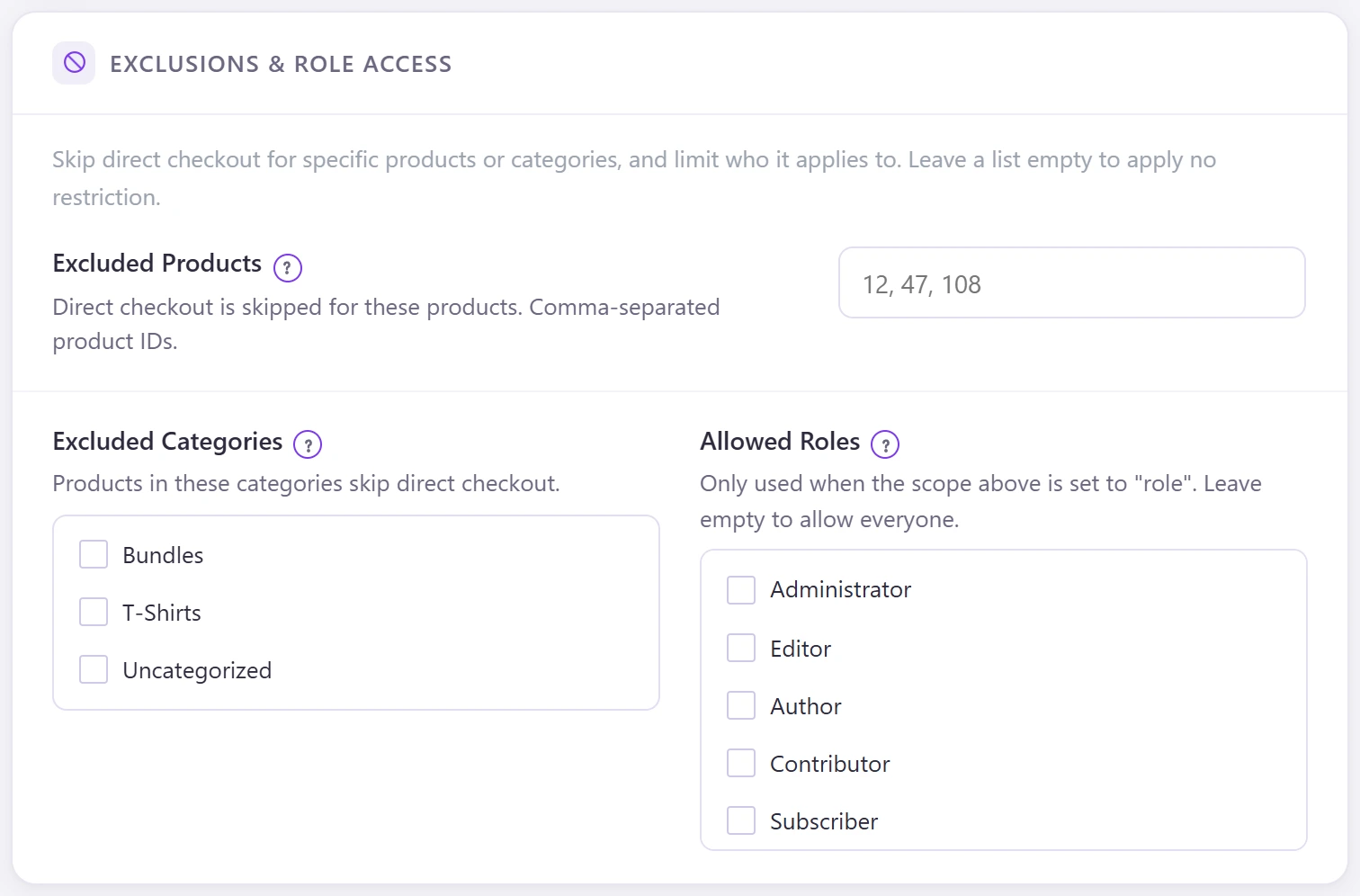
| Excluded Products | Product IDs, comma separated, that keep the normal cart. |
| Excluded Categories | Products in these categories skip direct checkout. |
| Allowed Roles | Used when the scope is set to roles. Empty means everyone. |
With the scope set to Individually, switch direct checkout on for one product or category on its edit screen; see per-product settings.