
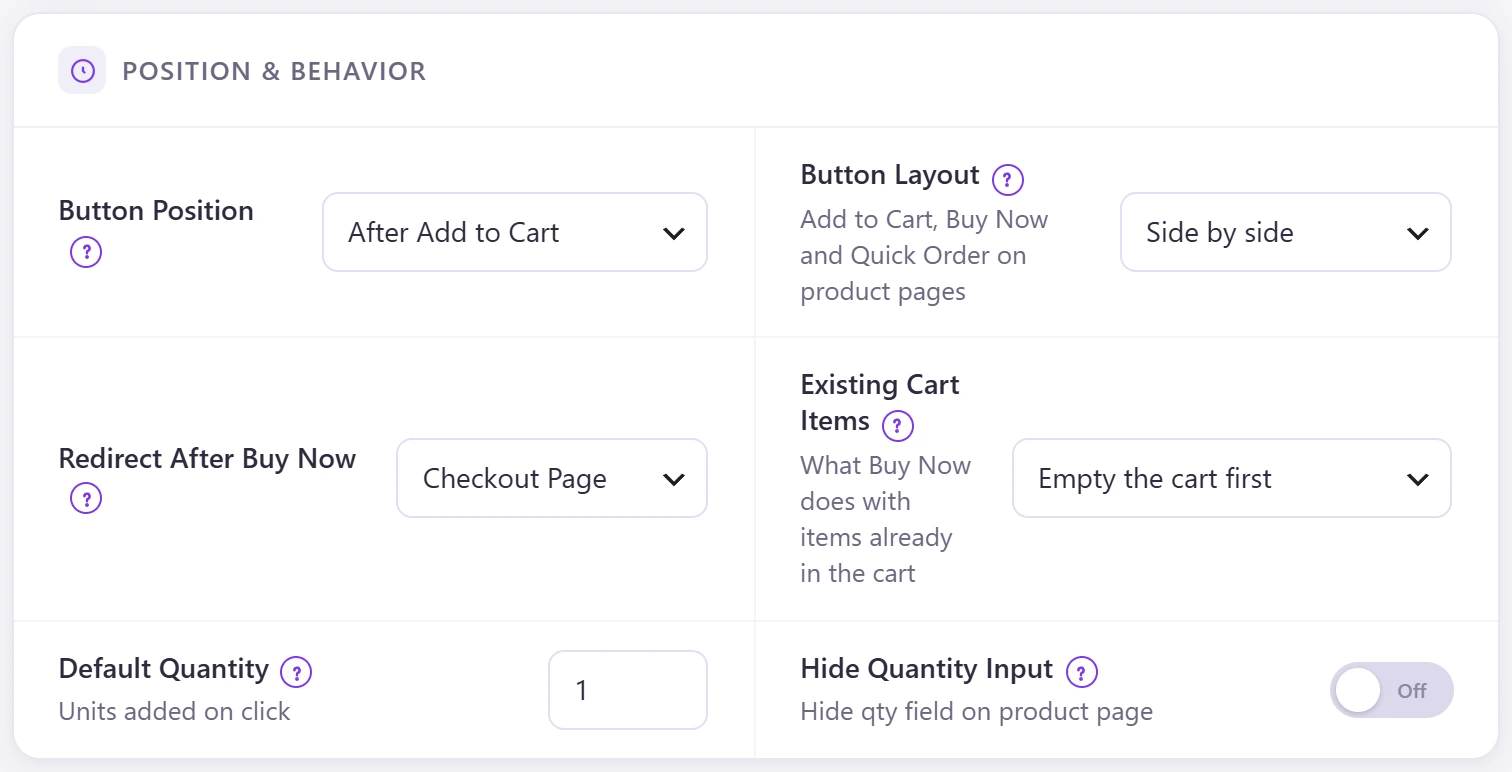
Choose where the Buy Now button sits, where it sends the shopper and what happens to items already in the cart.
| Setting | Options |
|---|---|
| Button Position | Before, after or instead of Add to Cart. |
| Button Layout | Side by side (the default): quantity, Add to Cart, Buy Now and, with the popup on, Quick Order in one row; on phones Buy Now and Quick Order move to a second line. One above the other stacks them. Shop and category cards always stack. |
| Redirect After Buy Now | Checkout page, cart page or a custom URL. |
| Existing Cart Items | Empty the cart first, keep the items, or set them aside and give them back after the order. |
| Default Quantity | Units added on click (default 1). |
| Hide Quantity Input | Hides the quantity box on the product page. |