
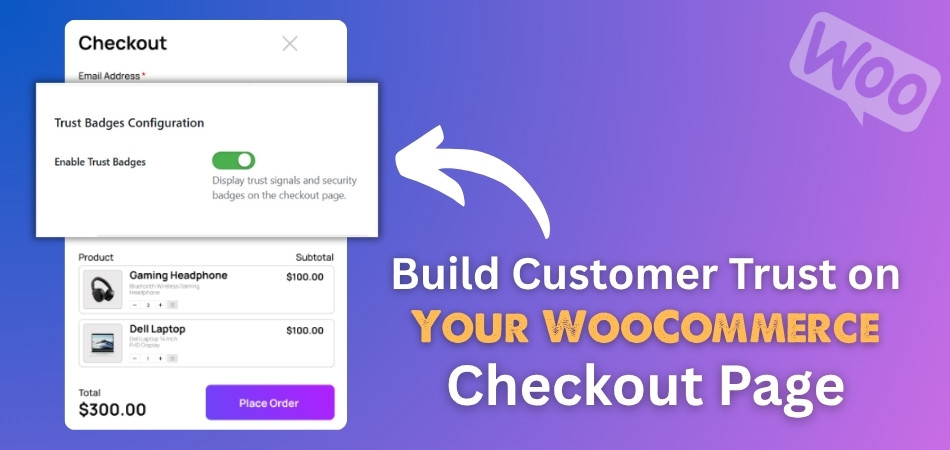
How to Build Customer Trust on Your WooCommerce Checkout Page?
The checkout page is one of the most important parts of any online store. It can make people feel safe or unsure when they want to buy something. You might
 By
By
The checkout page is one of the most important parts of any online store. It can make people feel safe or unsure when they want to buy something. You might
By
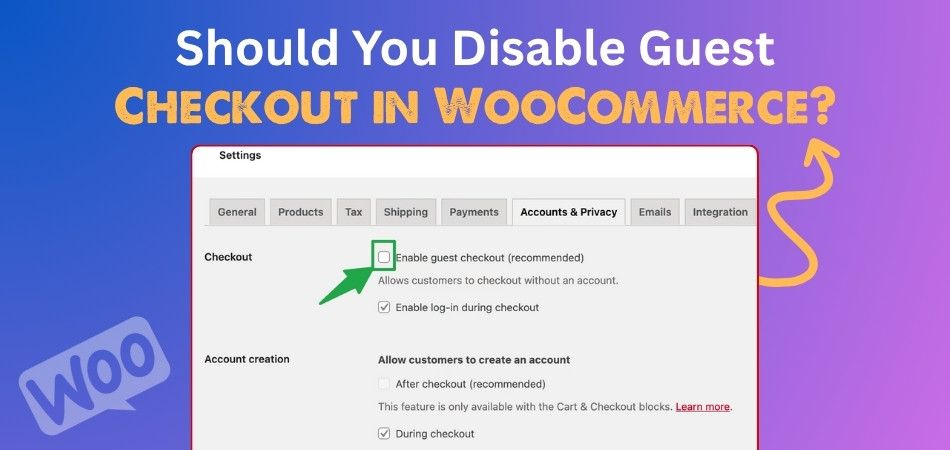
WooCommerce is a powerful and flexible platform that helps store owners sell products online with ease. One important feature it offers is guest checkout, which lets customers buy without creating
By
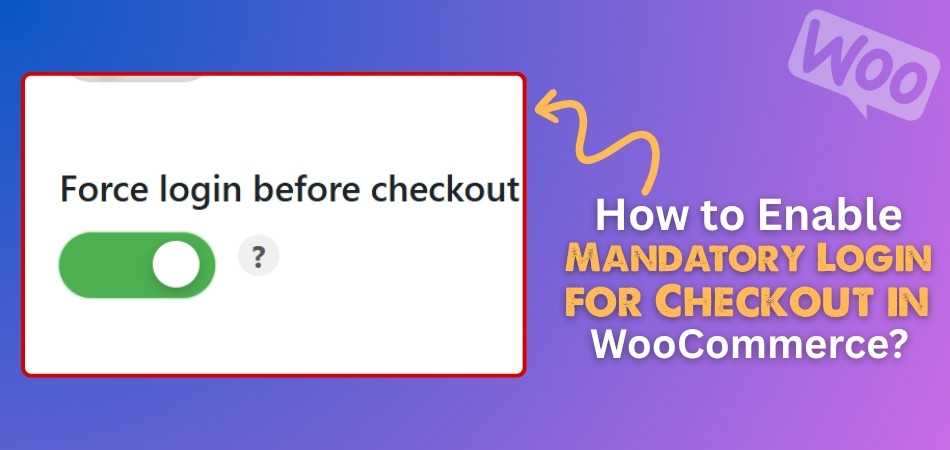
Store owners in WooCommerce often look for ways to improve the shopping experience while keeping things secure and organized. Whether it’s guiding users through checkout or managing who can place
By
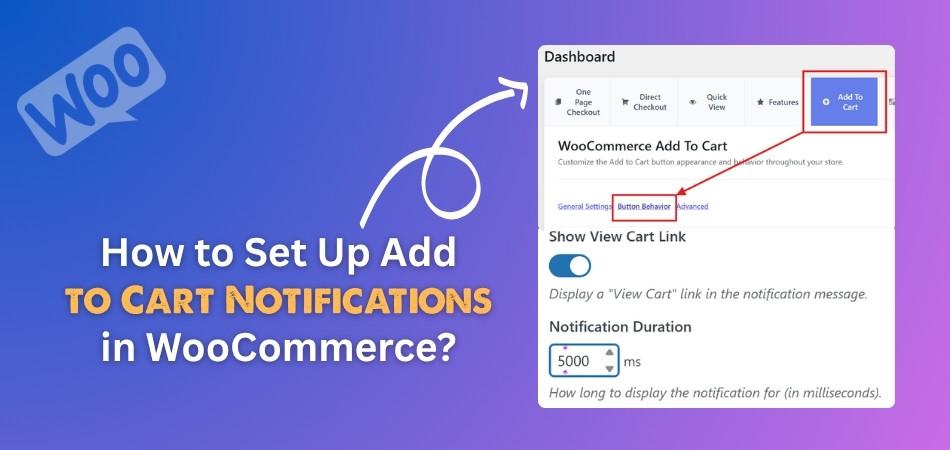
WooCommerce powers many online stores, helping sellers manage products, orders, and customer interactions. One small feature that makes a big difference in user experience is the Add to Cart notification.
By
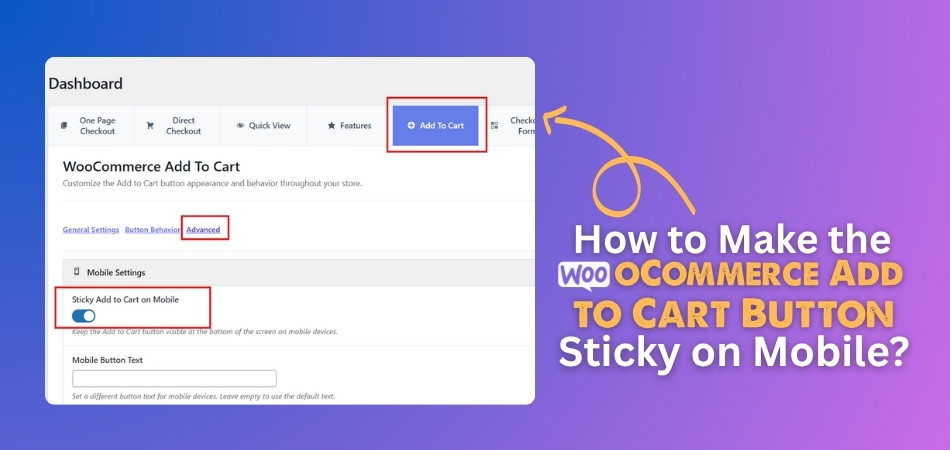
WooCommerce powers many online stores around the world, helping sellers create smooth shopping experiences. If you’re working on your mobile product pages, you might already be thinking about how to
By
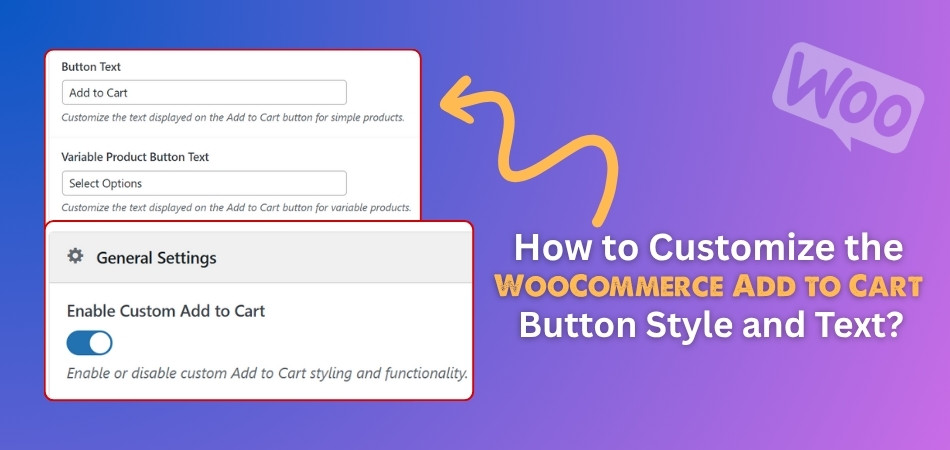
Any small changes can make a big difference in how your online store feels and performs in WooCommerce. One detail many store owners care about is the Add to Cart
By
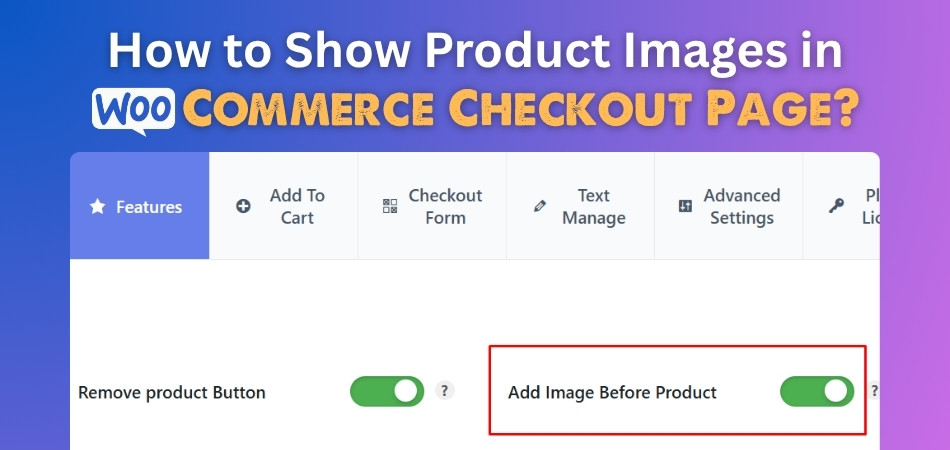
The checkout page in WooCommerce is where everything comes together before a customer places their final order. It’s the last step, but that doesn’t mean it should look plain or
By
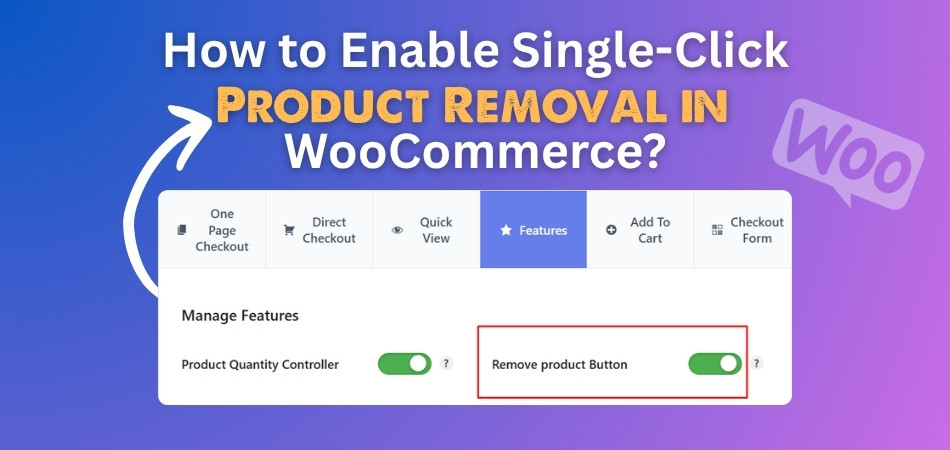
Product removal in WooCommerce should feel quick and smooth, not like a slow, extra step. When customers can delete unwanted items with one click, shopping becomes much easier. That’s why
By
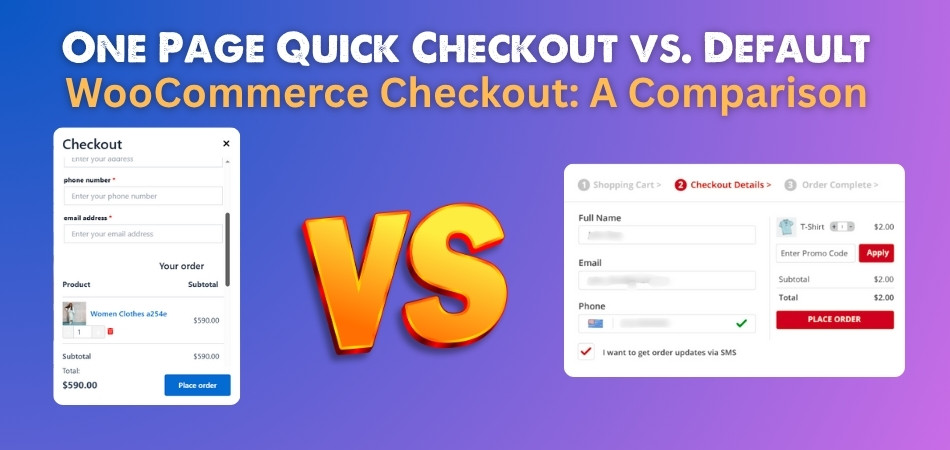
Checkout is one of the most important parts of any WooCommerce store. It’s where the buyer makes the final move and completes their order. If the process is slow or
By