
Why Need Local Inventory Ads for Ecommerce Business?
A local inventory ad displays which products are in stock at local stores near nearby shoppers. They connect online searches with real-world stores and help people find what they need
 By
By
A local inventory ad displays which products are in stock at local stores near nearby shoppers. They connect online searches with real-world stores and help people find what they need
By
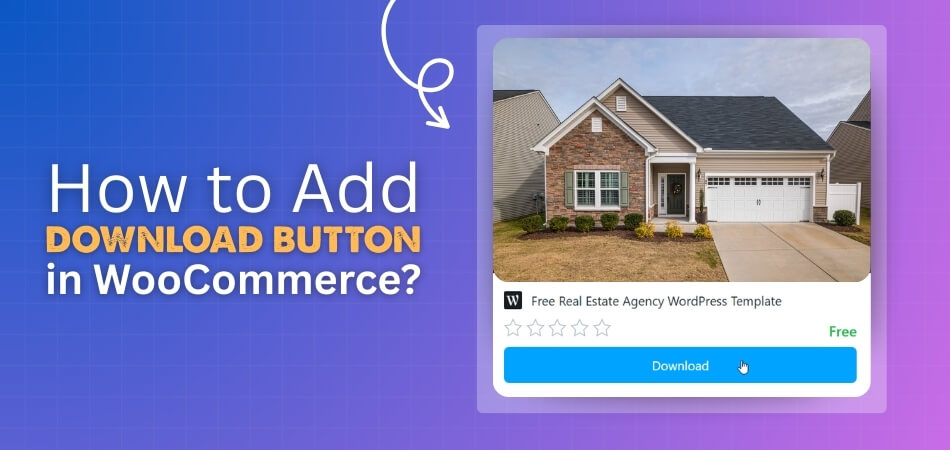
Are you looking to deliver digital files directly from your product pages? Learning how to add download button in WooCommerce can make things super easy for you. Just enable the
 By
By
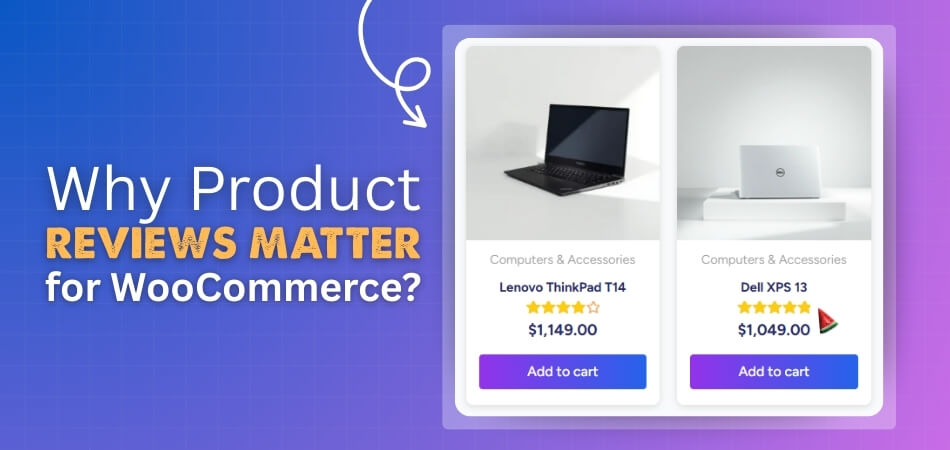
Selling a product becomes much easier when shoppers trust what they see, and simple product reviews often help build that trust in a natural way. Many people check real opinions
By
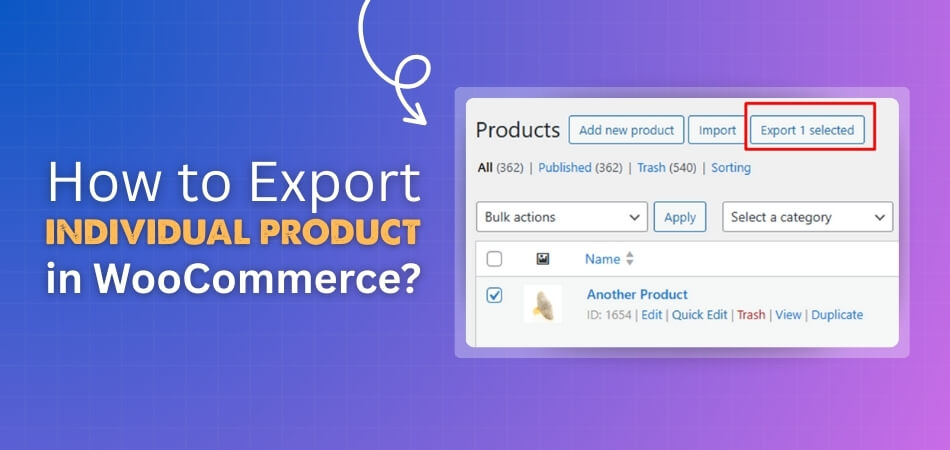
Managing a product in WooCommerce is a key part of running any online store, and exporting that product matters when you want to save, move, or update its details. It
By
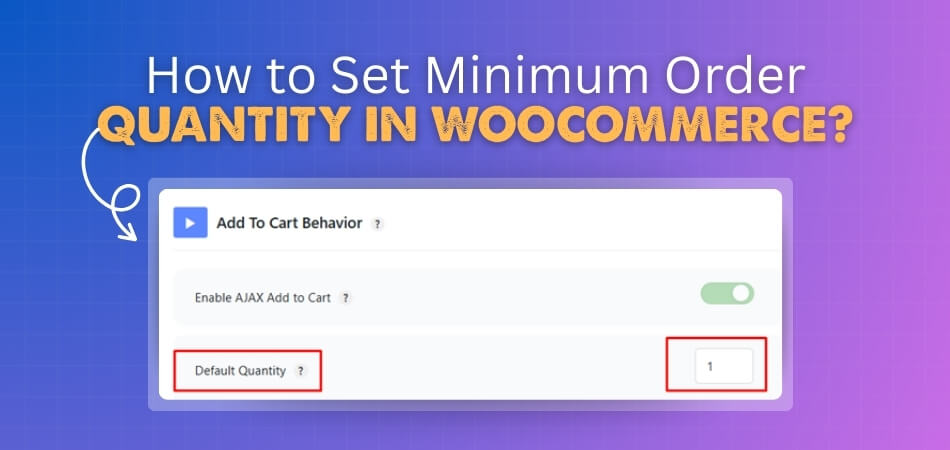
Order quantity matters a lot for any WooCommerce store because it shapes profit, order flow, and daily work. Many store owners look for simple ways to control the number of
 By
By
Facing the issue WooCommerce Order Received Page Not Found after checkout? This problem usually appears right after payment, where instead of seeing the confirmation or thank you page, users land
By
How to stop WooCommerce registration spam is a common concern for store owners dealing with fake accounts and malicious sign-ups. The best way to troubleshoot this issue is by taking
By
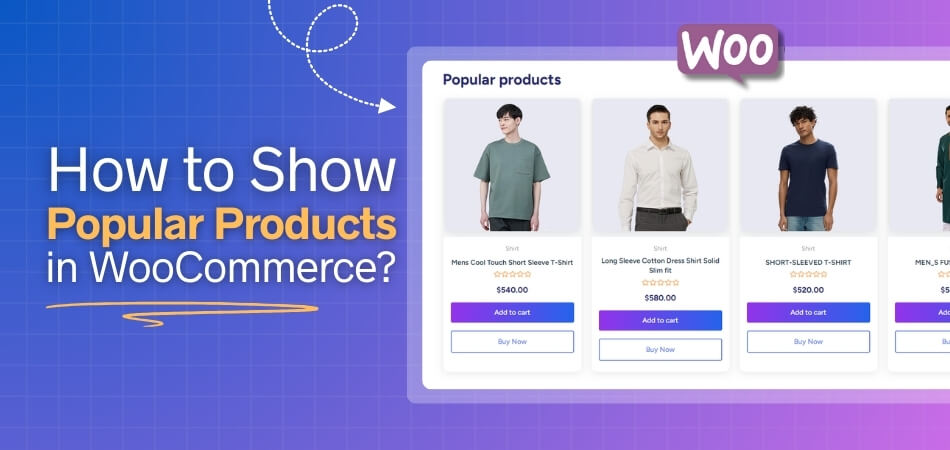
Wondering how to show popular products in WooCommerce in the best way? You can use the [[products]] shortcode with orderby=”popularity” to display popular products on any page or post. Alternatively,
By
Selling by weight in WooCommerce is essential for businesses offering products like bulk groceries, meats, or raw materials. Since WooCommerce doesn’t support weight-based pricing by default, store owners need to
By