
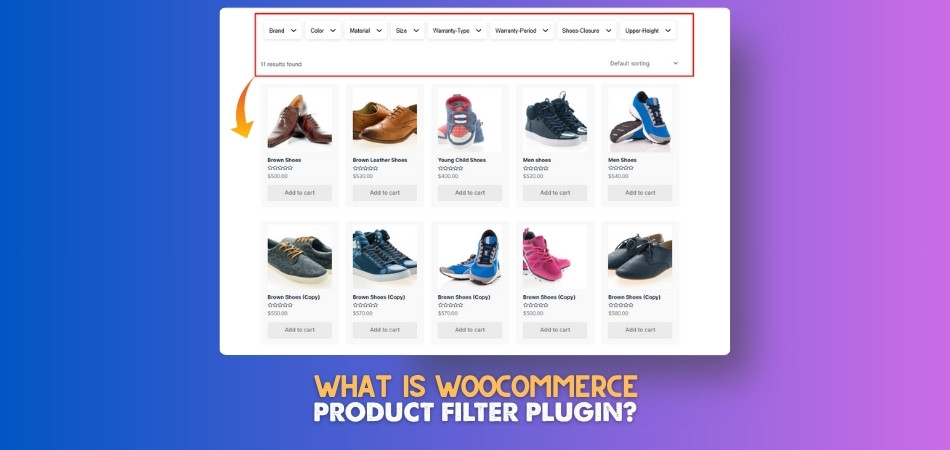
What Is WooCommerce Product Filter Plugin?
Shopping online becomes easier when filters help show only the things people want. That’s why many WooCommerce stores use something called a product filter plugin. It organizes items based on
 By
By
Shopping online becomes easier when filters help show only the things people want. That’s why many WooCommerce stores use something called a product filter plugin. It organizes items based on
By
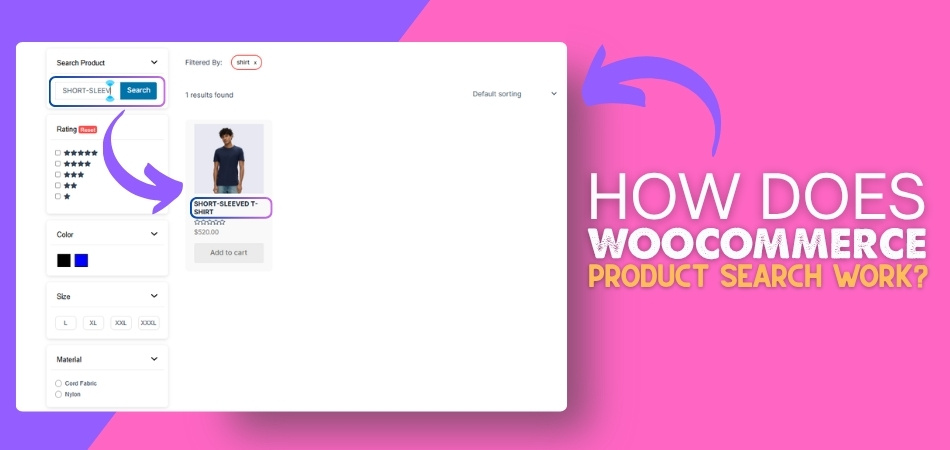
Product searches in WooCommerce are a useful feature for online shoppers. It makes finding the right product easier and faster while browsing through a store. Many people using WooCommerce stores
By

Building an easy shopping experience starts with adding product search to WooCommerce. As your store grows, having a search function becomes more than just useful—it becomes necessary. If you’re running
By
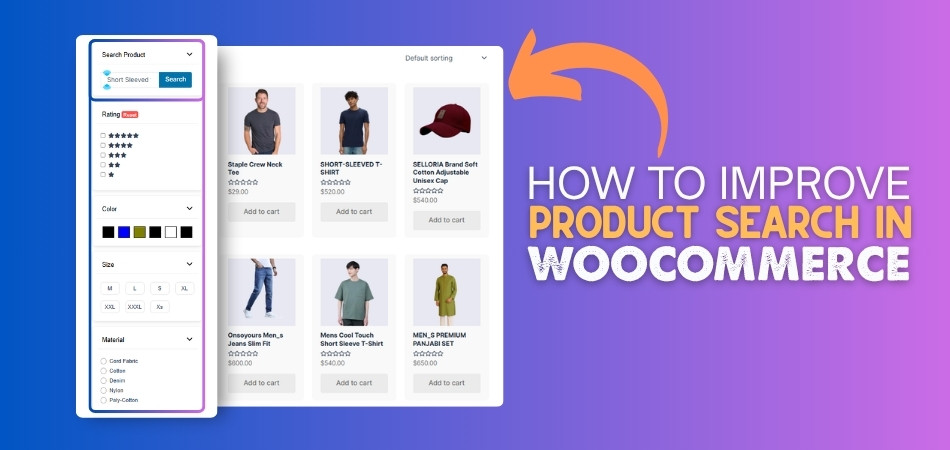
An effective product search is an essential part of any WooCommerce store. It helps customers quickly find what they need and makes shopping smooth and easy. When search works well,
By
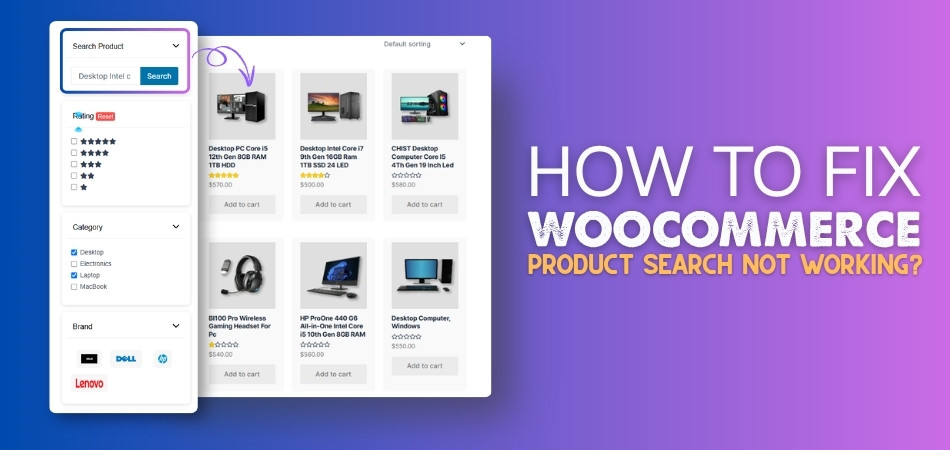
Is your WooCommerce product search not working when customers try to find products? This issue can frustrate users quickly because search is one of the fastest ways to discover items in your
By
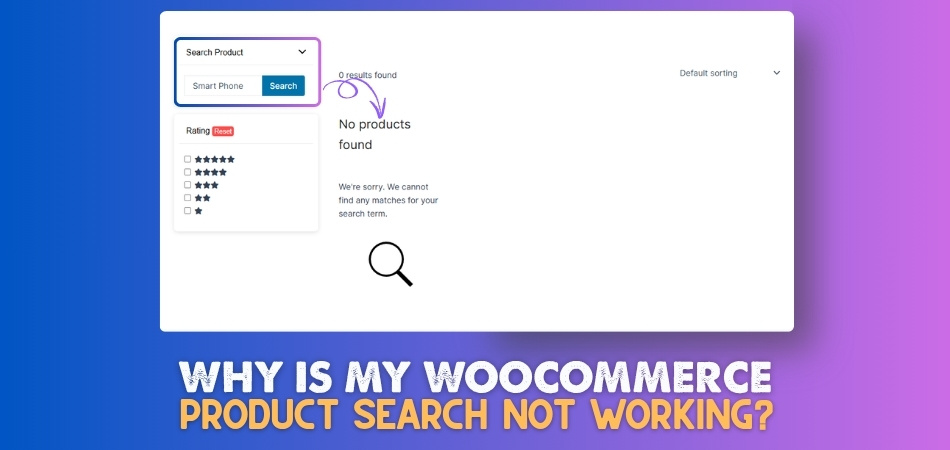
WooCommerce is a powerful and flexible eCommerce platform that allows store owners to manage and sell products with ease. However, one common frustration users face is poor or broken product
By
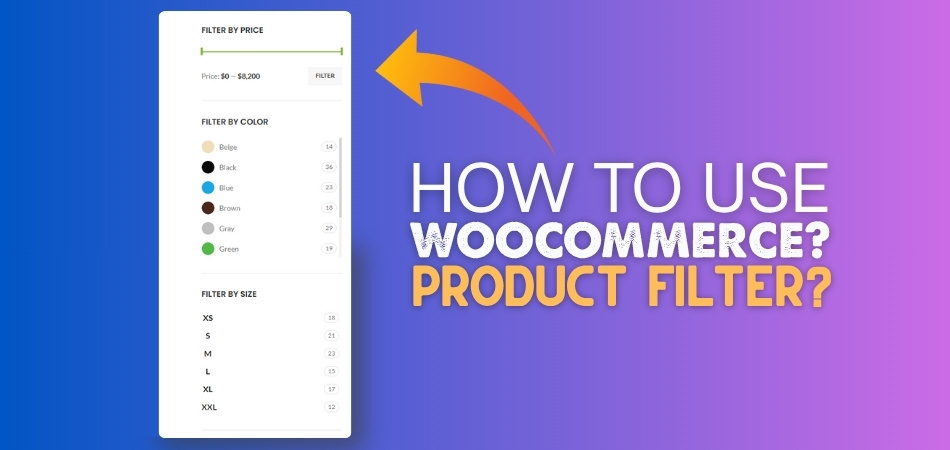
WooCommerce product filter is one of those tools that can quietly change how people shop on your website. It helps visitors skip all the mess and get straight to what
By
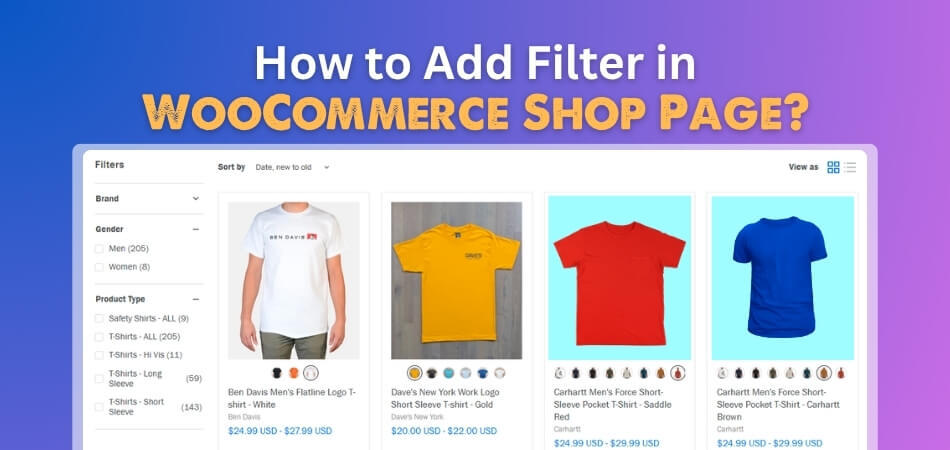
The WooCommerce shop page is where many shoppers start browsing products. To add filter in WooCommerce shop page, place product filters in the shop sidebar, product archive template, custom section,
By
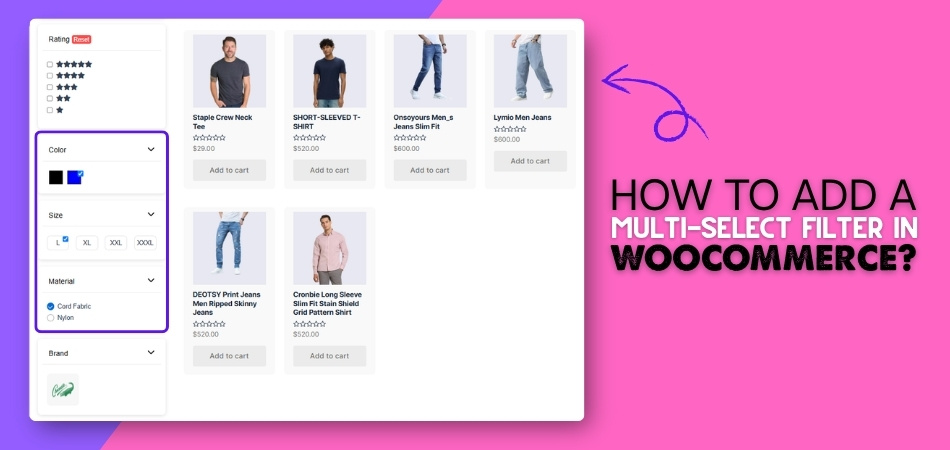
Multi-select filters allow shoppers to choose more than one option within the same filter, such as multiple brands, colors, sizes, or features at once. Instead of forcing users to pick a
By