
Direct Checkout & Buy Now Button for WooCommerce lets shoppers skip the cart page, adds a one-click Buy Now button, takes cash on delivery orders in a Quick Order popup and keeps a sticky buy bar on phones, with built-in conversion analytics. The free plugin comes from WordPress.org; Pro, which adds AI insights and full reports, comes as a zip from plugincy.com.
Install the free plugin
- Go to Plugins → Add New Plugin and search for Direct Checkout & Buy Now Button.
- Click Install Now, then Activate. WooCommerce must be active first.
- The setup wizard opens; it takes about a minute.
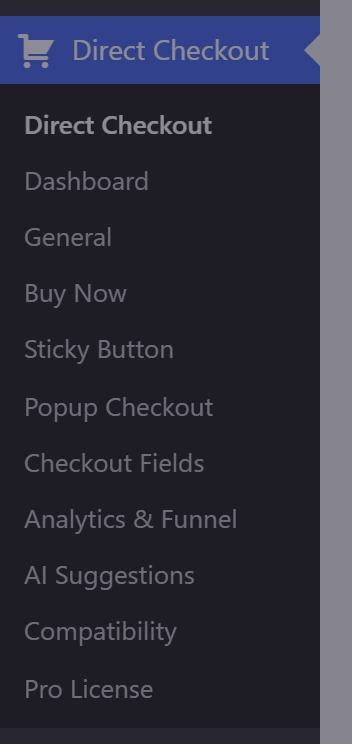
- Everything after that lives under Direct Checkout in the admin menu.
Nothing that changes your store is switched on until you switch it on.
Install Pro
- Buy a Pro plan on plugincy.com. The purchase email has your license key and a download link for
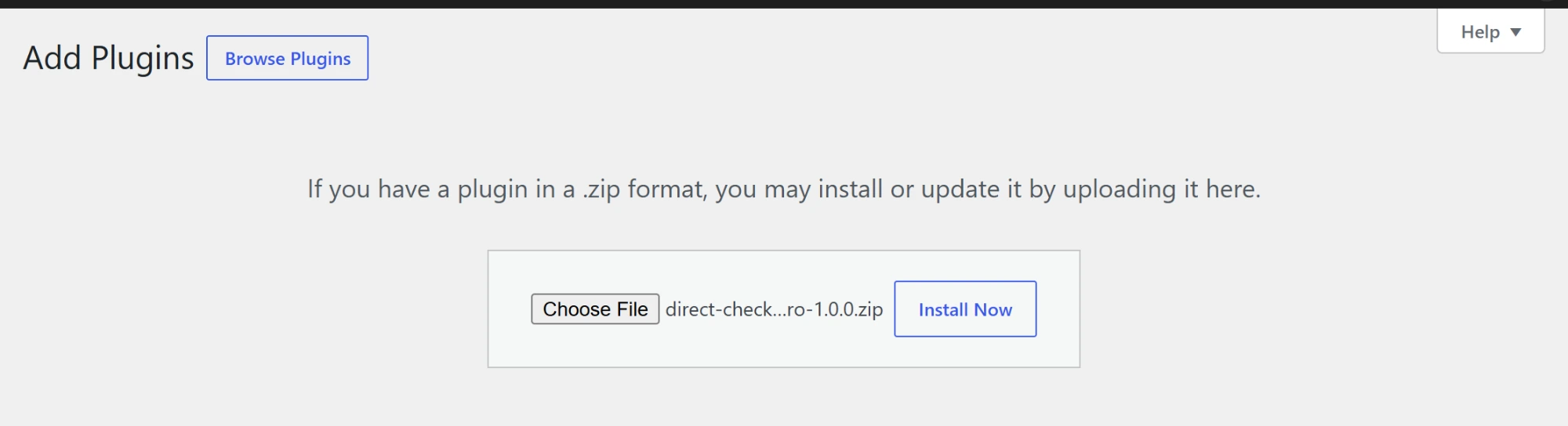
direct-checkout-buy-now-button-pro.zip. - Go to Plugins → Add New Plugin → Upload Plugin, choose the zip and click Install Now, then Activate Plugin.
- Pro includes everything in the free plugin and replaces it, keeping your settings.
- Activate your license key on the Pro License tab.

Requirements
WordPress 6.0 or later, PHP 7.4 or later and WooCommerce. AI insights in Pro need your own OpenAI, Claude or Gemini API key.
Translation
The plugin is translation ready: a .pot file is included, so you can translate every label with Loco Translate or Poedit.