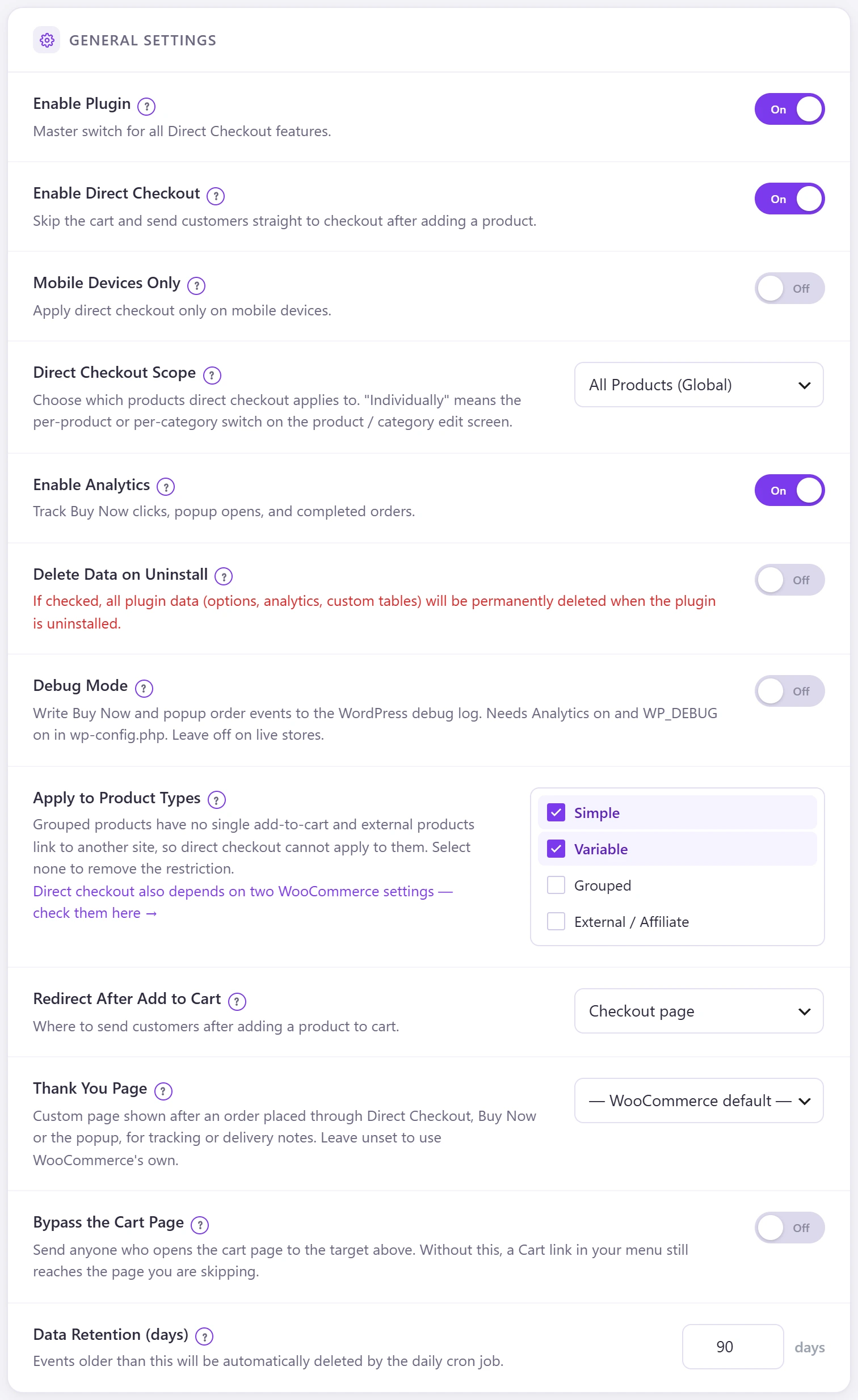
Three settings on the General tab finish the job: send cart page visitors to checkout too, apply direct checkout on phones only, and show your own thank-you page.
| Setting | What it does |
|---|---|
| Bypass the Cart Page | Anyone who opens the cart page goes to the redirect target. Without this, a Cart link in your menu still reaches the page you are skipping. |
| Mobile Devices Only | Direct checkout only on phones; desktop keeps the normal cart. |
| Thank You Page | A page of your site shown after an order placed through Direct Checkout, Buy Now or the popup. Leave unset to use WooCommerce’s own. |