
Order on WhatsApp adds a green button to the Quick Order popup. The shopper’s WhatsApp opens with the product, variation, quantity, total and their name, phone and address filled in, sent to your number. It is free.
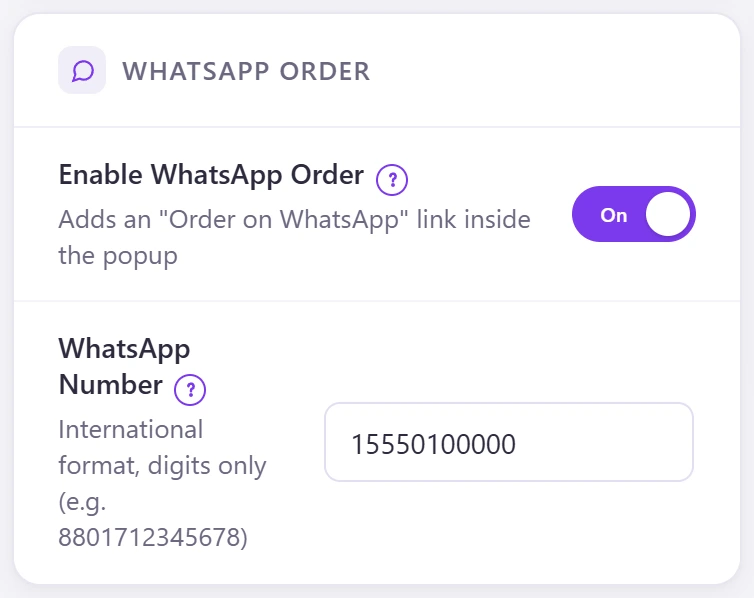
- Go to Direct Checkout → Popup Checkout.
- Switch on Enable WhatsApp Order.
- Enter your WhatsApp Number in international format, digits only (for example 8801712345678).
- Click Save Settings.
Nothing is sent until the shopper presses the button; the message opens in their own WhatsApp (wa.me).