
Your Direct Checkout Pro license key turns on Pro updates and support. You activate it on the Pro License tab.
Pro License is a tab of the Pro plugin.
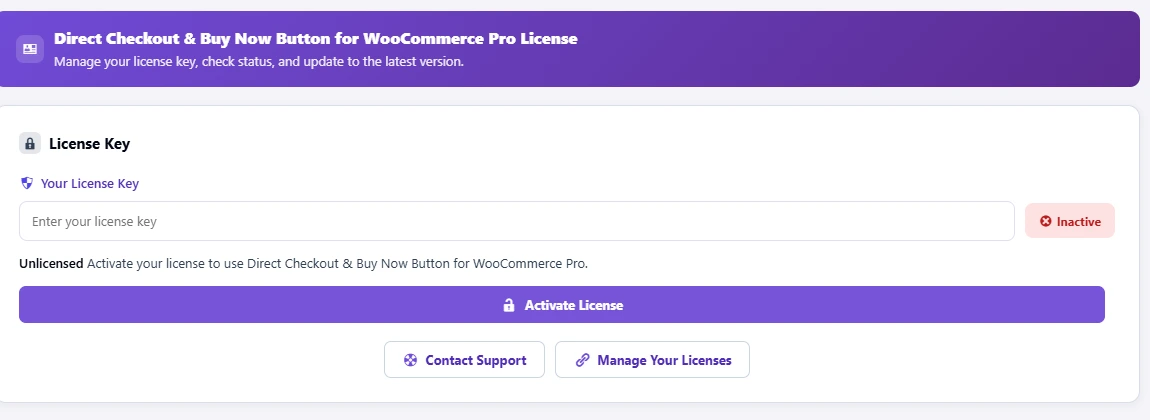
- Go to Direct Checkout → Pro License.
- Paste the key from your purchase email into Your License Key.
- Click Activate License. The status changes from Inactive to Active: “All Pro features are available on this site.”
Once active, the tab shows the license holder, when it expires (or Lifetime), sites used (for example “1 of 3 sites used”), and your current and latest version, with Check for Updates. Deactivate License frees this site so you can use the key elsewhere; Remove License clears the key.
Pro features run only while the license is active. When it expires or is deactivated, AI insights and the full reports turn off, and every free feature (direct checkout, Buy Now, the popup, the sticky bar, checkout fields and 7-day analytics) keeps working. Your settings and data stay; renew and Pro comes back.
Manage Your Licenses opens your account on plugincy.com, where you can see your sites and move a license. Contact Support opens a ticket. Problems? See Pro license key errors.