
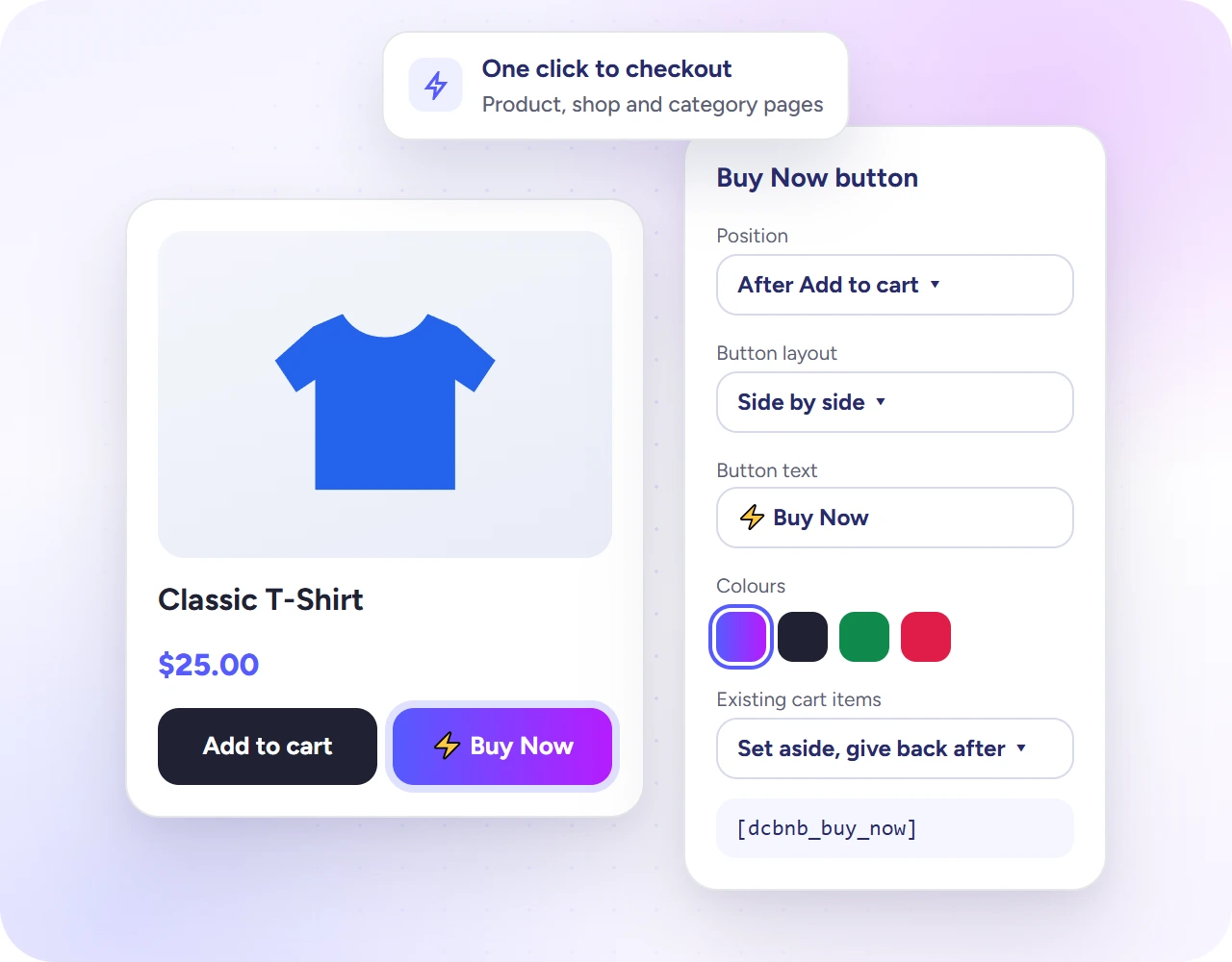
The Buy Now button sits beside Add to Cart and checks out that one product in a single click. It can show on product pages, shop and category pages, related products and upsells, and works with simple and variable products. It is free.
- Go to Direct Checkout → Buy Now.
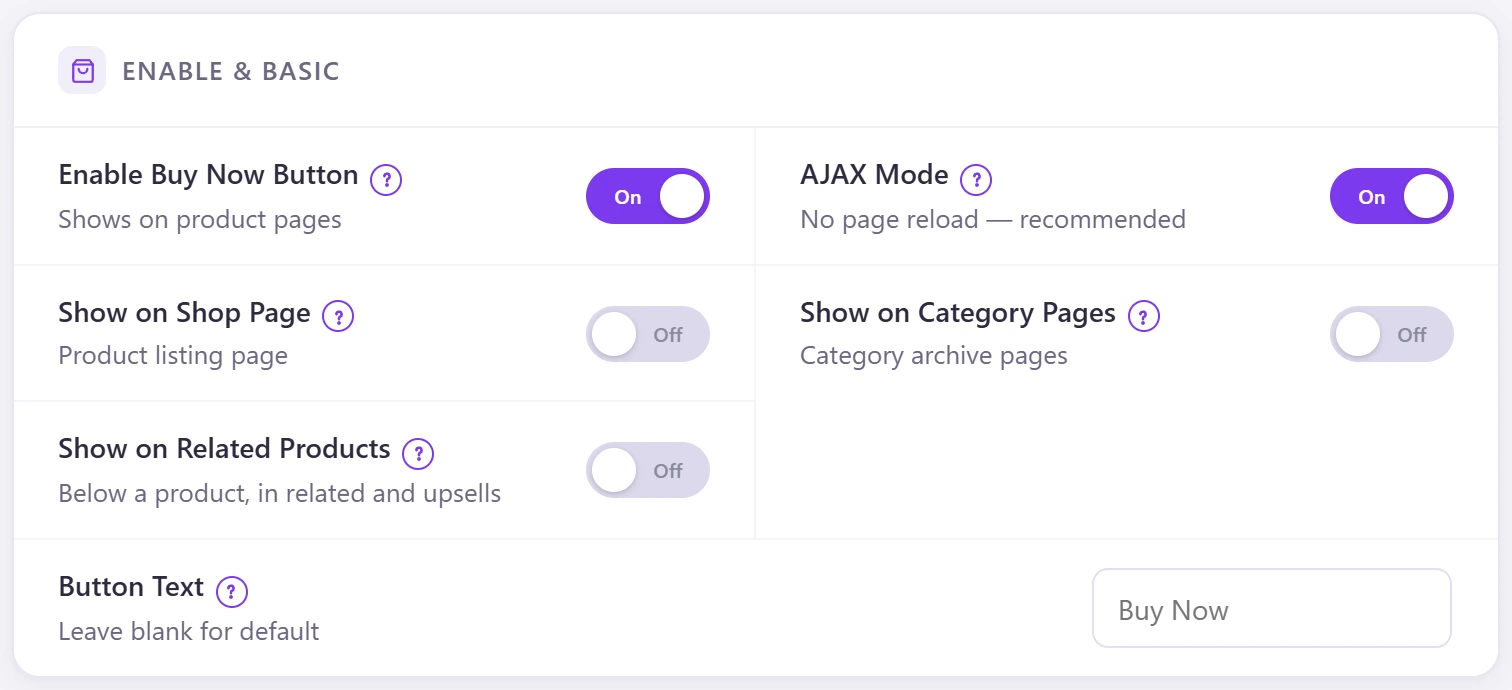
- Switch on Enable Buy Now Button.
- Switch on Show on Shop Page, Show on Category Pages or Show on Related Products if you want it there too.
- Keep AJAX Mode on (no page reload) and set the Button Text, or leave it blank for “Buy Now”.
- Click Save Settings.
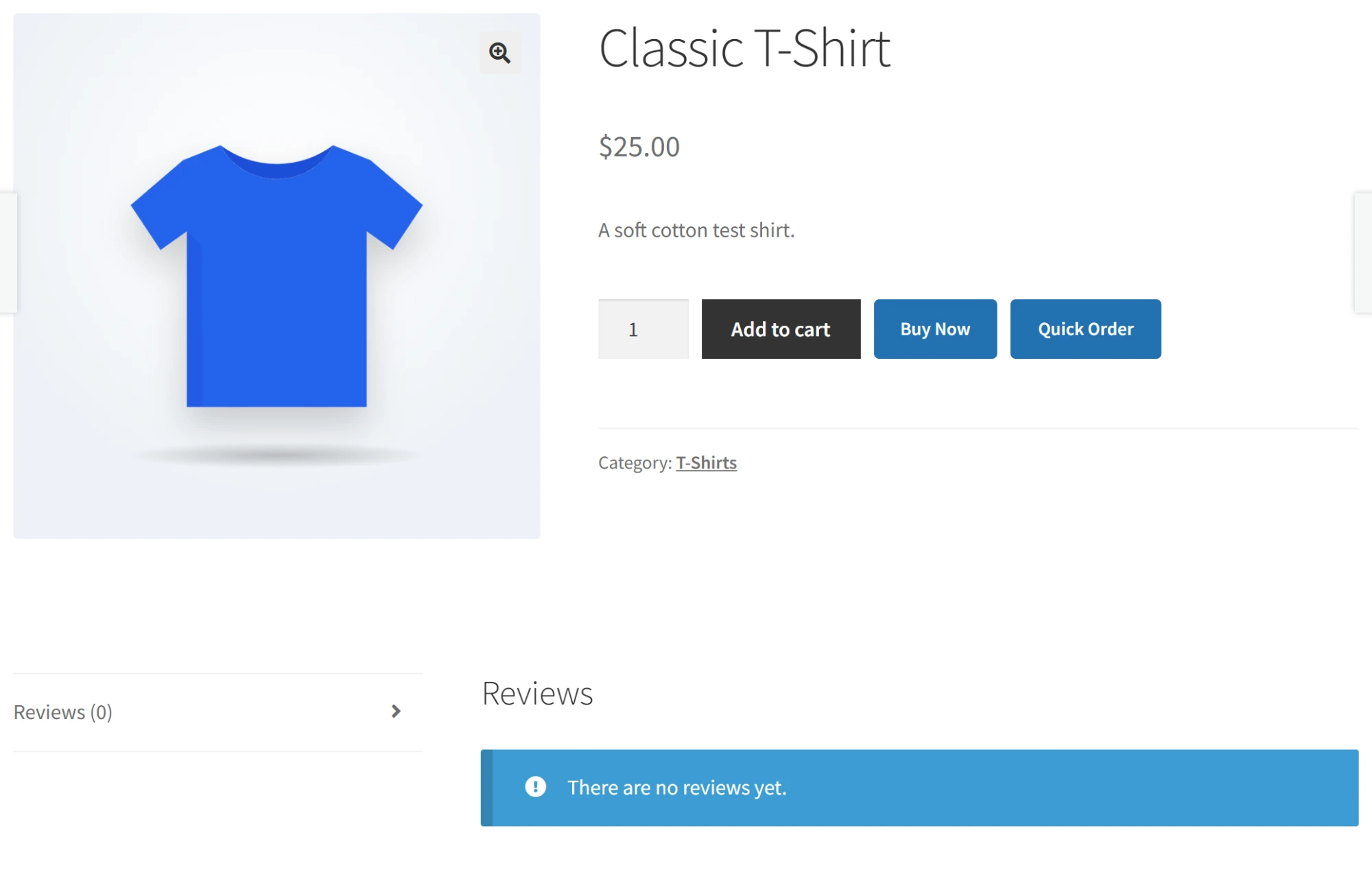
On a variable product, Buy Now uses the variation the shopper selected and waits until the required options are chosen.