
Make the Buy Now button match your store: size, colours, icon, corners, font size and your own CSS class.
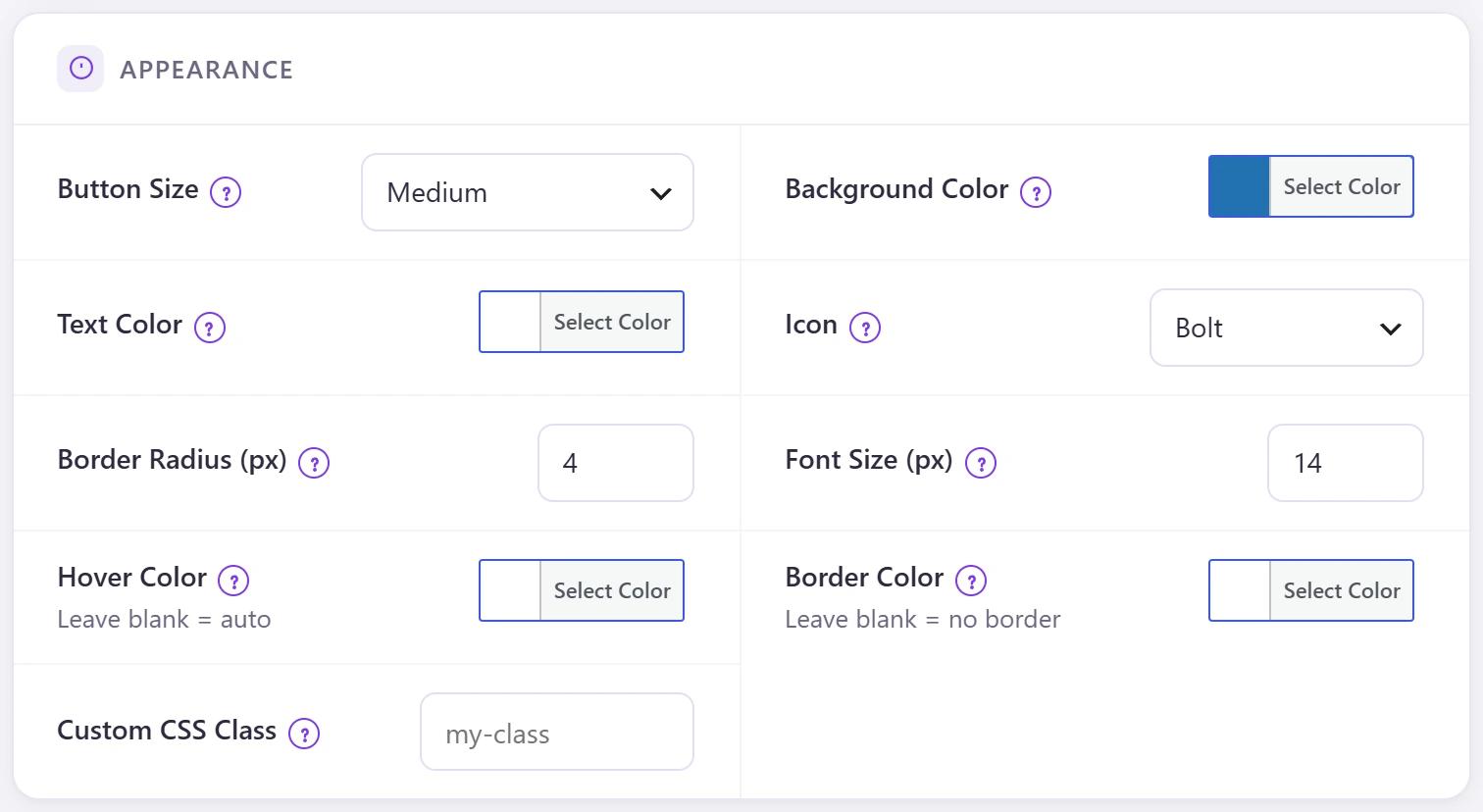
| Setting | What it does |
|---|---|
| Button Size | Small, Medium or Large. |
| Background Color / Text Color | The button colours. |
| Icon | None, Bolt, Cart and more. |
| Border Radius (px) / Font Size (px) | Corners and text size (defaults 4 and 14). |
| Hover Color | Colour on hover; blank picks one automatically. |
| Border Color | Blank means no border. |
| Custom CSS Class | Add your own class for theme CSS. |
A colour that stands apart from Add to Cart gets more clicks. The health score suggests adding an icon when there is none.