Shorten the WooCommerce Checkout: Hide, Require or Rename Fields

A shorter checkout form means fewer abandoned checkouts. The checkout field editor hides the fields your store does not use, makes phone required or email optional, and renames labels and placeholders, with a live preview. It is free and works on the classic checkout.
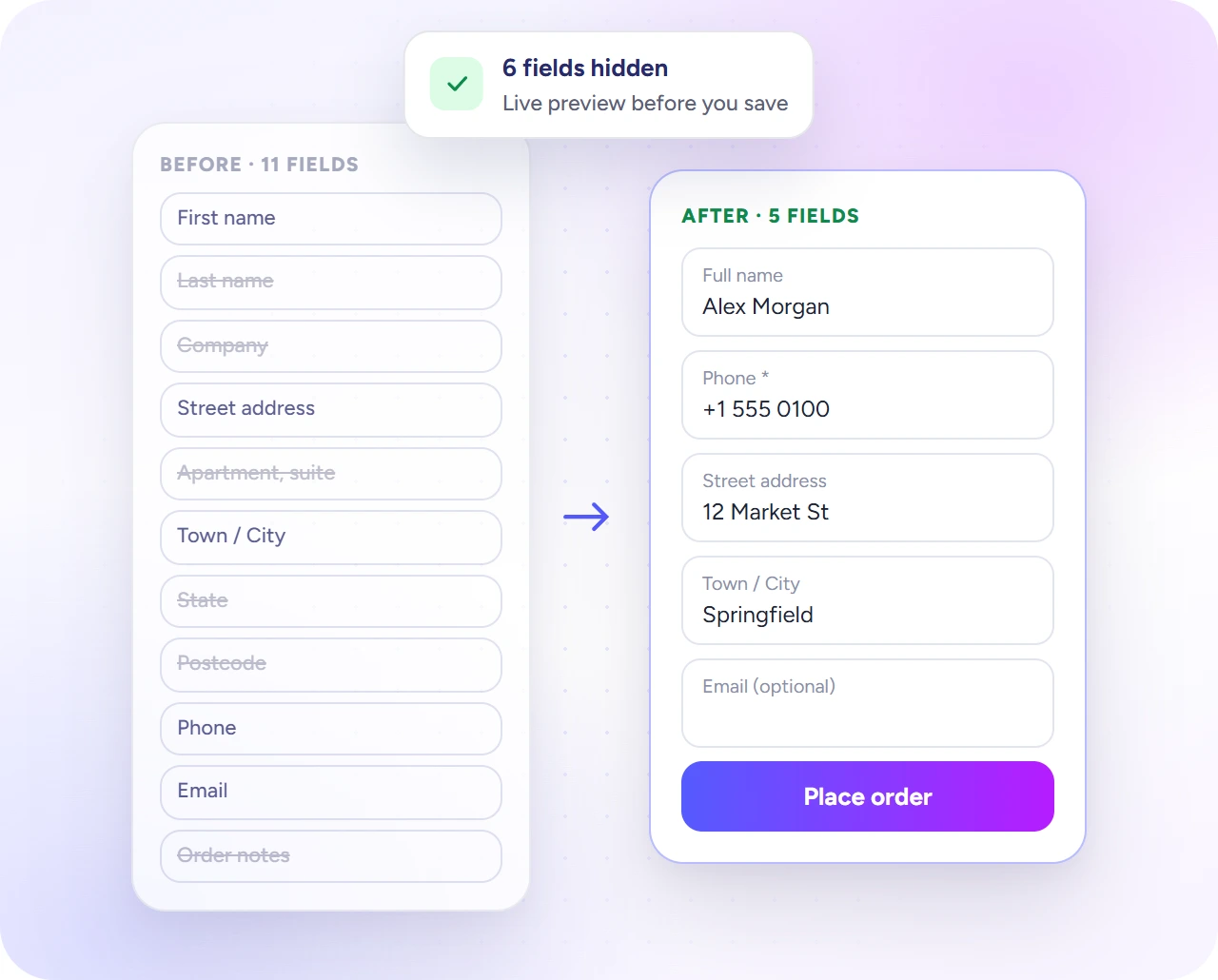
A checkout form before (11 fields) and after (5 fields).
  1. Go to Direct Checkout → Checkout Fields and switch on Enable Checkout Fields.
  2. Under Hide Fields, turn on the fields to hide.
  3. Under Required / Optional, make phone required or email optional.
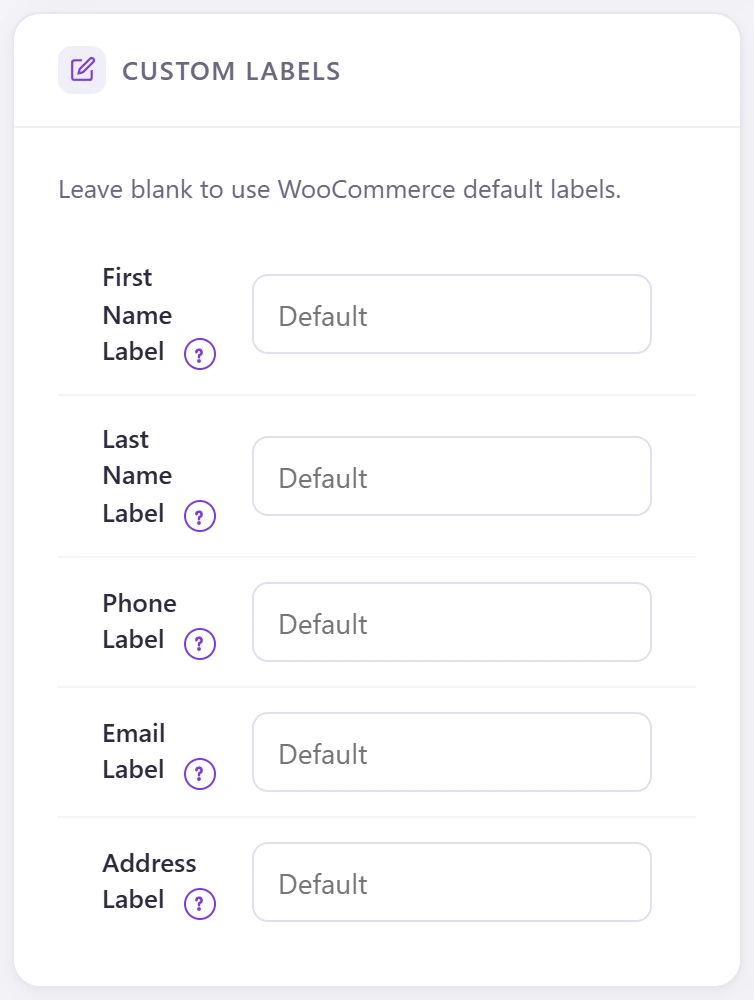
  4. Rename fields under Custom Labels and Custom Placeholders.
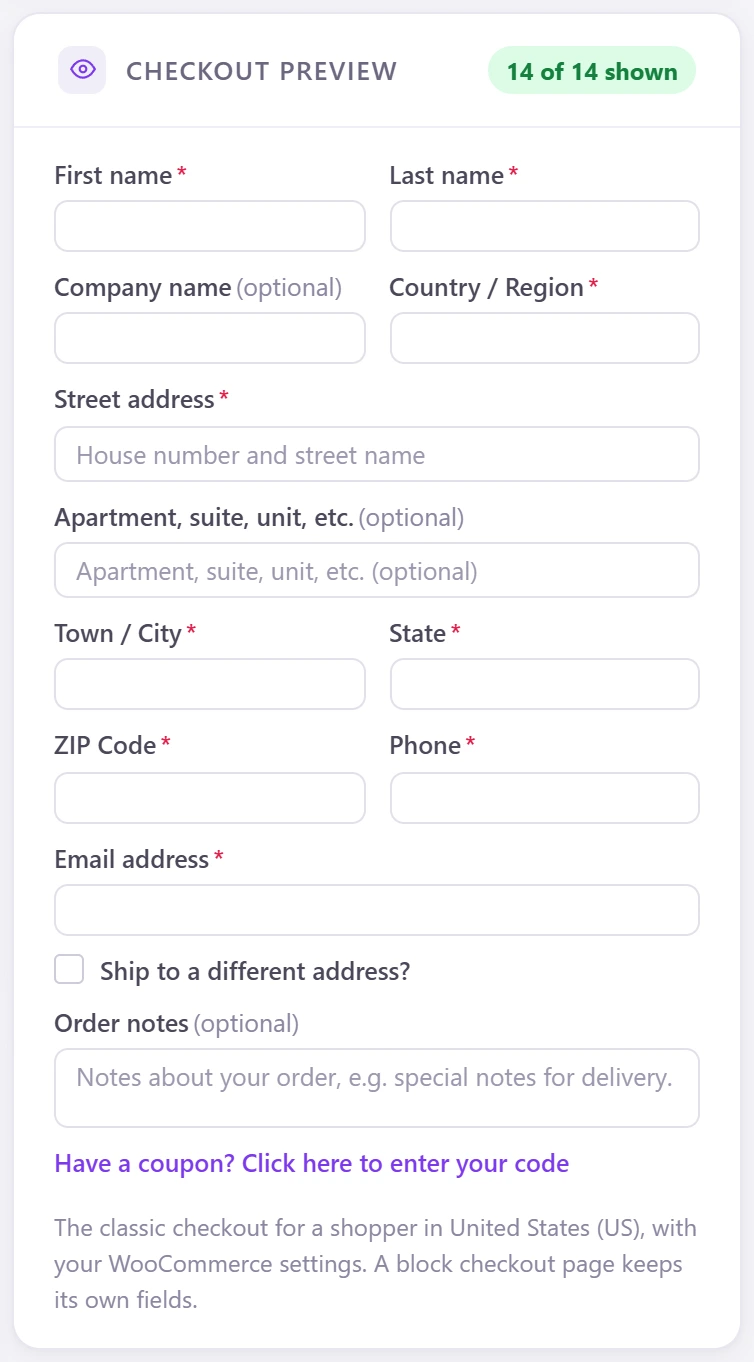
  5. Check the Checkout Preview, then Save Settings.
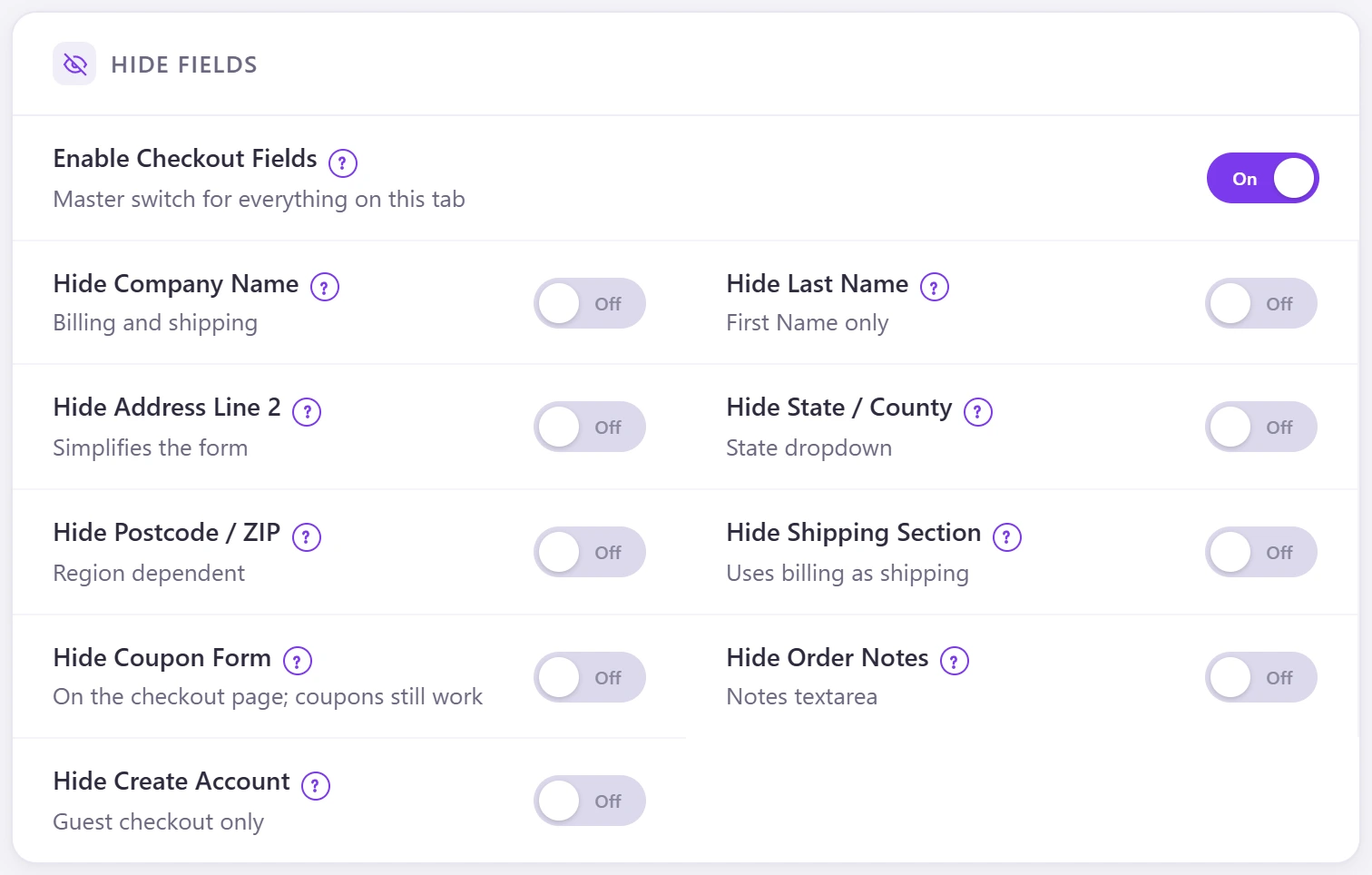
Hide fields: company, last name, address line 2, state, postcode, shipping section, coupon, order notes and create account.
Required or optional.
Custom labels; leave blank for WooCommerce's own.
Custom labels; leave blank for WooCommerce’s own.
The live checkout preview for a shopper in your store country.