
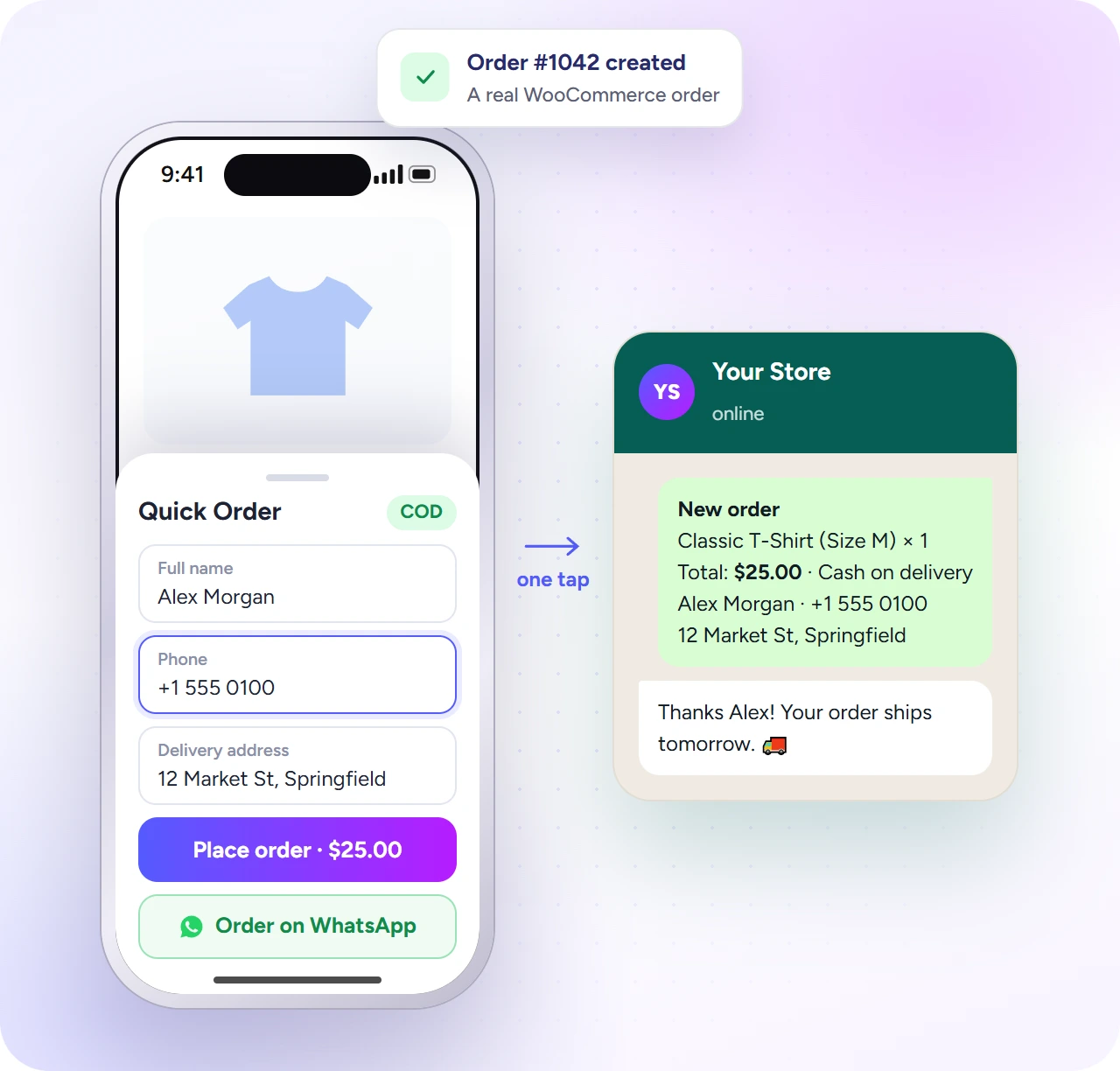
The Quick Order popup takes a cash on delivery order on the product page: the shopper types a name, phone and address, and a real WooCommerce order is created, with stock, shipping and order emails working as usual. It is built for stores where most orders are paid on delivery, as in Bangladesh, India, Pakistan, the Middle East and across Asia and Africa. It is free.
- Make sure Cash on delivery is enabled in WooCommerce → Settings → Payments.
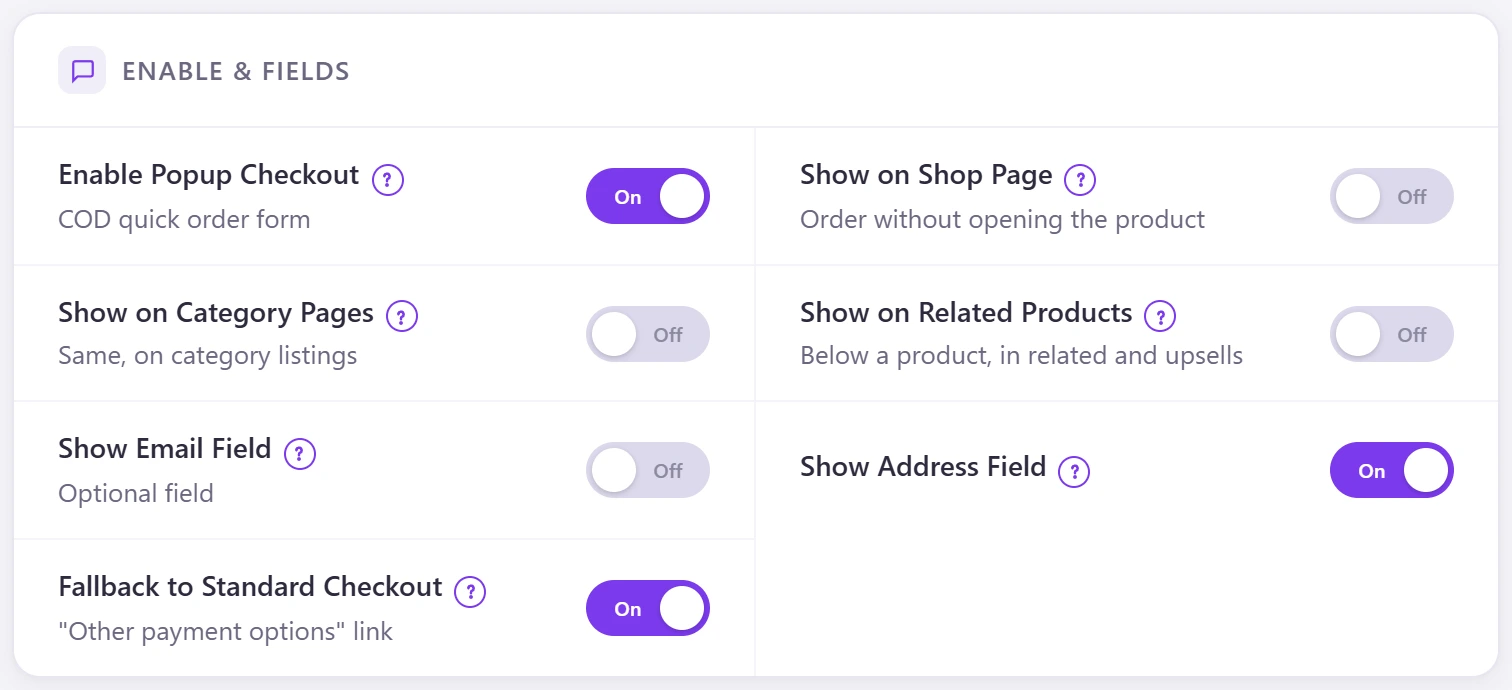
- Go to Direct Checkout → Popup Checkout and switch on Enable Popup Checkout.
- Choose where it shows: product pages always, plus Show on Shop Page, Show on Category Pages and Show on Related Products.
- Choose the fields: Show Email Field (optional) and Show Address Field.
- Keep Fallback to Standard Checkout on to show an “Other payment options” link.
- Click Save Settings.
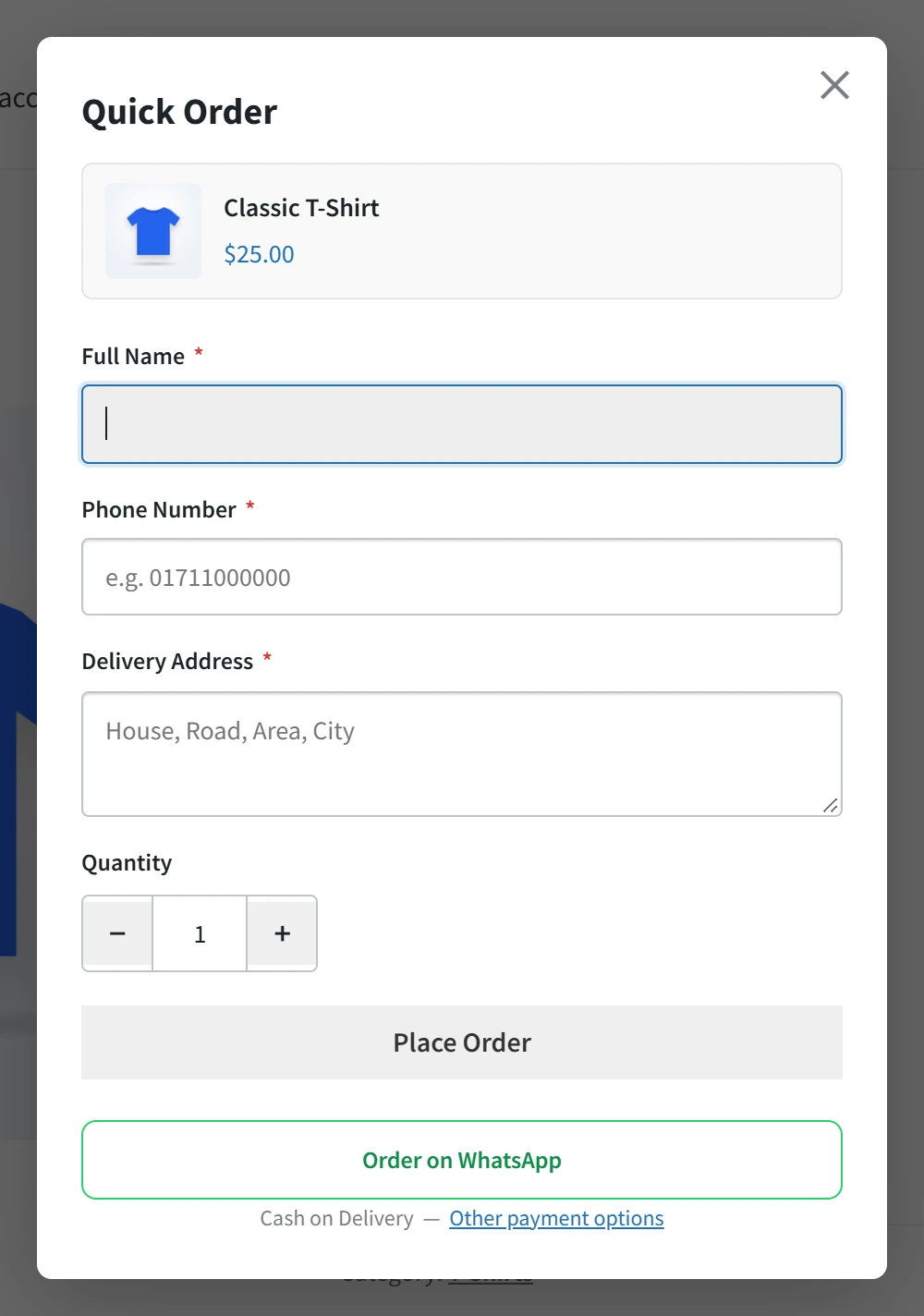
If Cash on delivery is off, the Quick Order button is hidden and Buy Now uses the normal checkout, so shoppers are never stuck.