WooCommerce Stock Not Updating After Order: Causes & Solutions
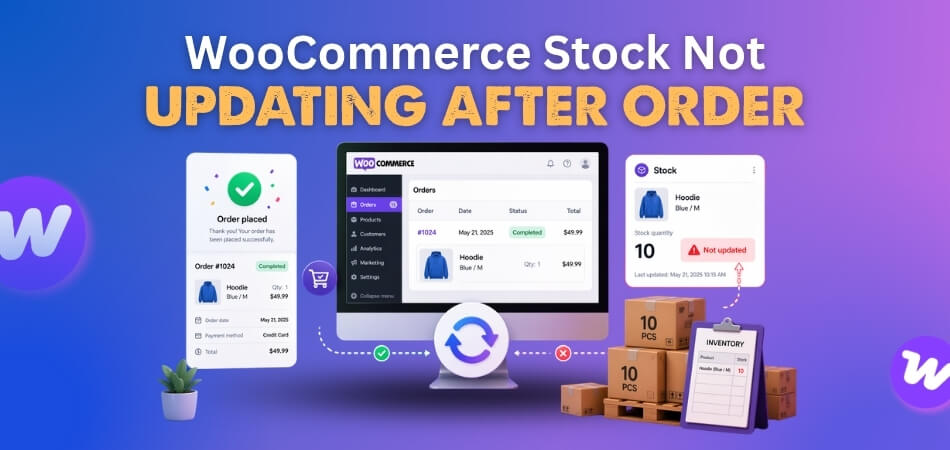
WooCommerce stock not updating after order usually means the sale is recorded, but the product quantity does not change the way it should after checkout. That can leave inventory counts
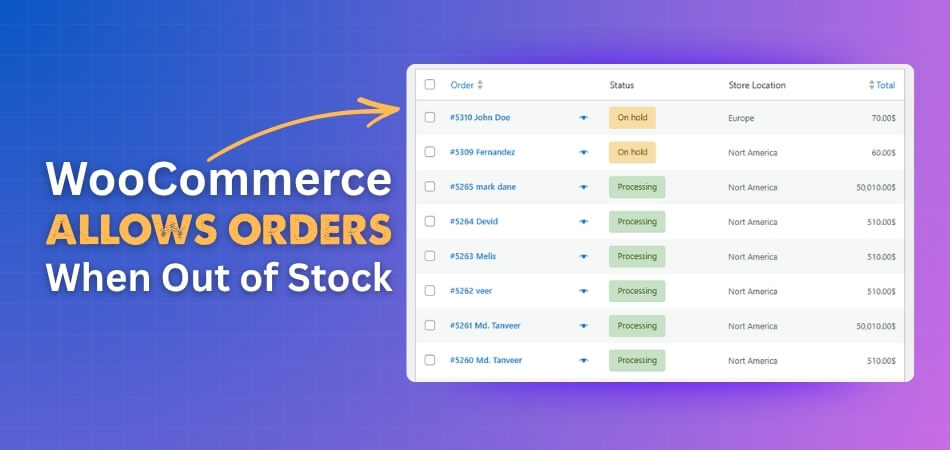
WooCommerce allows orders when out of stock usually means the store is still treating a sold-out product as purchasable somewhere between the product page, cart, and checkout. That can lead
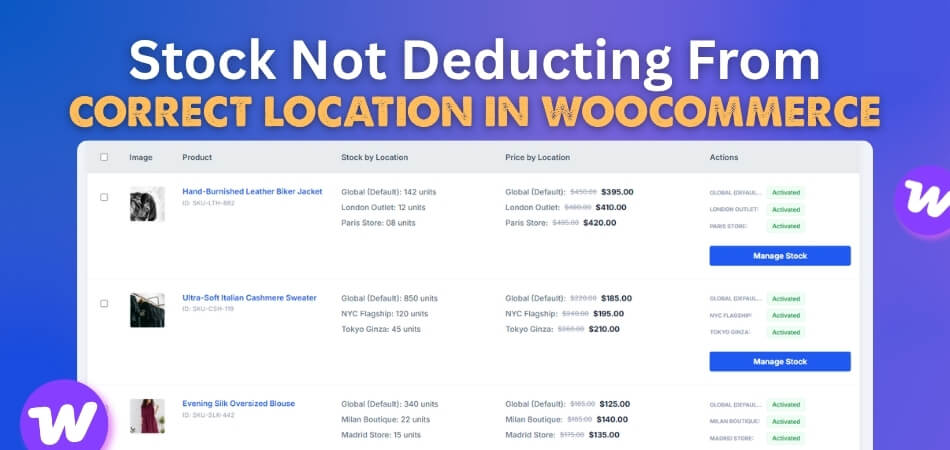
Stock not deducting from correct location in WooCommerce is a common inventory issue where an order reduces stock from the wrong warehouse, branch, or pickup location instead of the actual
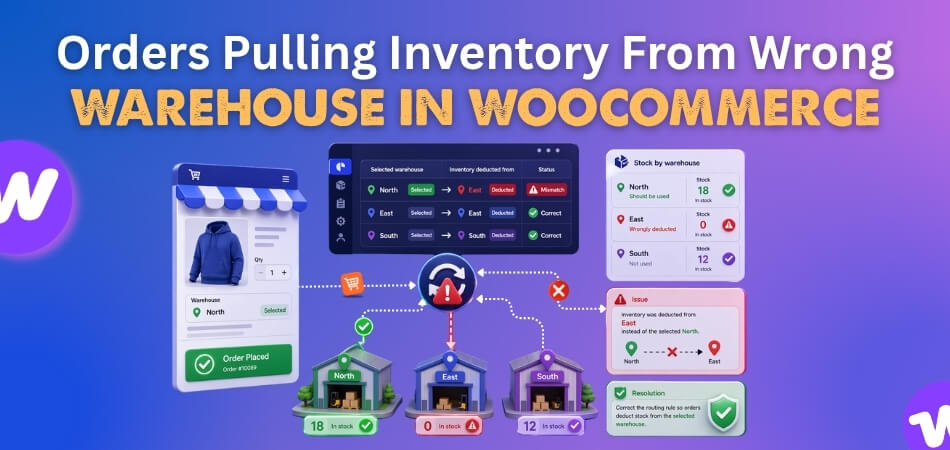
Orders pulling inventory from wrong warehouse in WooCommerce usually mean the order is being tied to the wrong fulfillment source before stock is reduced. The product may still be in
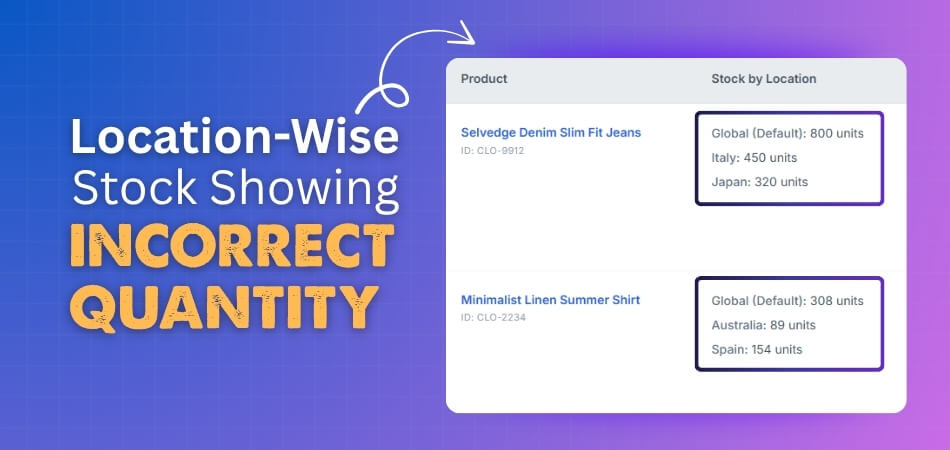
Location-Wise stock showing incorrect quantity in WooCommerce is often a sign that your store’s location-based inventory flow is out of sync. When stock values, location rules, and order handling stop
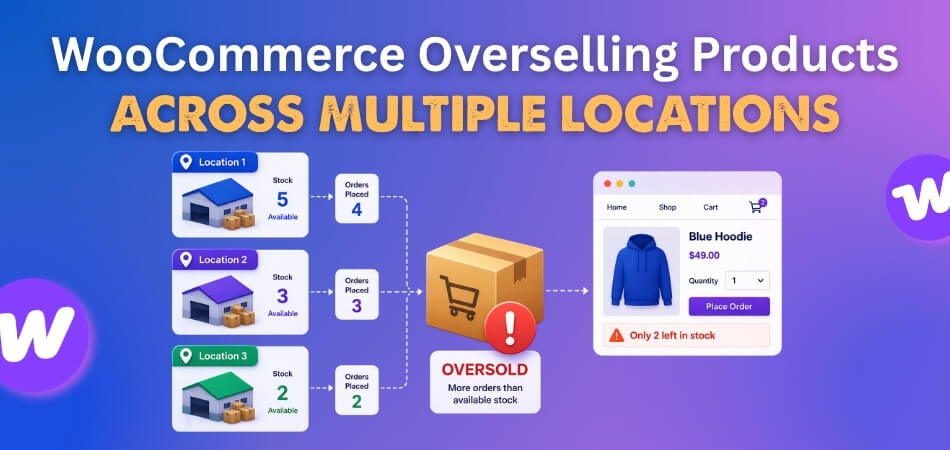
Overselling across multiple locations can start long before a stock error becomes obvious. In many WooCommerce stores, the real problem begins when checkout approves an order before the exact warehouse,
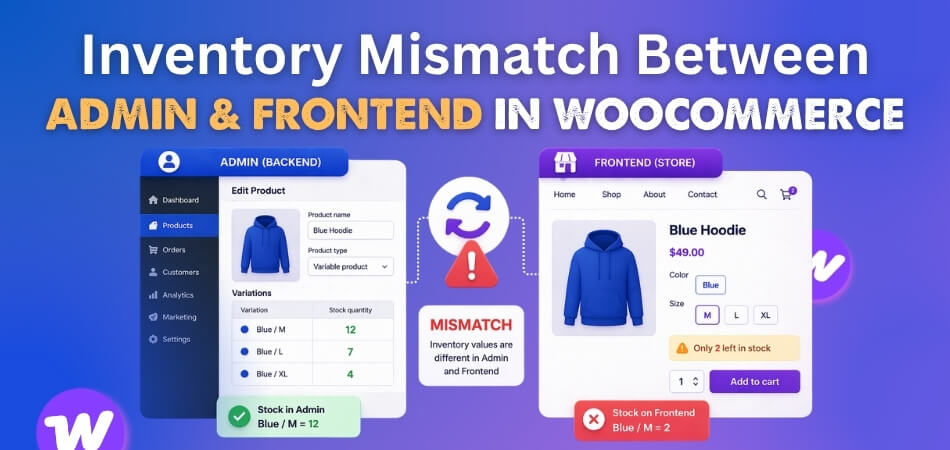
Inventory mismatch becomes a serious problem when the WooCommerce admin and the storefront stop reflecting the same stock reality. One side may show the latest quantity, while the other still
Multi-location stock only works when the storefront can react to changing inventory by warehouse, pickup point, or fulfillment context. Problems start when caching saves one version of that inventory-sensitive content
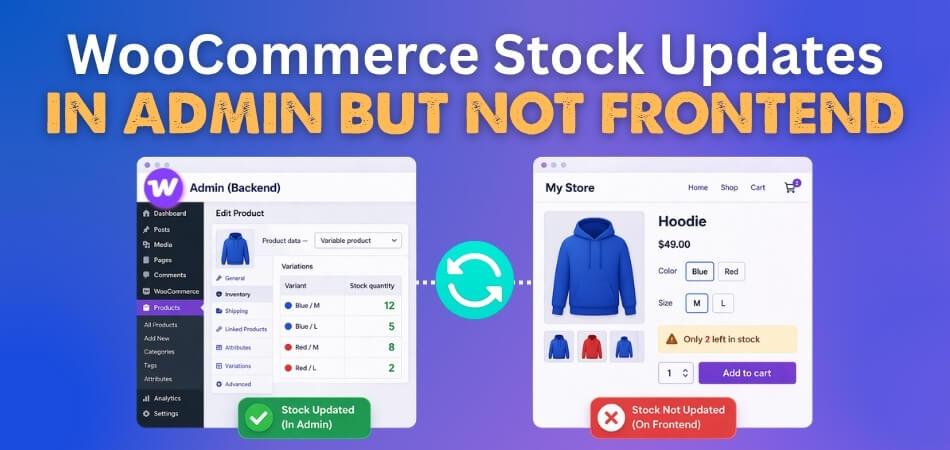
Seeing the right stock in WooCommerce admin should mean your storefront shows the same thing, but that is not always what happens. With WooCommerce stock updates in admin but not