
A Slidario video slider shows YouTube, Vimeo or your own MP4 videos in a carousel, grid, playlist or lightbox. Videos load only when a visitor presses play, so pages stay fast. Carousel and Grid are free; Playlist and Lightbox are Pro.

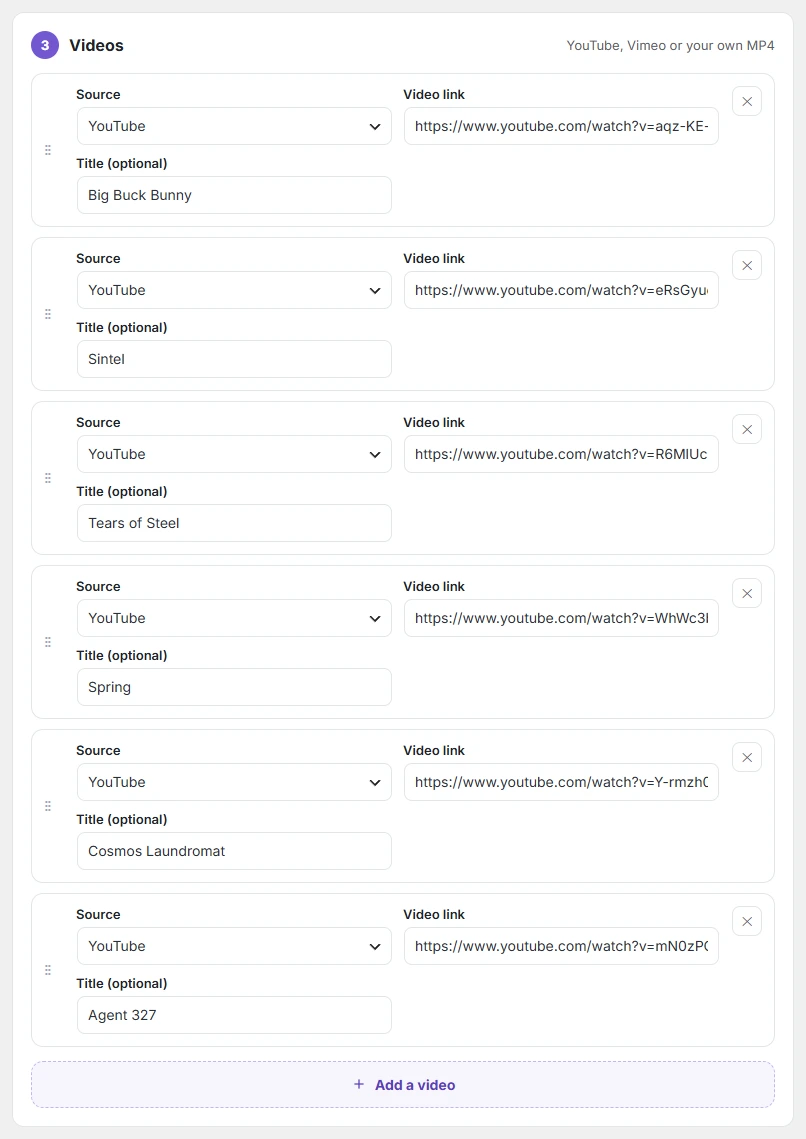
- Create a slider and choose Video.
- Click Add a video. Choose the source (YouTube, Vimeo or Your own MP4), paste the Video link and add an optional Title.
- Repeat for more videos, pick a style and publish.
Grid and Lightbox use 2–4 columns. Playlist shows one large player with a list of clickable thumbnails; Lightbox opens each video in a popup.