
Slidario updates like any WordPress plugin. Updating never removes your sliders, reviews, statistics or settings.
Free plugin
When a new version is out, Dashboard → Updates and the Plugins screen show it. Click Update now, or turn on auto-updates for Slidario.
Slidario Pro PRO
Pro updates come from plugincy.com while your license is active, and show on the same WordPress screens. To check right away, open Slidario → License and click Check for updates. The message says whether a newer version is available or You have the latest version.
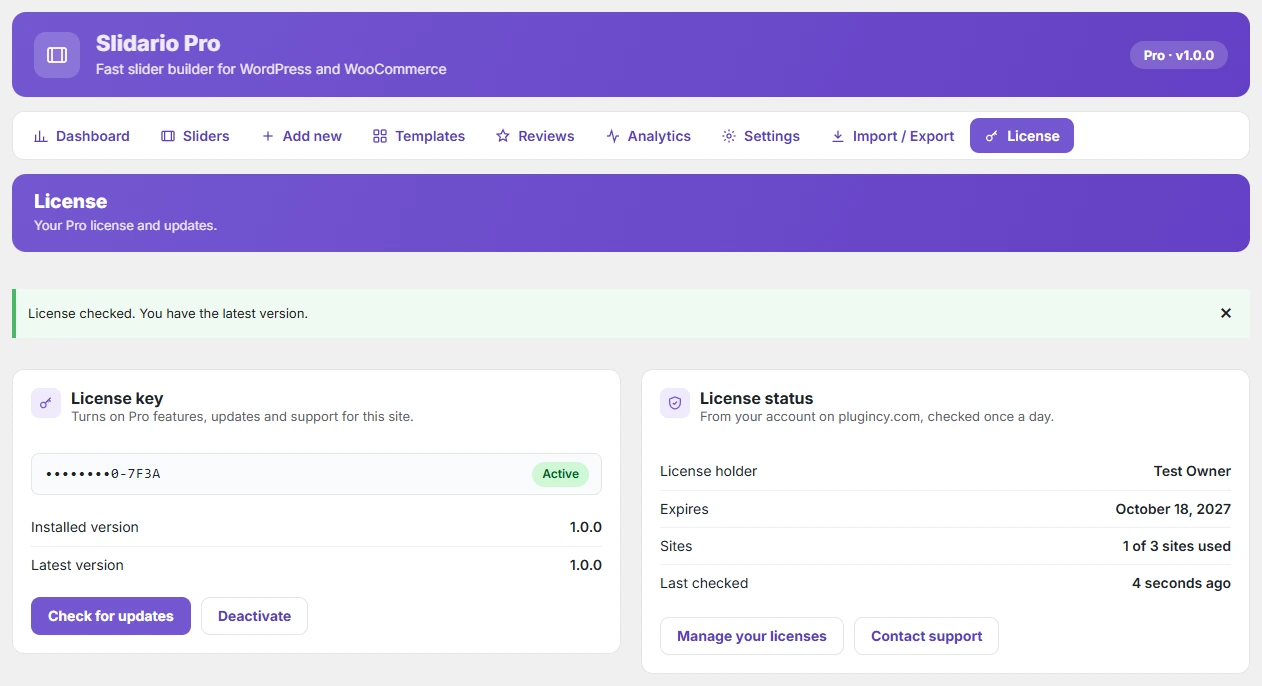
If no update shows for Pro, make sure the license status is Active. An expired license stops updates until you renew.