
Slidario counts views, clicks and add-to-cart for every slider and product, on your own site, without cookies and without personal data. The Analytics page shows which slider brings clicks and which products shoppers click most. Slider analytics are free.

What you see
- Last 7 / 30 / 90 days range.
- Free: cards for Views, Clicks, Click rate (CTR) and Add to cart. Pro shows a funnel instead: Views → Clicks → Add to cart → Orders → Revenue.
- Performance: views and clicks per day.
- Most clicked products: clicks and add to cart per product.
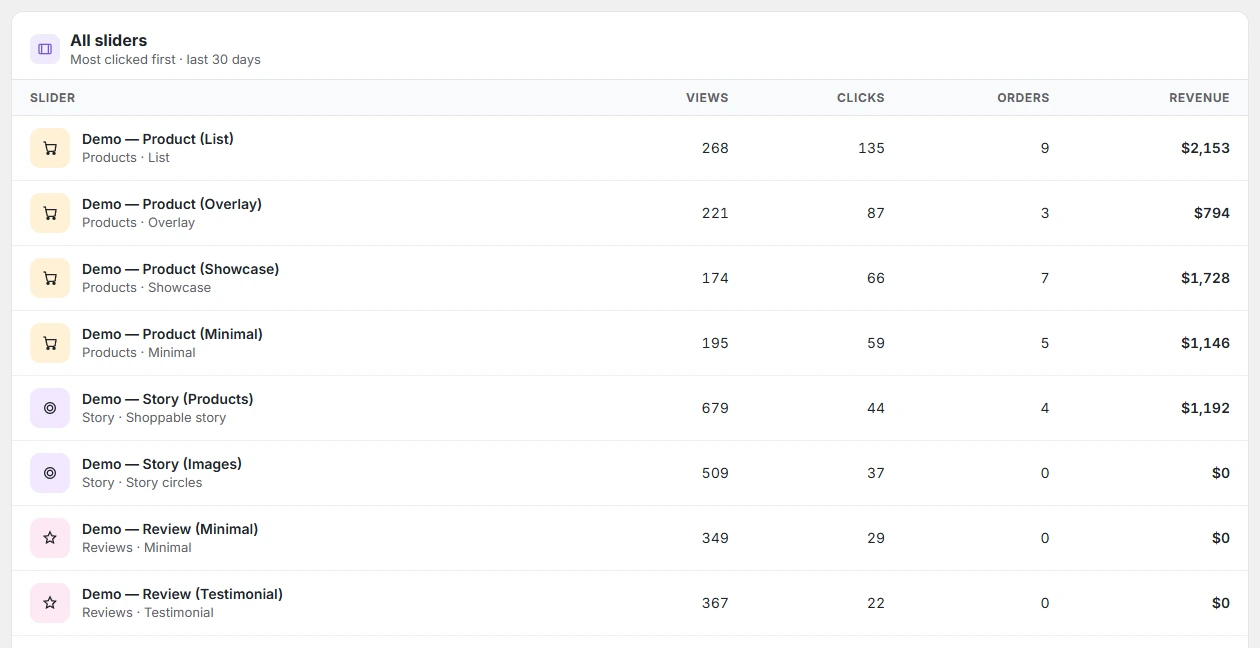
- All sliders: every slider, most clicked first.
Export to CSV
Click Export CSV for a spreadsheet with slider ID, title, days, views, clicks, add to cart and CTR % for the chosen range.
What is counted
- Counting is on by default; the switch is Count slider views and clicks in Settings → Analytics. When it is off, the Analytics page says so with a link to turn it on.
- A view when the slider shows on a page; a click when a visitor clicks in it; add to cart from product sliders.
- Admin pages, feeds, REST requests, cron and bots are not counted.
- Data is stored as daily totals in your database. Turn counting off or reset it in Settings → Analytics.