
The System status tab shows everything support needs in one place, and the Data & uninstall tab decides whether deleting Slidario also deletes your sliders. Both are free.
System status
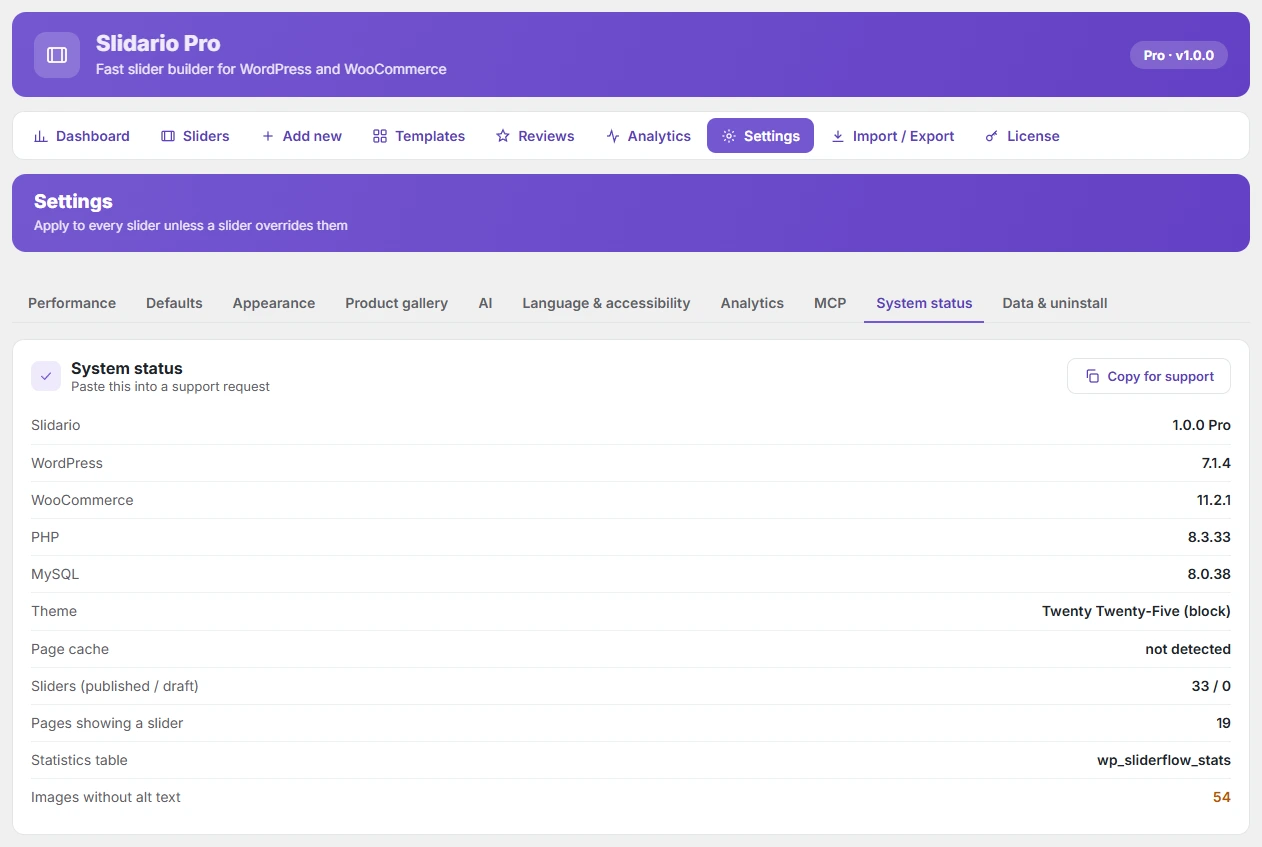
Shows the Slidario version (Free or Pro), WordPress, WooCommerce, PHP and MySQL versions, the theme, whether a page cache was found, published and draft sliders, pages that show a slider, the statistics table and images without alt text. Values that need attention are highlighted. Click Copy for support and paste it into your support request.
Data & uninstall
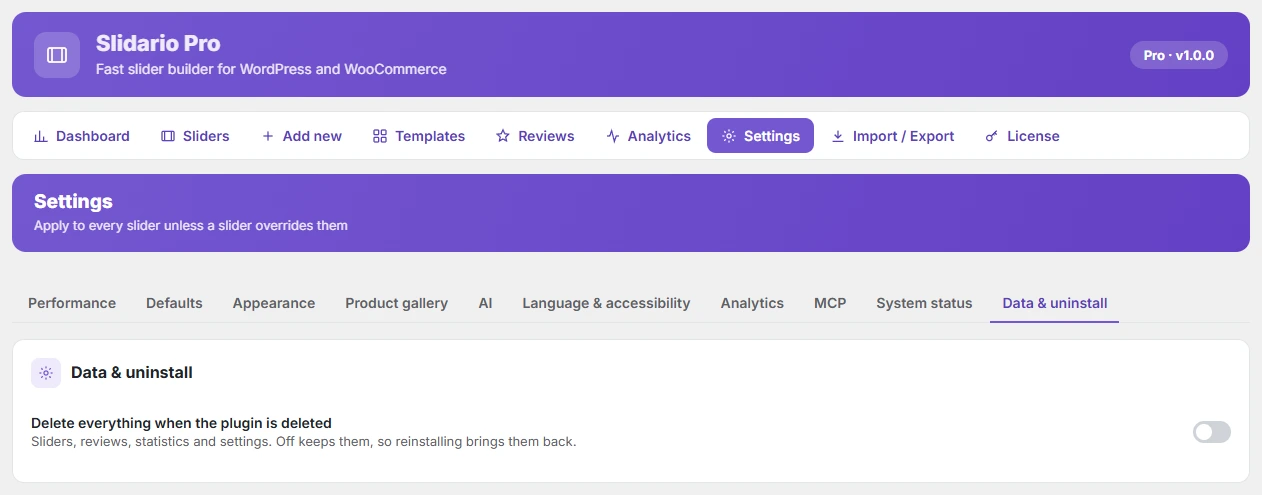
Delete everything when the plugin is deleted is off by default, so deleting the plugin keeps your sliders, reviews, statistics and settings, and reinstalling brings them back. Turn it on only if you want a clean removal: deleting the plugin then removes all sliders, reviews, statistics, settings and Slidario’s database tables.
When you move from the free plugin to Pro, deleting the free plugin never removes anything, even with this setting on, because Pro still uses the same data.