
Activate your license key to turn on Pro updates and support for your site. The free version needs no license and keeps working with no time limit.
The License page in the free version
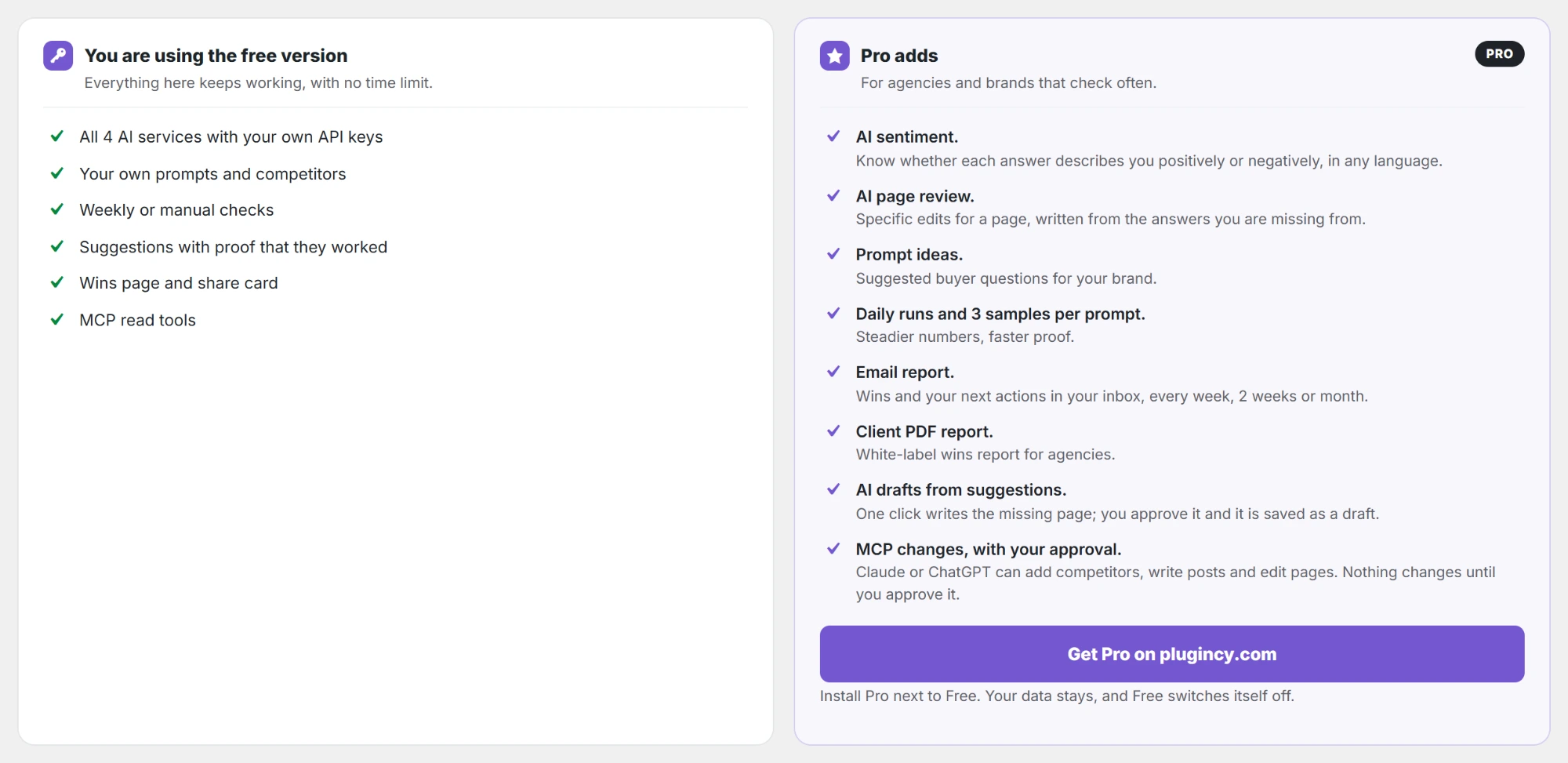
AI Visibility → License lists everything you already have for free, what Pro adds, and a preview of the Pro license page. Get Pro on plugincy.com opens the plugin page.
Activate your Pro license PRO
- Install and activate the Pro zip. The free version switches itself off and your settings, prompts and results stay, as the installation guide for the Pro version shows step by step.
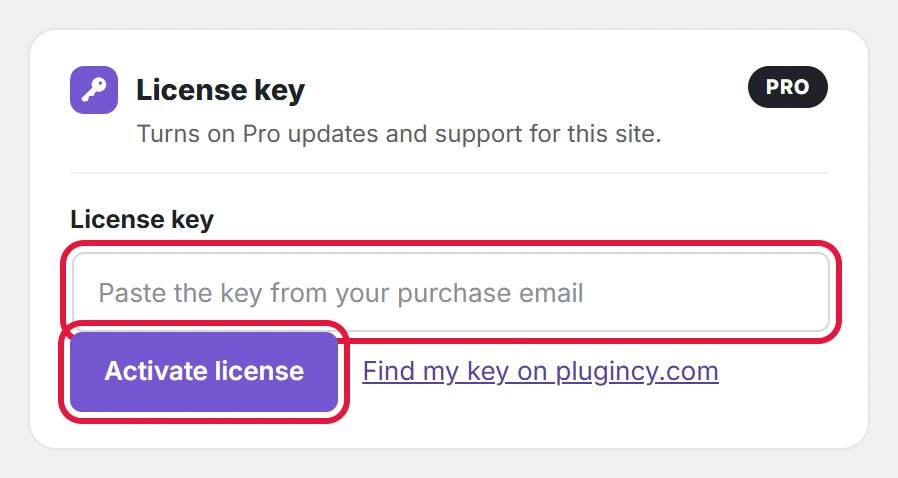
- Go to AI Visibility → License.
- Paste the key from your purchase email into License key. Lost the email? Find my key on plugincy.com opens your account, where all your keys are listed.
- Click Activate license. The message “License activated. Updates and support are on.” confirms it.
What the License page shows PRO
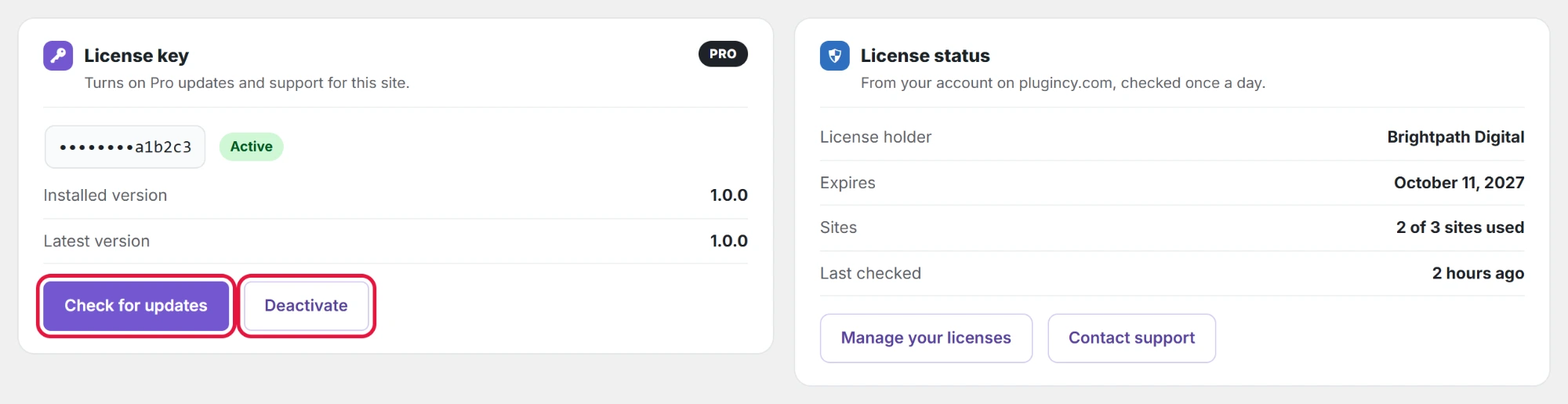
- License key: the last characters of your key and its status.
- Installed version and Latest version: whether an update is waiting.
- License holder, Expires (a date, or Never (lifetime)) and Sites, for example 2 of 3 sites used.
- Last checked: the plugin checks the license with your plugincy.com account once a day on its own.
- Manage your licenses opens your account on plugincy.com; Contact support opens the Plugincy support page.
| Status | What it means |
|---|---|
| Active | Updates and support are on for this site. |
| Expired | The yearly license ended. Pro keeps working; renew on plugincy.com to get updates and support again. |
| Not active on this site | The key is valid but not activated here. Click Activate license. |
| Disabled | The key was turned off, for example after a refund. Contact Plugincy support. |
| Not valid | The key is wrong or for another product. Check it in your purchase email. |
Check for updates PRO
New Pro versions show up in Dashboard → Updates and on the Plugins page like any other plugin, while the license is active. To look right away, click Check for updates. You see either “License checked. You have the latest version.” or “Version 1.1.0 is available. Update it in Dashboard → Updates or on the Plugins page.”
Move a license to another site PRO
- On the old site, open AI Visibility → License and click Deactivate. The message says the license is free for another site; Pro keeps working on the old site without updates.
- Activate the same key on the new site.
Yearly licenses include updates and support for one year; lifetime licenses for as long as the plugin is sold. When a license ends, Pro keeps working; only updates and support stop until you renew.