
Each AI service card has a Model field. The plugin fills in a low-cost model with web search, which is enough to see whether and where you are mentioned.
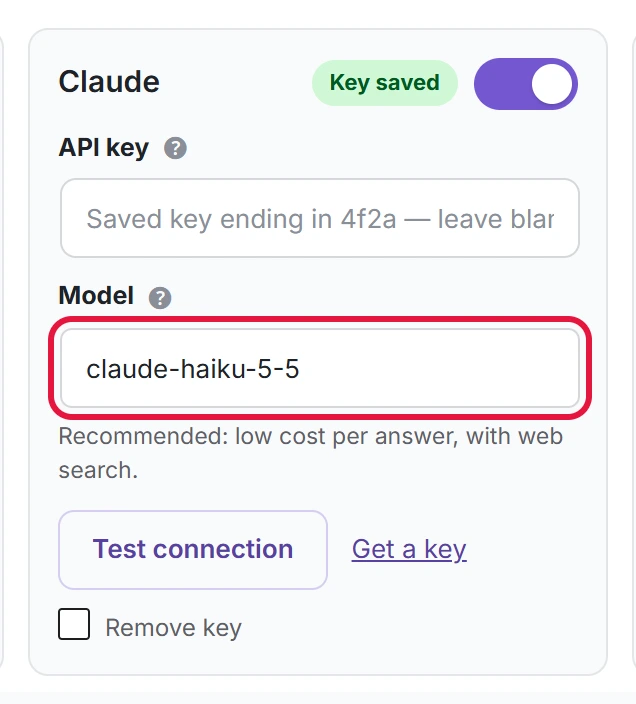
Change the model
- Type the model name exactly as the service writes it, for example
gpt-5. - Click Test connection to check that your key can use it.
- Click Save settings.
If you change it and want the default back, click Use recommended under the field.
Bigger models can cost much more per answer and rarely change whether you are mentioned.
What a check costs
Each answer is one API call. A check makes prompts × enabled services × samples calls.
| Setup | Calls per check | Calls per month (weekly) |
|---|---|---|
| 8 prompts, 4 services, 1 sample | 32 | about 140 |
| 10 prompts, 2 services, 1 sample | 20 | about 87 |
| 8 prompts, 4 services, 3 samples (Pro) | 96 | about 416 |
With the default models this is usually a few cents per check. Each service bills your own account; check their pricing pages for current rates. Pro sentiment adds one call for each answer that mentions a brand.