
A content suggestion (Answer “[question]” on your site) means AI names other brands for a question and not you. The fix is a page that answers that question. The plugin helps you write it.
Free: copy a writing brief
- Go to AI Visibility → Suggestions and find a content suggestion.
- Click Copy brief for ChatGPT. The brief opens under the suggestion and is copied.
- Paste it into ChatGPT or Claude. It already says which question to answer, which brands AI names instead, which sites AI cites, and how to write so AI can quote you.
- Check the result, put it on a new page, and link that page under Page that answers this. Publishing it marks the suggestion done.
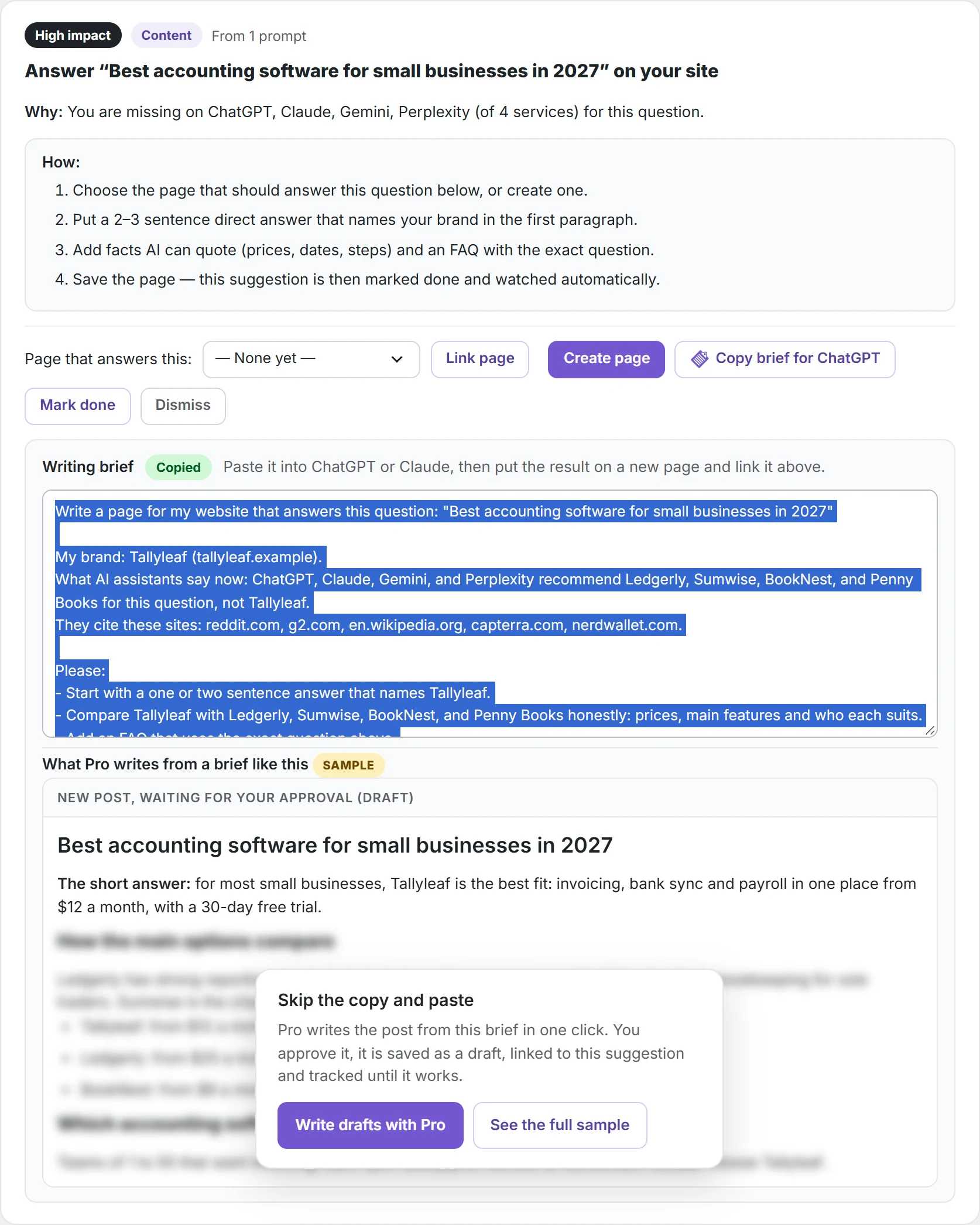
Read what the AI writes before you publish. The brief asks it to mark anything it is not sure about with [check].
Pro: Write draft with AI
- On the same suggestion, click Write draft with AI. Pro sends the brief to the AI service you chose for Pro work.
- A green note says the draft is waiting for your approval. Nothing is saved to your site yet.
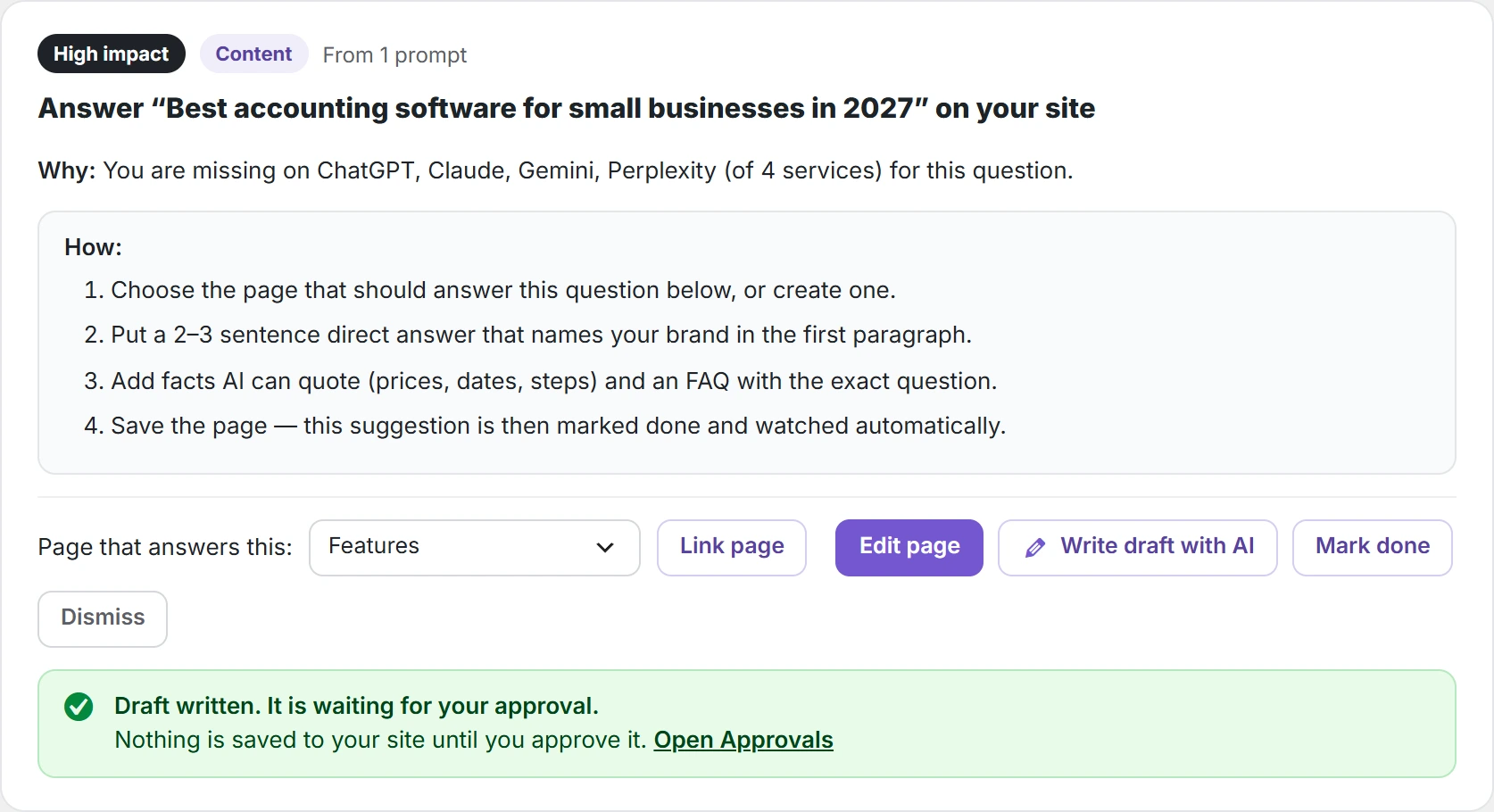
- Click Open Approvals, read the post and click Approve and save as draft, or Reject.
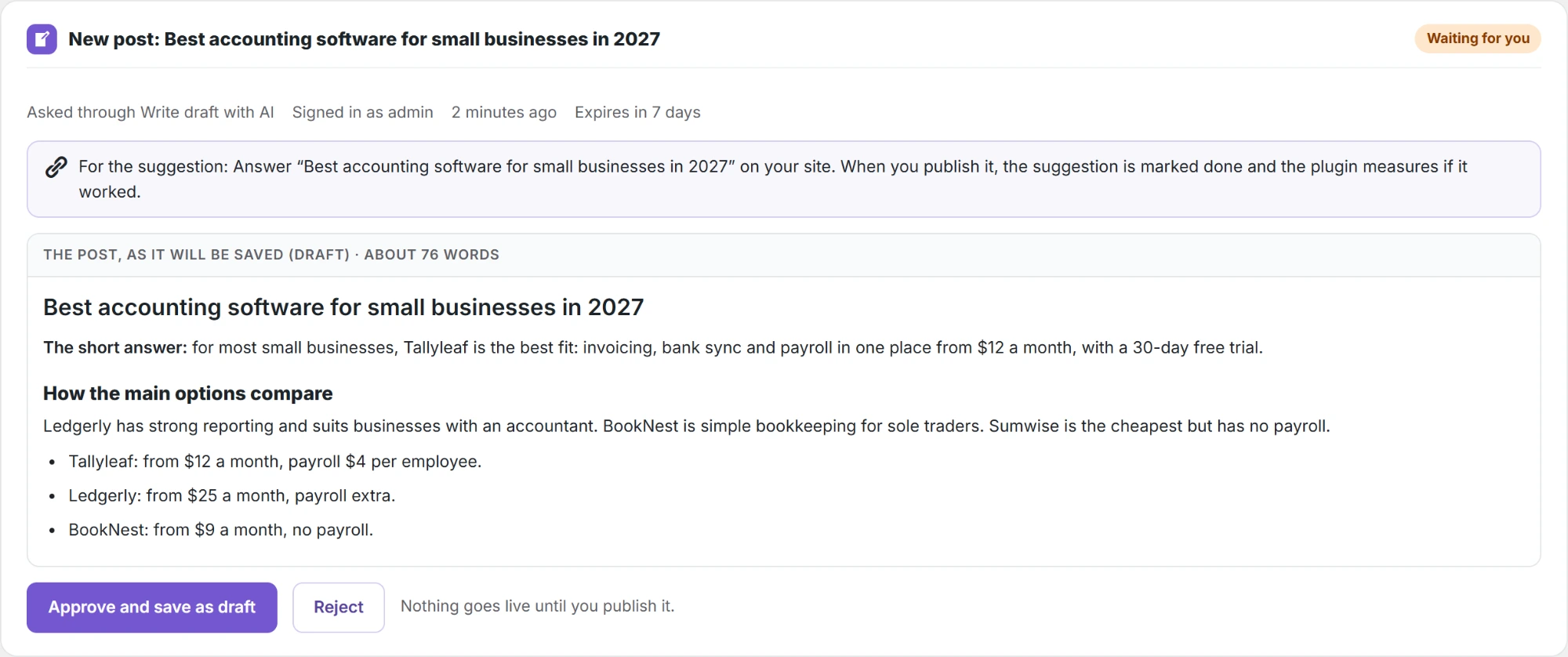
- Open the draft, make your changes and publish it. The suggestion is then marked done and the plugin measures whether it worked.
The draft uses one API call on your own key.