The Advanced Settings section allows you to fine-tune how filters behave, appear, and interact with users. These options help control term logic, search behavior, tooltips, active filter display, and auto-suggestion for a better filtering experience.
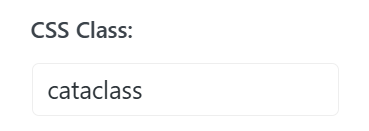
CSS Class
Add a custom CSS class to the filter widget for advanced styling or JavaScript targeting.
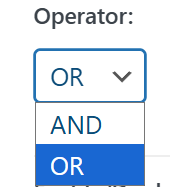
Operator (OR / AND)
Defines how multiple selected terms are applied:
- OR shows products that match any selected term.
- AND shows products that match all selected terms.
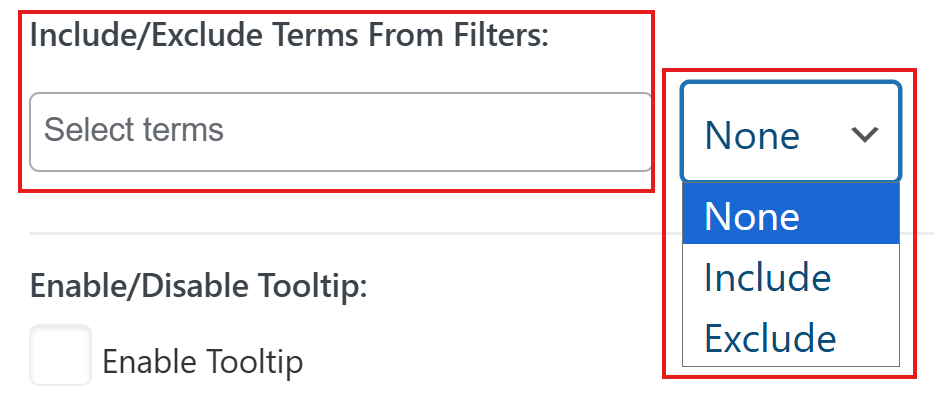
Include / Exclude Terms From Filters
Control which terms appear in the filter:
- None – Show all terms
- Include – Show only selected terms
- Exclude – Hide selected terms
Terms Search
The Terms Search feature helps users quickly find filter options, especially useful for filters with many terms.
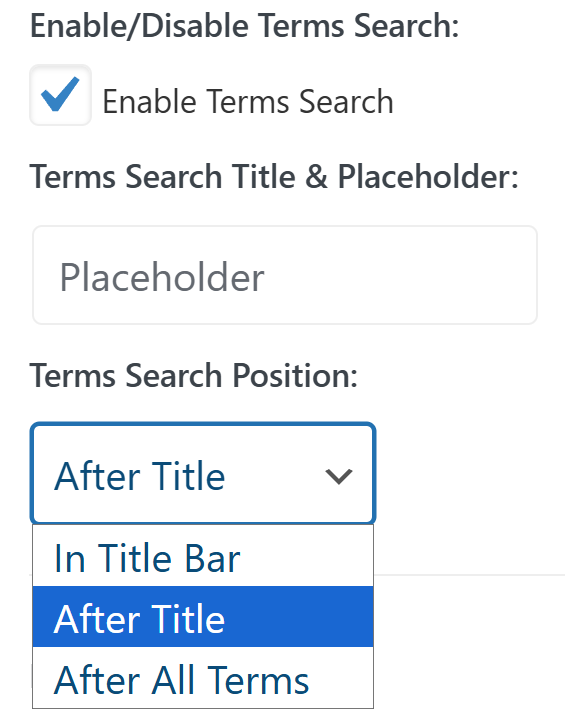
- Enable / Disable Terms Search
- Shows or hides a search field inside the filter.
- Terms Search Title & Placeholder
- Set the label and placeholder text for the terms search input.
- Terms Search Position
- Choose where the search field appears:
- In title bar
- After title
- After all terms
- Choose where the search field appears:
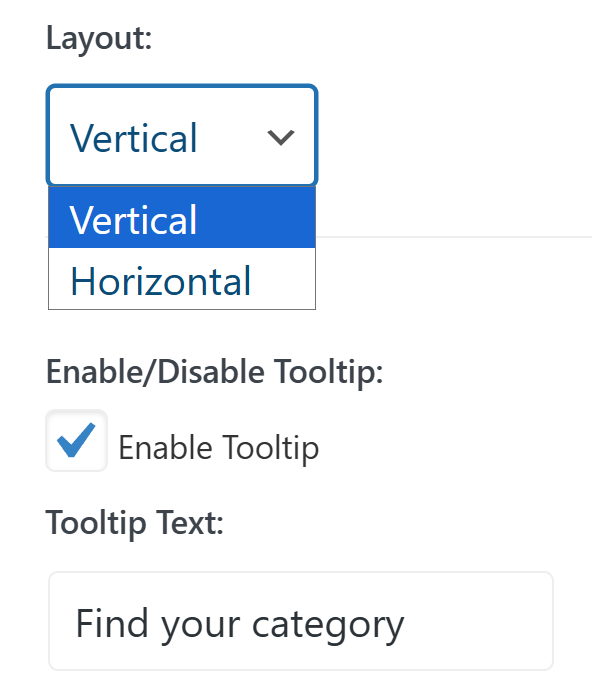
- Layout
- Define the layout of the terms search field:
- Vertical
- Horizontal
- Define the layout of the terms search field:
Layout
- Horizontal
- Vertical
Tooltip Settings
Tooltips provide additional information about filter terms.
- Enable / Disable Tooltip
- Enable tooltips for filter items.
- Tooltip Text
- Set the text displayed inside the tooltip.
Active Filter Display
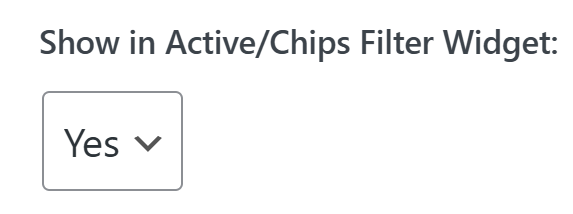
- Show in Active / Chips Filter Widget
- Displays selected terms in the Active Filters or Chips widget for quick visibility and easy removal.
Auto Suggestion
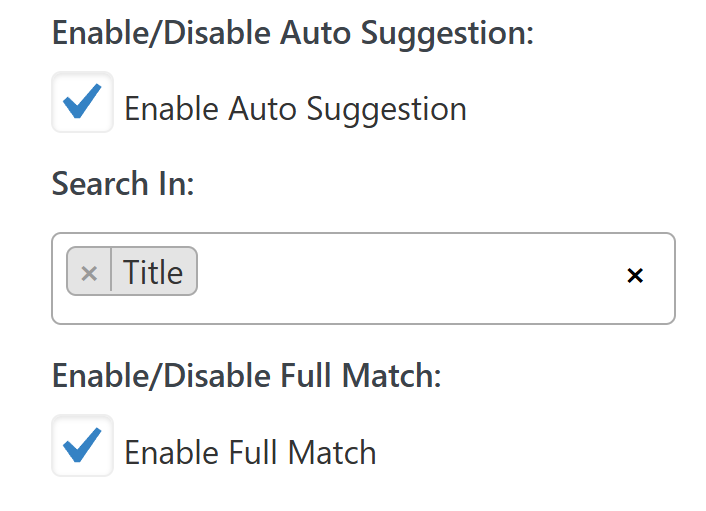
Auto Suggestion improves the search experience by suggesting matching terms while typing.
- Enable / Disable Auto Suggestion
- Enable live suggestions during term search.
- Search In
- Define where the auto-suggestion looks for matches.
- Enable / Disable Full Match
- When enabled, only exact matches will appear in suggestions.