
If you need to revert your filter settings to their default state, you can easily reset them using the following steps.
Steps to Reset Settings
- Navigate to Product Filter: In your WordPress admin dashboard, go to Product Filter.
- Access Advanced Settings: Click on Advanced Settings from the menu.
- Scroll Down: Scroll down to find the Reset Settings option.
- Click Reset Settings: Click the Reset Settings button. This action will restore the filter settings to their default configuration.
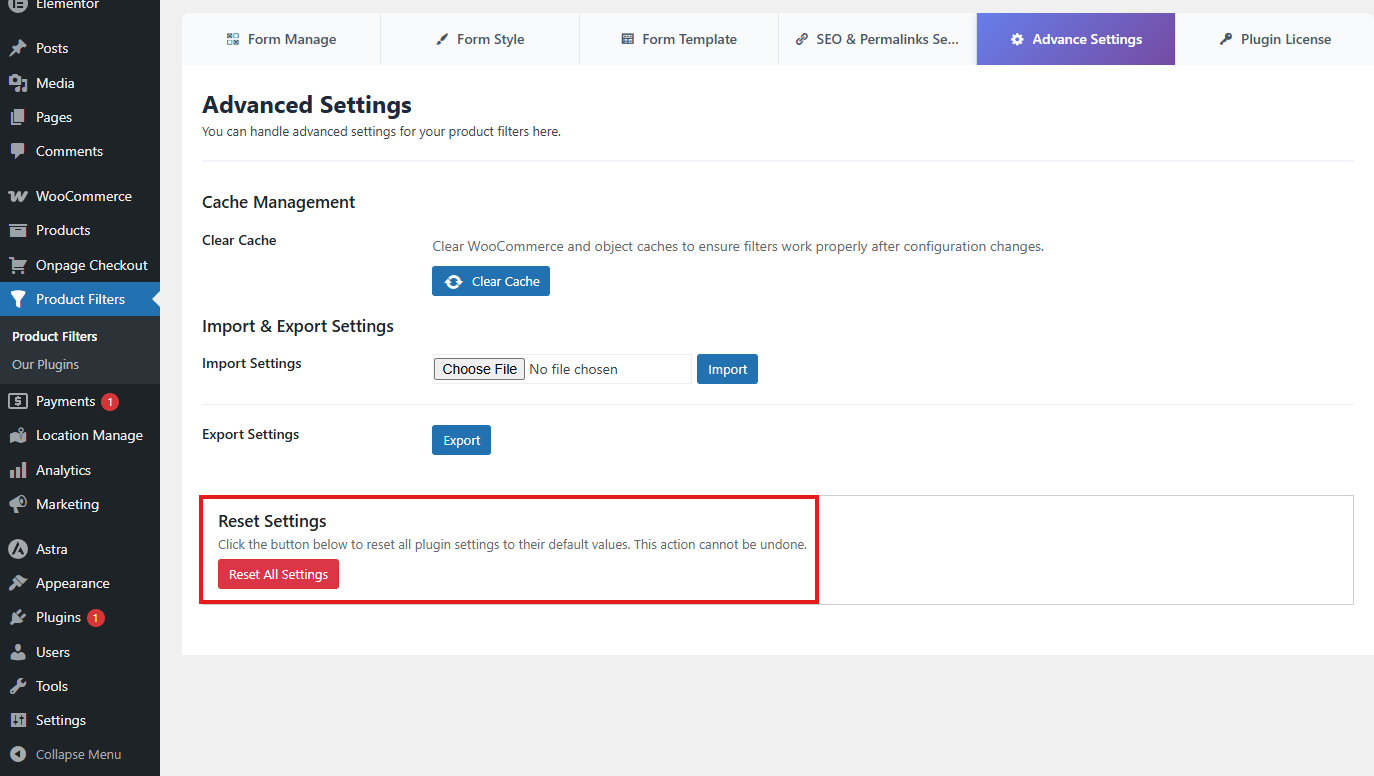
Resetting your settings can be a useful way to troubleshoot issues or start fresh with your filter configurations. Make sure to back up your current settings if you need to refer to them later.