
All sections
This guide helps you choose how star ratings look in your filter. To set the filter up and collect reviews, read the guide to filtering products by rating. You can try these on our rating filter demo.
The styles
Under Product Filters > Form Style, choose Rating, then click a style.
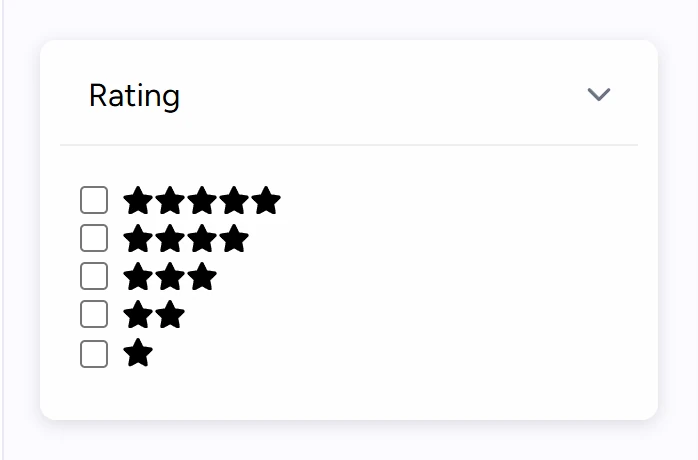
Rating Star
Rows of stars. Everyone recognises them, and they need no reading. Picking 4 shows products rated about 4 stars (3.5 to 4.49), not 5-star products as well.
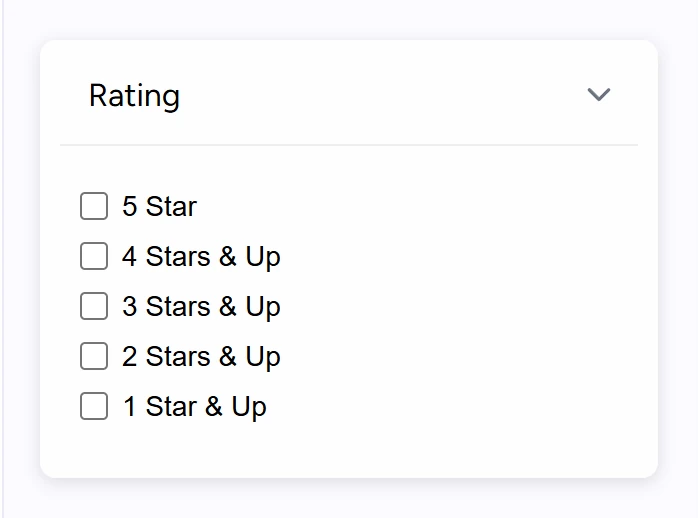
Rating Text
Words such as “4 Stars & Up”. This one really works as a minimum: picking 4 also shows 5-star products. Choose it if shoppers want “this good or better”.
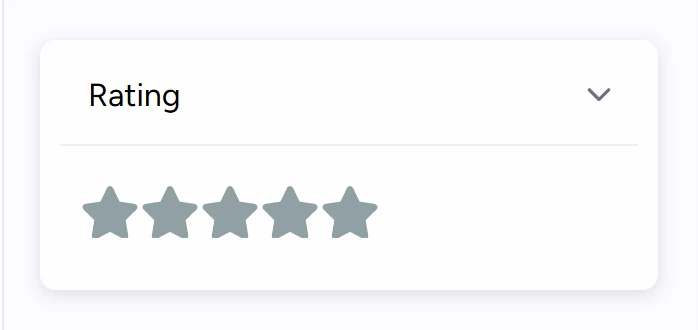
Dynamic Rating PRO
One row of stars that shoppers click, which is the most compact choice.
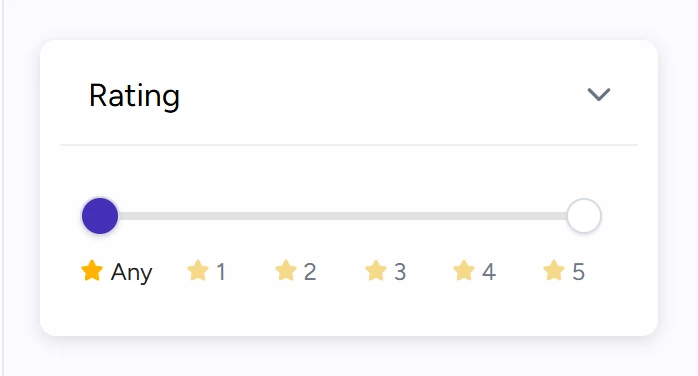
Rating Slider PRO
A slider from 1 to 5, which looks tidy beside a price slider.
Other types you can use
- Checkbox and Select PRO: useful if you want ratings to match your other filters.
- Chips PRO: small buttons that are easy to tap.
With these types, Rating Display chooses whether values appear as Rating Star or Rating Text.
Change the wording
With Rating Text, these settings change the words:
- Additional Text for 1 Star
- Additional Text for 2-4 Stars, such as “Stars & Up”
- Additional Text for 5 Stars
Click Save Changes when you finish.