
This feature shows a small picture beside each product in the checkout’s order summary, so shoppers can check that they are buying the right thing. It works in the free plugin and is off by default. You can see checkout options on the live demo.
Turn it on
- Go to Onpage Checkout > Features.
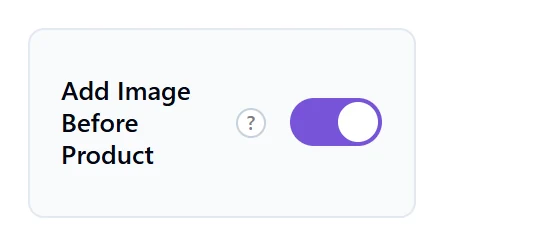
- Turn on Add Image Before Product.
- Click Save Changes and look at your checkout page.
The picture is a 50 by 50 pixel thumbnail of the product’s main image. In Pro, it shows only on checkout. In the free plugin, it can also appear wherever WooCommerce prints cart item names, such as the cart page.