
All sections
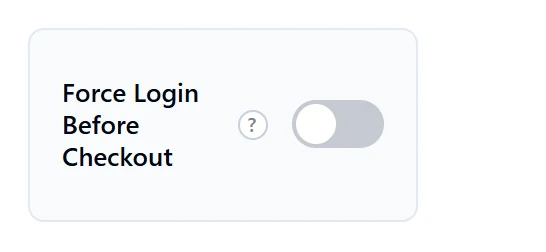
This PRO feature lets only logged-in customers check out. Guests see a login form in place of the checkout. It suits members-only and wholesale stores. It is off by default and locked in the free plugin.
Turn it on
- Go to Onpage Checkout > Features.
- Turn on Force Login Before Checkout.
- Click Save Changes.
- Open your checkout in a private window to see what guests see.
What guests see
Guests see “You must be logged in to proceed with checkout.” and a login form. After logging in, they return to checkout. This also applies to the block checkout and the checkout popup. Pages such as the order received page still open normally.
Let new customers sign up
A registration form shows only if your site allows sign-ups. Go to Settings > General and tick Anyone can register under Membership. Otherwise, new customers have no way to create an account.
Should you use it?
Making people log in usually loses some sales, since many shoppers prefer to check out quickly. For a normal shop, leave it off and let WooCommerce offer guest checkout.