
All sections
This feature skips the cart page. Anyone who goes to it is sent straight to checkout, which removes one step before payment. It works in the free plugin too.
Turn it on
- Go to Onpage Checkout > Features.
- Turn on Disable Cart Page. It is off by default.
- Click Save Changes.
- Add a product and open your cart page. You land on checkout.
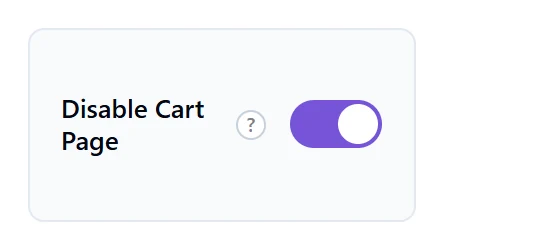
The cart page itself is not deleted. Visitors are only redirected, so you can turn the feature off at any time.
What else changes
While this is on, two options that lead to the cart page are greyed out:
- Redirect to Cart Page in the Buy Now button behaviour settings.
- The cart option under Redirect After Add to Cart in the Add to Cart behaviour settings.

If you chose one of these before turning this feature on, check the setting again.
With an empty cart
In Pro, a shopper with an empty cart stays on the cart page and sees the normal empty message. In the free plugin, they are still sent to checkout, even with nothing in the cart.
Should you use it?
It suits shops where people buy one or two items. If people often change quantities or compare items first, keep the cart page, or use the floating cart so they can review their cart without it.