
All sections
On this page
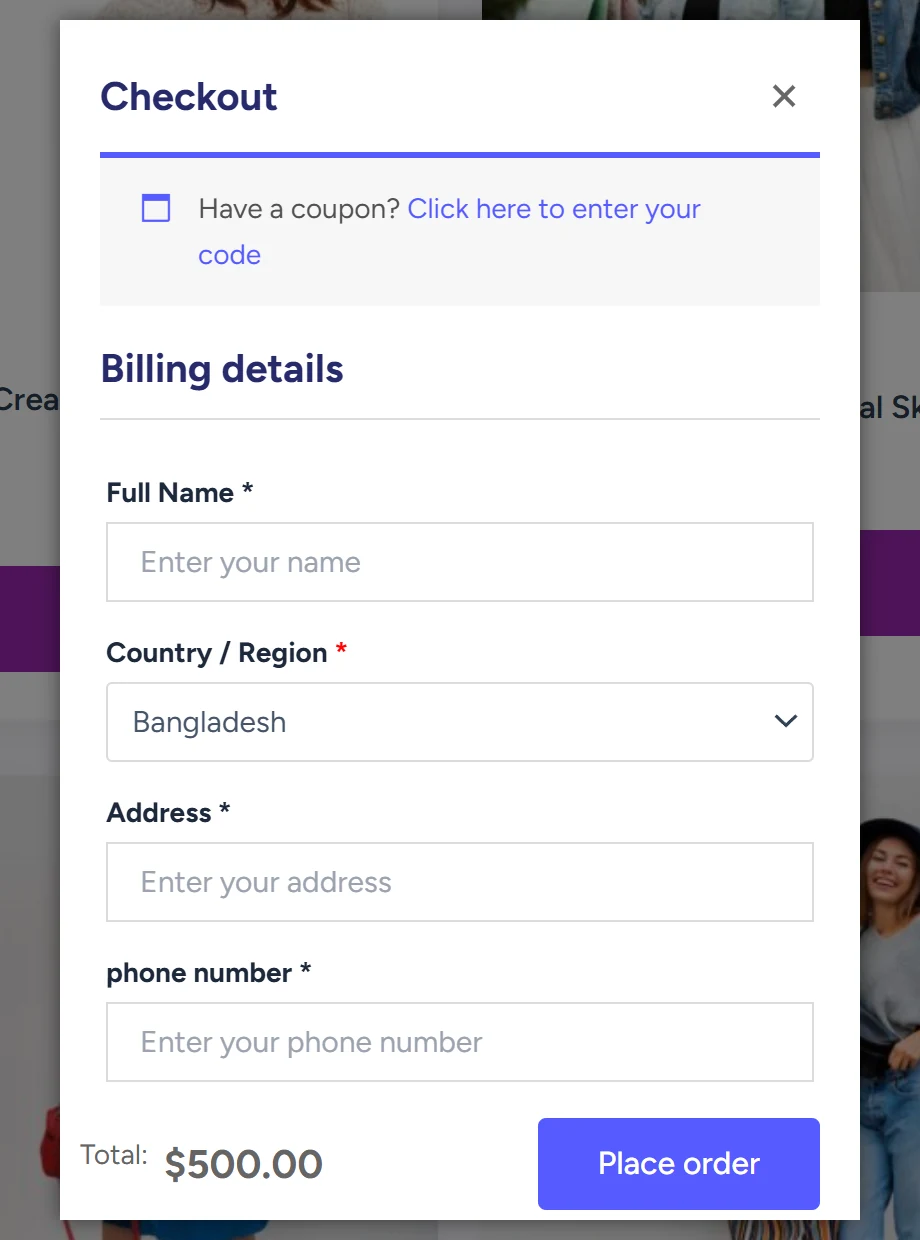
With this method PRO, clicking Buy Now opens the checkout form in a popup over the current page. Shoppers fill it in and pay without leaving the page they were looking at. You can try it on the live demo.
Turn it on
- Go to Onpage Checkout > Direct Checkout.
- Check that Enable Direct Checkout is on.
- Under Quick Checkout Behavior, set Checkout Method to Popup Checkout.
- Click Save Changes, then click Buy Now in your shop.

The list is shown open here so you can see every choice. In the free plugin, this choice is locked and reads “Popup Checkout (Pro Features)”.
Good and bad points
- Good: shoppers keep their place on the page.
- Good: there is no page load between the button and the form.
- Good: it feels quick on product and landing pages.
- Bad: the popup is narrow, at most 400 pixels wide, so a very long form needs more scrolling.
Learn more
The popup checkout setup guide covers every related setting, and the popup troubleshooting guide helps when the popup does not open.
Five methods are available. Each one has its own page: Redirect to Checkout, AJAX Add to Cart, Redirect to Cart Page, Side Cart Slide-in.