
All sections
On this page
These settings control how variable products work with the Buy Now button, and whether guests see the button. A variable product is one with choices, such as size or colour. Go to Onpage Checkout > Direct Checkout > Advanced. You can see variation selection on the live demo.
Enable Direct Checkout must be on in General Settings, or these options stay greyed out.
Checkout in Variable Product
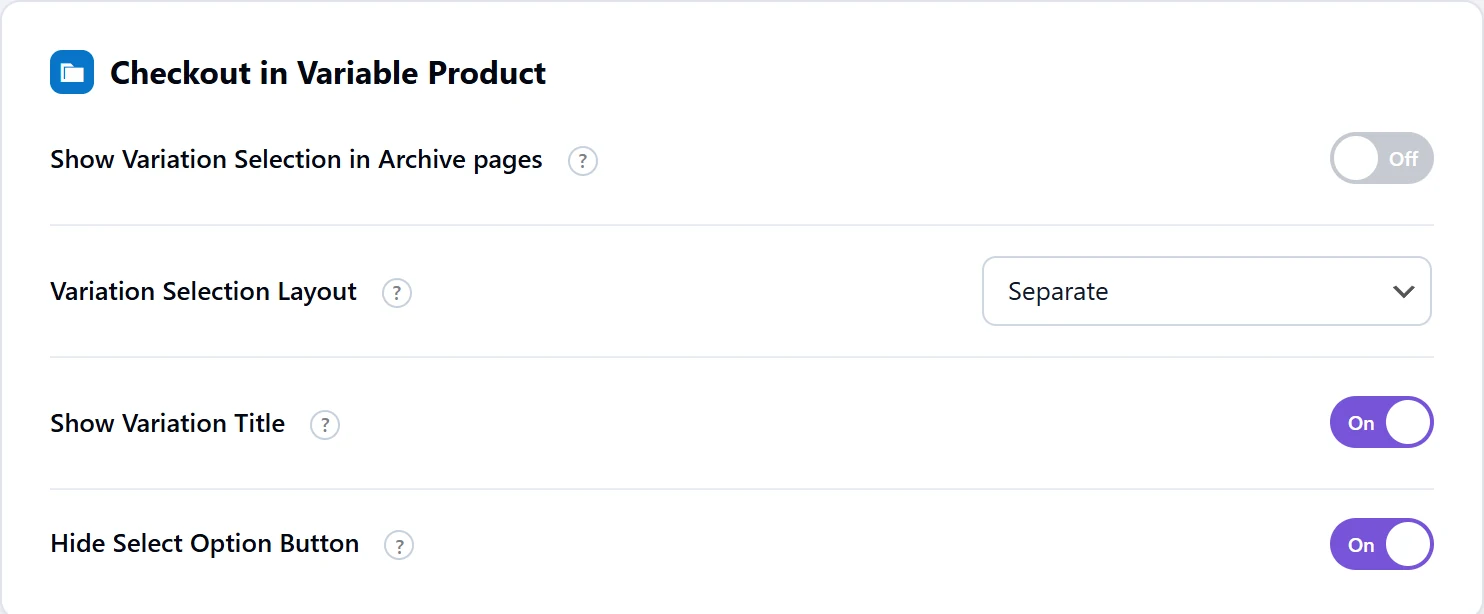
| Setting | What it does | Default |
|---|---|---|
| Show Variation Selection in Archive pages | Shows the size or colour choices on the product card in your shop, so shoppers need not open the product page. | On |
| Variation Selection Layout | Separate gives each attribute its own choice, such as one for size and one for colour. Combine lists each full variation as one choice. | Separate |
| Show Variation Title | Shows the attribute’s name, such as “Size”, beside the choices. It works with Separate only. | Off |
| Hide Select Option Button PRO | Hides the “Select options” button on variable products on product, shop, category and tag pages. | Off |
Be careful with Hide Select Option Button. If you also turn Direct Checkout off, or untick variable products, shoppers have no button to buy those products from the shop page.
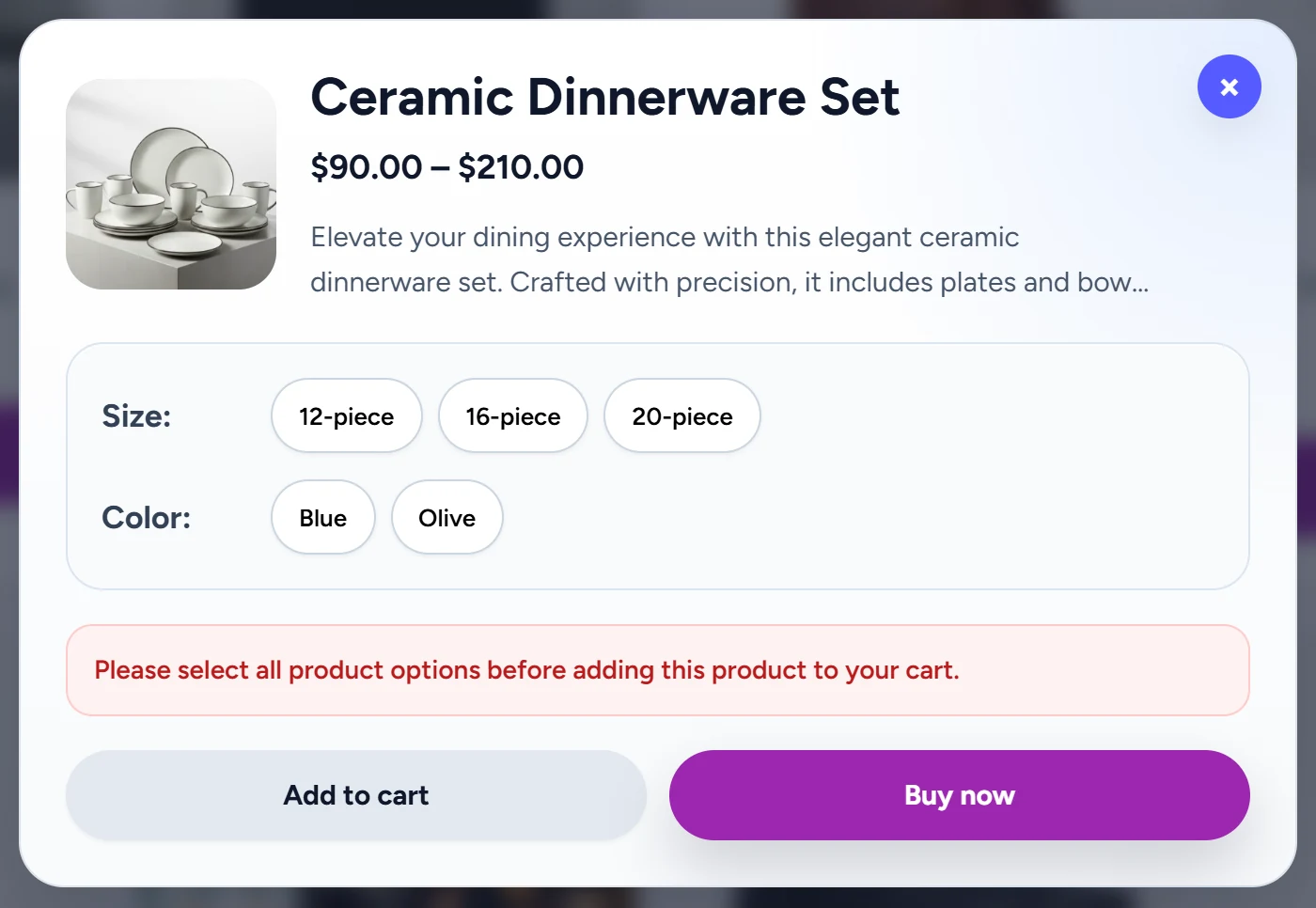
If a shopper clicks without choosing
In Pro, on shop pages, a small popup opens so they can choose the options. In the free plugin, and on product pages, they see a message asking them to select the options.
Advanced Options

Enable for Guest Checkout is on by default. When you turn it off, shoppers who are not logged in do not see the Buy Now button. They can still use the normal Add to Cart button. It does not change WooCommerce’s own guest checkout setting.
Click Save Changes when you finish, then check a variable product in a private browser window.