
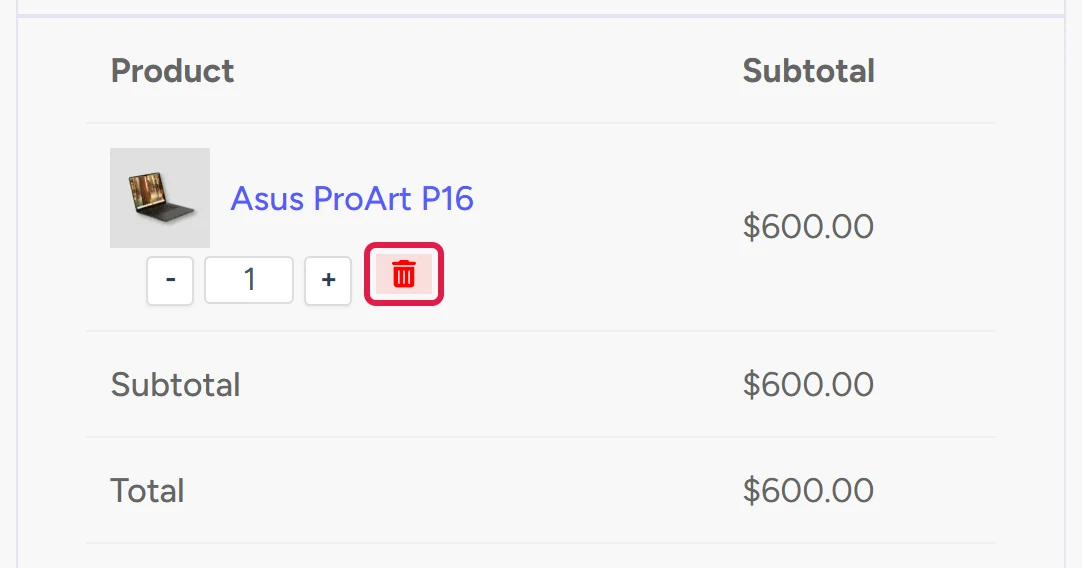
This PRO feature adds a remove button beside each product on the checkout page, so shoppers can take an item out without going back to the cart. It is on by default in Pro and locked in the free plugin. You can try it on the live demo.
Check it is on
- Go to Onpage Checkout > Features.
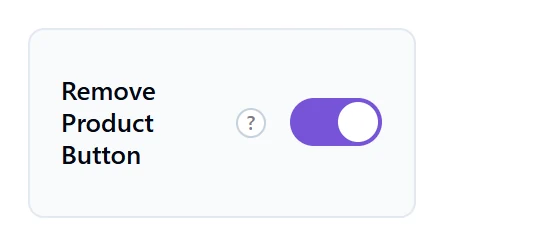
- Check that Remove Product Button is on.
- Click Save Changes if you changed it.
- Open checkout and remove a product. The totals update.
Test what happens when a shopper removes the last product, so you know what they will see.