
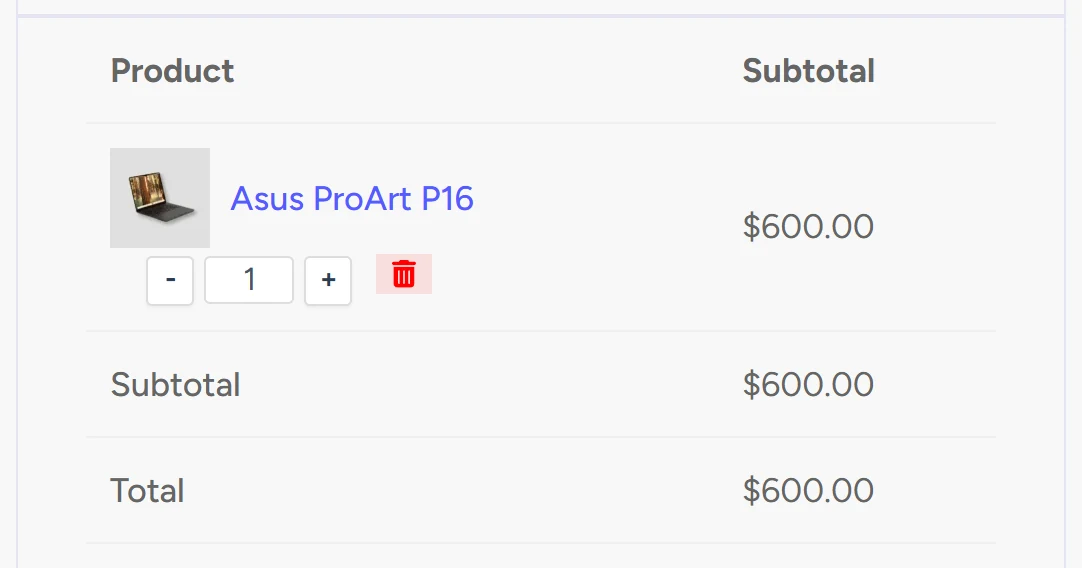
This feature lets shoppers change the quantity right on the checkout page, with plus and minus buttons in the order summary. It saves them going back to the cart. It works in the free plugin and is on by default. You can try it on the live demo.
Check it is on
- Go to Onpage Checkout > Features.
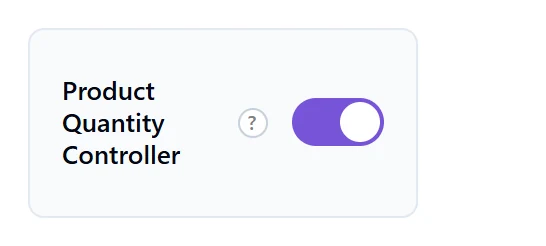
- Check that Product Quantity Controller is on.
- Click Save Changes if you changed it.
- Open checkout and change the quantity. The totals update.
When it is off, the summary shows plain text such as “× 2”, and shoppers must return to the cart to change it.