
All sections
This feature stops shoppers from reaching an empty checkout page. When the cart is empty, the plugin adds a product to it automatically. Please read how it chooses the product before you turn it on, because you do not get to pick it.
Turn it on
- Go to Onpage Checkout > Features.
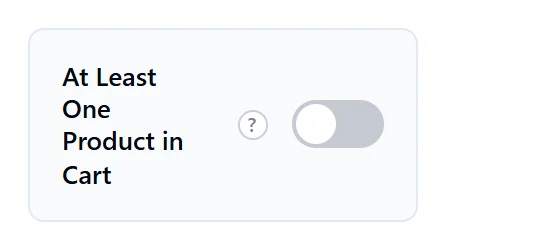
- Turn on At Least One Product in Cart. It is off by default.
- Click Save Changes.
- In a private browser window with an empty cart, open checkout and see which product was added.
How it chooses the product
The product is random, and the quantity is one. Shoppers could pay for something they did not choose if they do not look carefully, so this feature suits very small shops, or stores where every product is a suitable default.
| Free | Pro | |
|---|---|---|
| When it runs | On every page of your site | On the checkout page, and on the cart page if Disable Cart Page is on. Not on the order received or payment pages. |
| Search engine bots | Not excluded | Excluded |
| How it picks | One random simple product. If it cannot be bought, nothing is added on that page. | The first that can be bought from five random simple products, in stock or on backorder, and visible in the catalogue. |
What to expect in the free plugin
Because it runs on every page, a shopper who empties the cart gets a product back on the next page, and a product can appear in the cart right after they finish an order.
A better option for many stores
If you want shoppers to arrive at checkout with the right product, use a Buy Now button, or a checkout form with a chosen product. Both let you decide what goes in the cart.