
Use this shortcode to display detailed location information and maps anywhere on your site (pages, posts, widgets, Elementor, etc.). It supports multiple layouts, search, filtering by ID/slug, and sorting.
Syntax
[mulopimfwc_location_info]Example (tabs layout with search)
[mulopimfwc_location_info layout="tabs" search="yes"]
Parameters
| Name | Type | Default | Accepted values | Description |
|---|---|---|---|---|
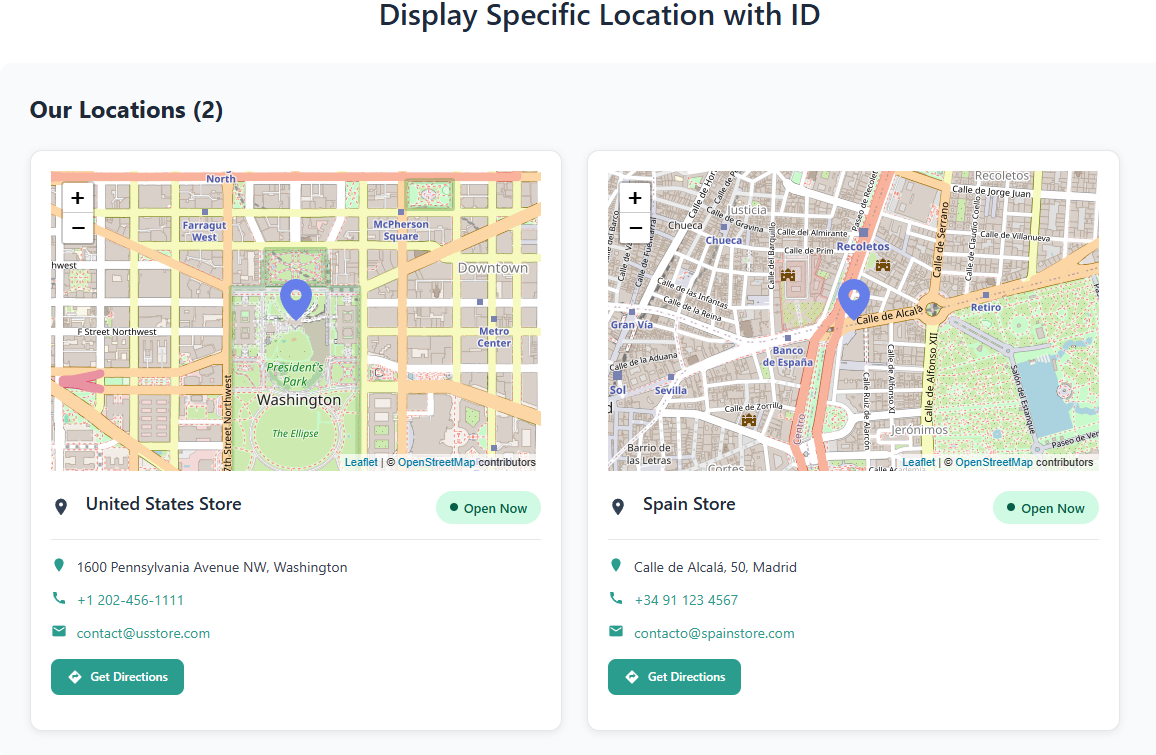
id | string | — | "123" or "123,456,789" | Show specific location(s) by ID. |
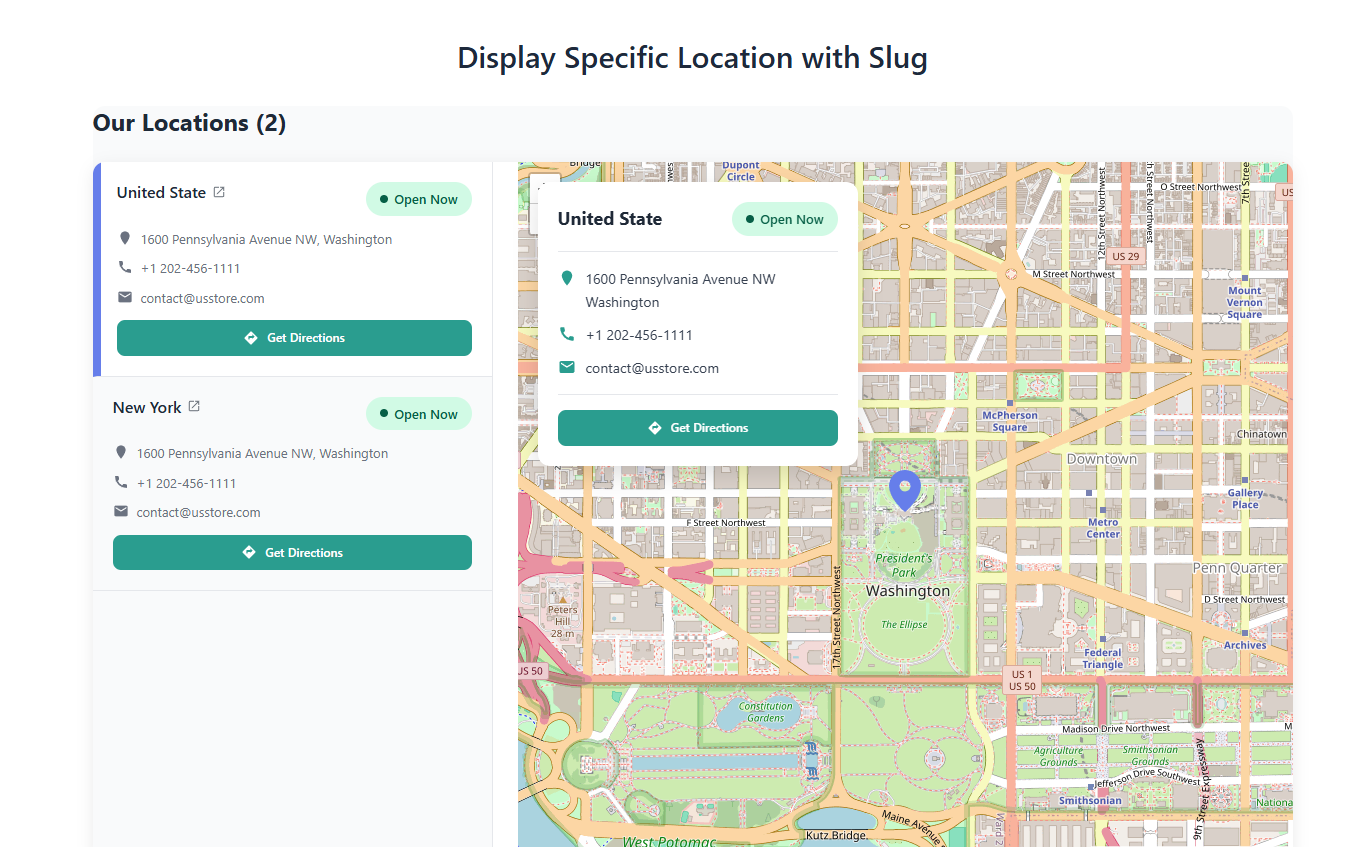
slug | string | — | "downtown" or "downtown,uptown" | Show specific location(s) by slug. |
layout | enum | auto | auto | tabs | compact | grid | Display style for locations. |
search | enum | no | yes | no | Enable a location search field. |
compact | enum | no | yes | no | Force compact view for a single location. |
limit | int | — | any positive number | Limit the number of locations shown. |
orderby | enum | name | name | id | count | Sort locations by name, ID, or product count. |
order | enum | ASC | ASC | DESC | Sort order. |
Note: Use either
idorslug. If both are provided,idtakes priority.
Layouts Explained
auto
Automatically selects the best layout based on the number of locations.tabs
Each location appears in its own tab with details and map.compact
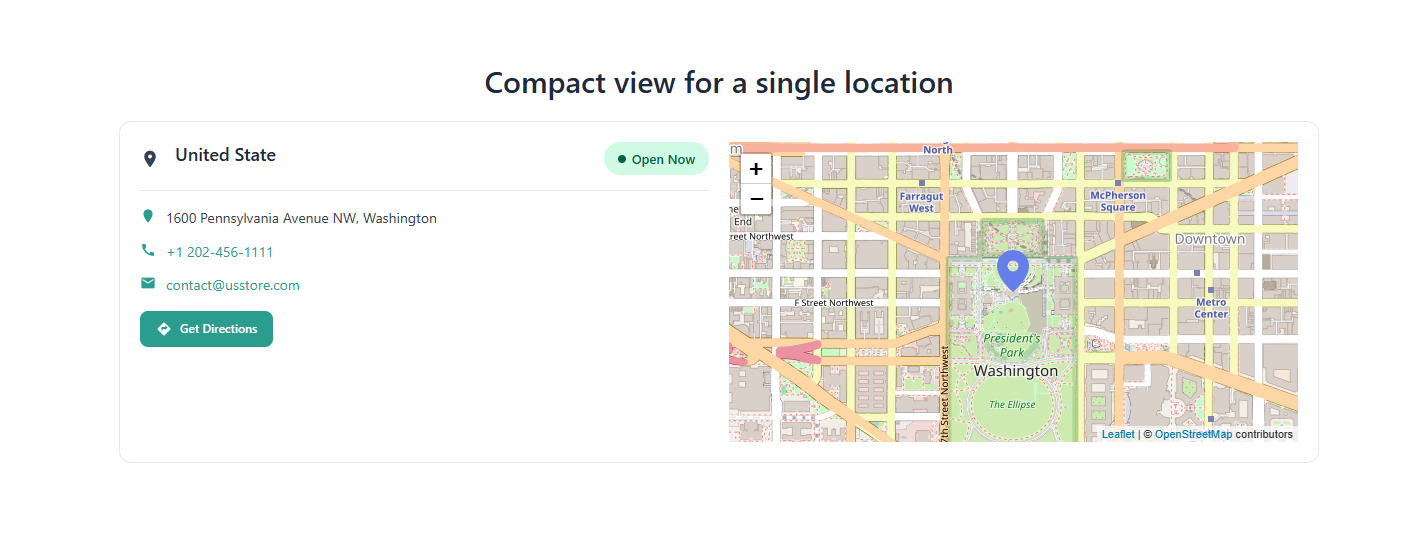
Minimal view, ideal for a single location.grid
Card/grid-based layout, great for multiple locations.
Examples
1) Show all locations (auto layout)
[mulopimfwc_location_info]
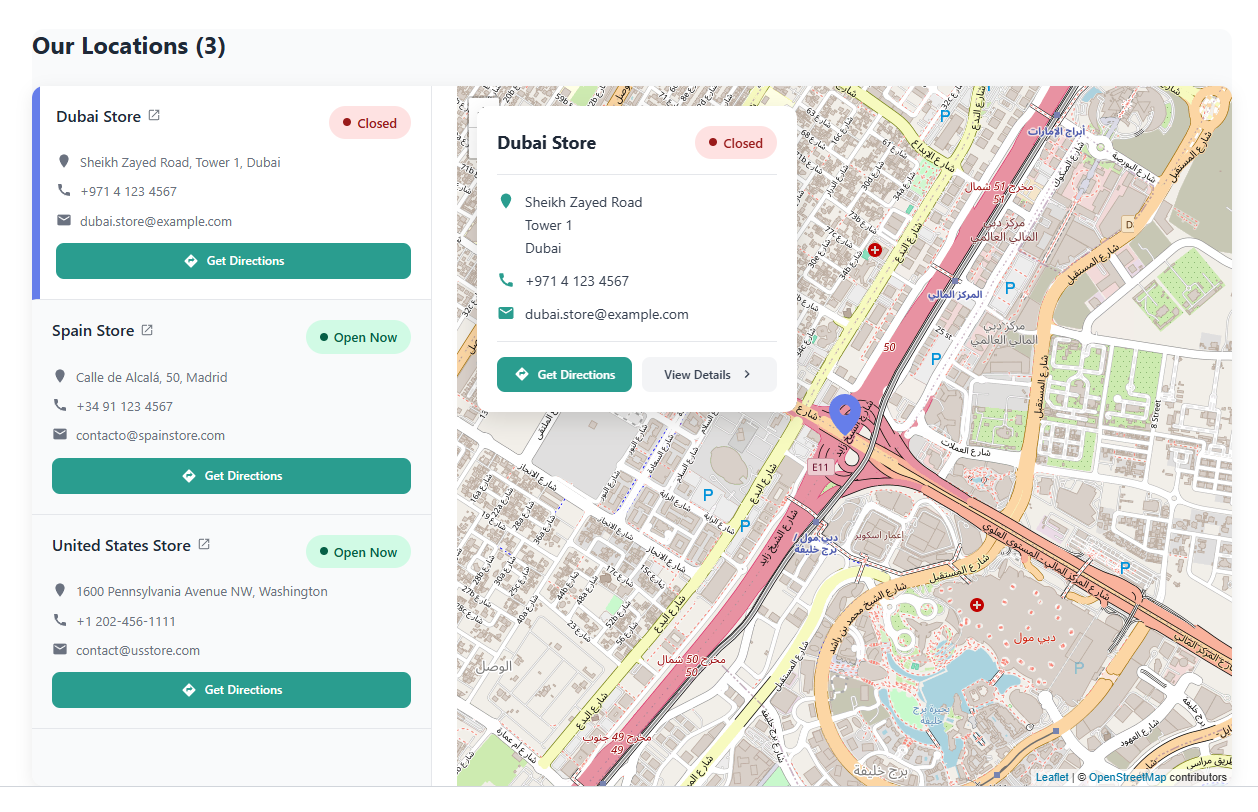
2) Tabs layout with search enabled
[mulopimfwc_location_info layout="tabs" search="yes"]
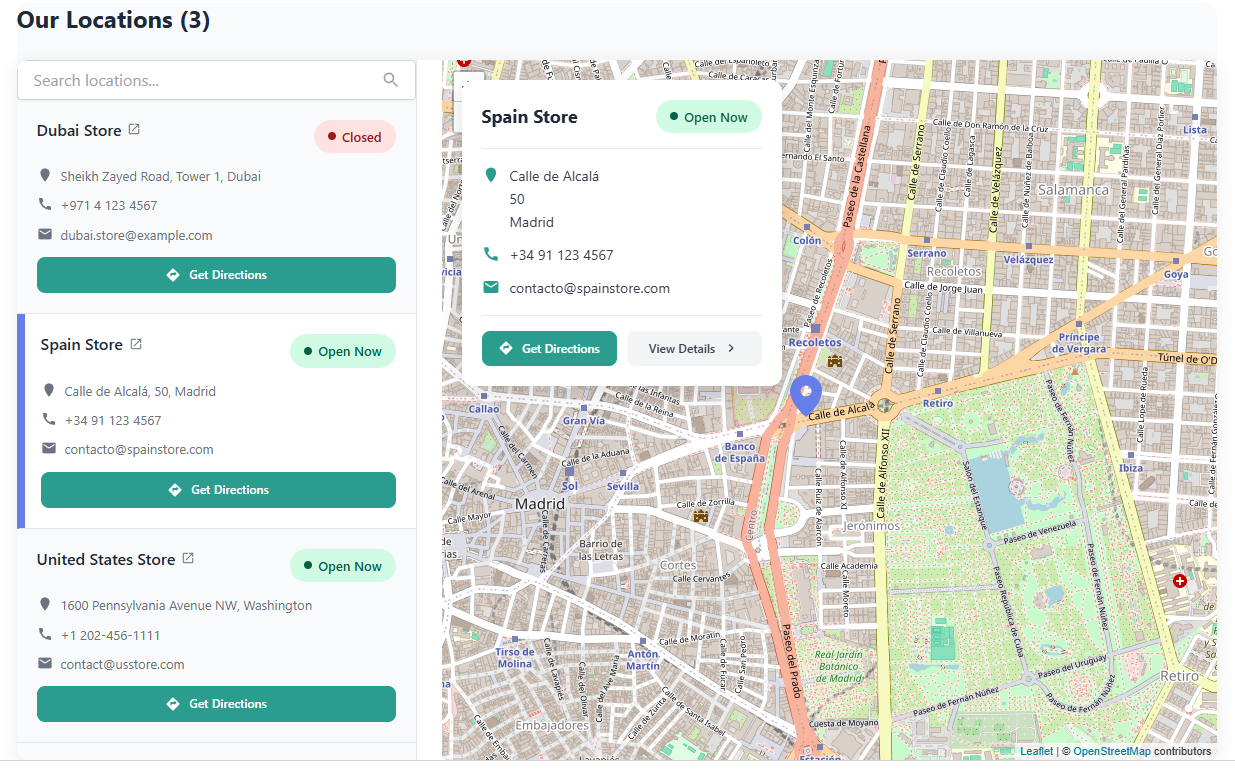
3) Display specific locations by ID
[mulopimfwc_location_info id="123,456" layout="grid"]
4) Display locations by slug
[mulopimfwc_location_info slug="downtown,uptown" layout="tabs"]
5) Compact view for a single location
[mulopimfwc_location_info id="123" compact="yes"]
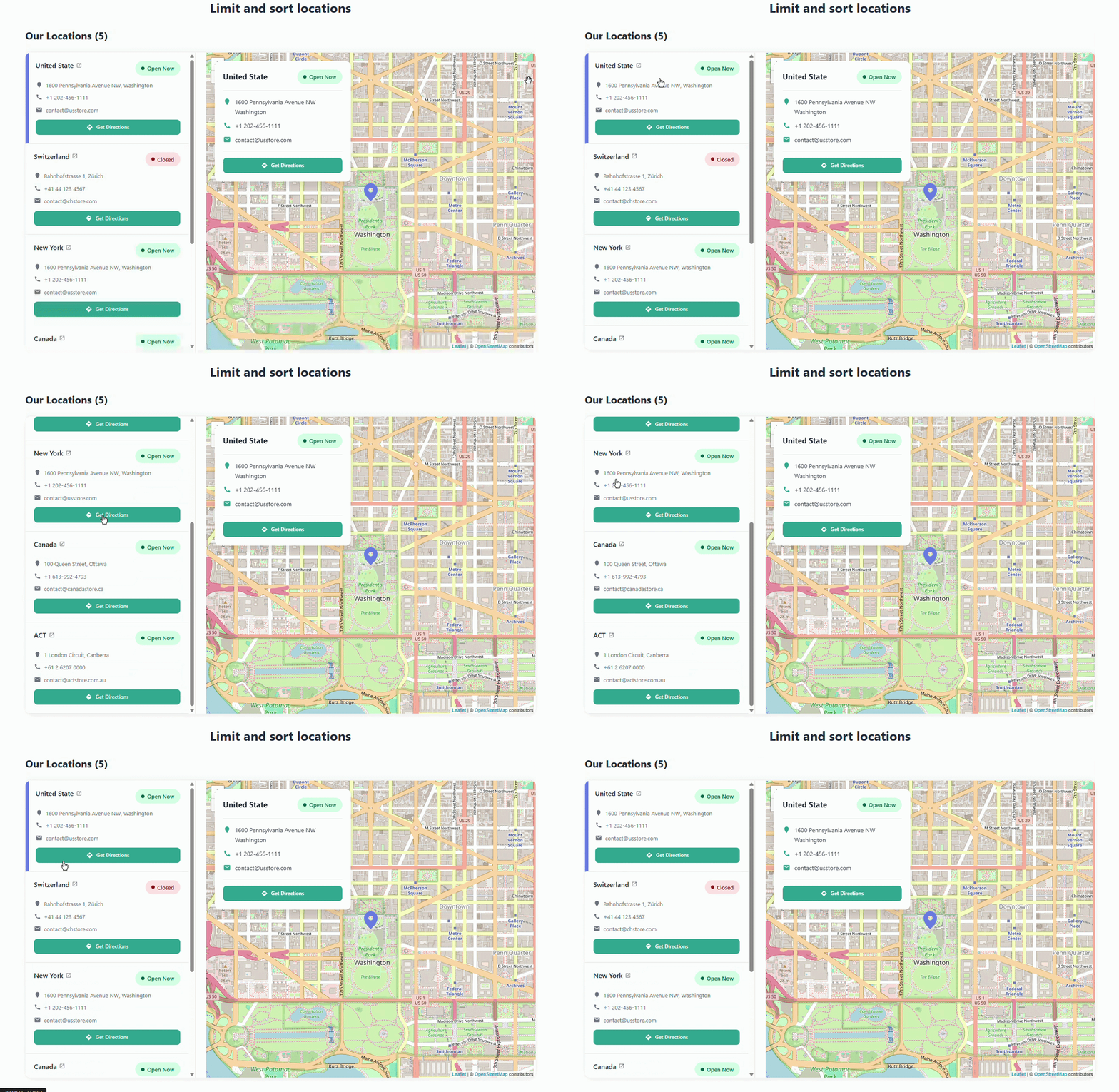
6) Limit and sort locations
[mulopimfwc_location_info limit="5" orderby="count" order="DESC"]
7) Use inside a PHP template
echo do_shortcode('[mulopimfwc_location_info layout="grid" search="yes"]');
Behavior & Notes
- Maps support: Displays the configured map (Google Maps / OpenStreetMap, depending on plugin settings).
- Search: When enabled, users can quickly filter locations by name/address.
- Sorting:
countsorting uses the number of products assigned to each location. - Responsiveness: All layouts are mobile-friendly.
- Styling hooks: Output includes layout-specific classes (e.g.
.layout-tabs,.layout-grid) for easy customization.
This shortcode is ideal for store locator pages, contact pages, or pickup/delivery information sections anywhere on your WooCommerce site.