
All sections
Some features cannot run together. A single order usually has one currency, for example, so a cart with US dollars and British pounds would not add up. This guide shows what works with what, and why a setting may be greyed out.
What works with what
| Feature | With Location Wise Currency | With Manual or Inventory, Optional Location Selection off | With Proximity, Optional Location Selection off |
|---|---|---|---|
| Allow Mixed-Location Cart | No | No | Yes |
| Split Order by Location | No | No | Yes, needs a mixed cart |
| Allow Location Change in Cart | No | No | No |
| Group Cart Items by Location | Yes | No | No |
| Manual Assignment | No, it runs as Proximity | ||
| Location shipping, payment and pickup | Yes | No | No |
Turning Optional Location Selection on removes the limits in the last two columns.
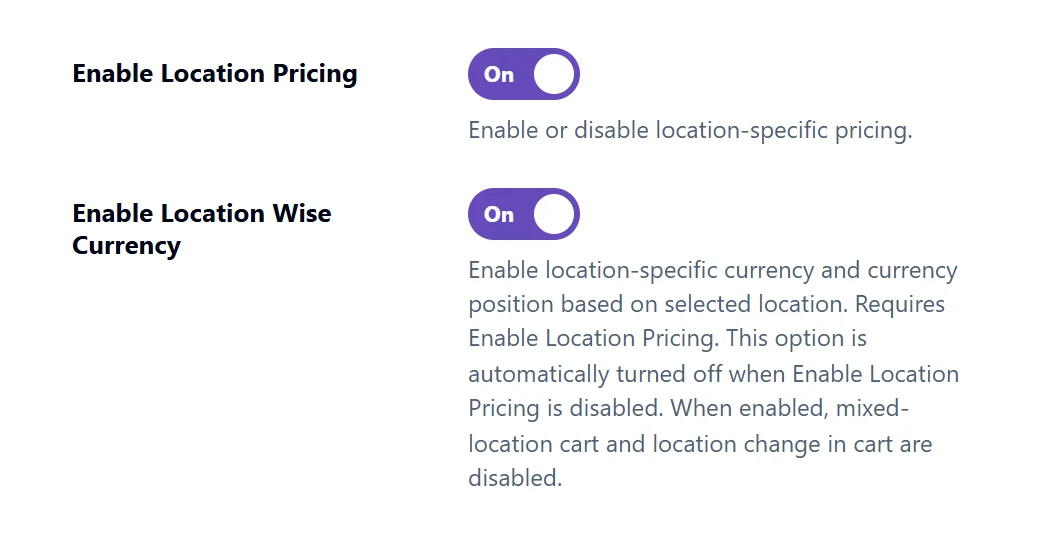
Why a mixed cart and many currencies clash
Imagine a T-Shirt from a US store in dollars, Shoes from a UK store in pounds, and a Watch from Canada in Canadian dollars. WooCommerce cannot add those into one total, and one payment normally has one currency. So Location Wise Currency needs each cart to come from one store.
The screen says: “Manual Assignment is disabled while Location Wise Currency is enabled. If Manual was previously selected, Proximity Based will be used.”
Our location currency rules give more detail.
Four setups that work
| Goal | Settings |
|---|---|
| Separate country shops, each with its own currency | Location Wise Currency on, Customer Selection |
| One currency, stock shipped from many stores | Inventory Based, Optional Location Selection on, Allow Mixed-Location Cart on, Split Order by Location on |
| Shoppers choose a local store for pickup | Customer Selection, location shipping and pickup on |
| Staff decide each order | Manual Assignment, currency off |
Common situations
- Mixed cart is greyed out: check Location Wise Currency first, then your method and Optional Location Selection.
- Split order is greyed out: turn Allow Mixed-Location Cart on and save first.
- Manual Assignment is greyed out: turn off Location Wise Currency.
- Changing store in the cart is missing: it needs currency off, and shoppers able to choose a store.
After changing these settings, clear your site’s cache and test with a real cart. You can compare with the currency demo.