
Product Filter
The Product Filter setting controls how location-based product filters are displayed on shop and archive pages.
- Dashboard → Location Manage →Settings→ Location Info Management
- Find Product Filter
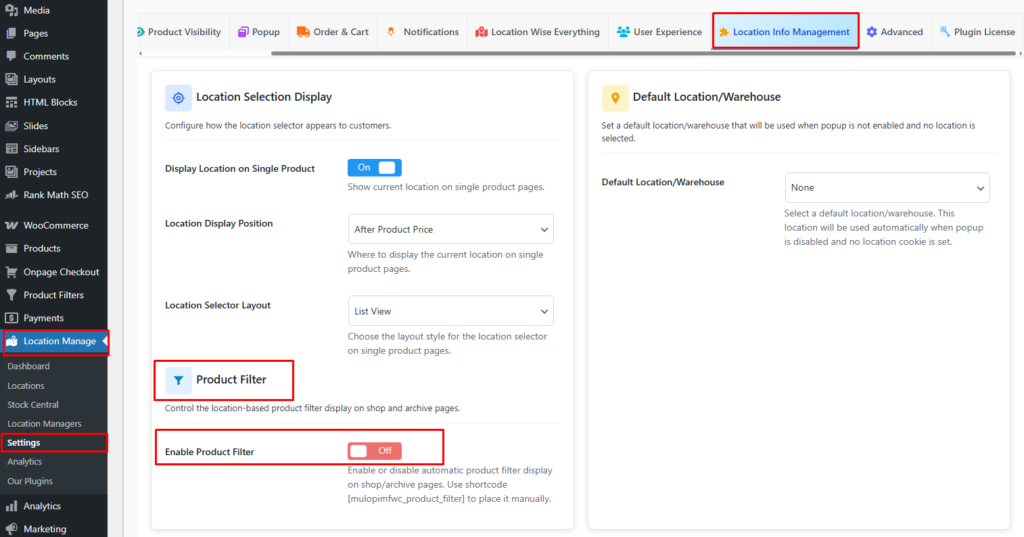
Enable Product Filter
Option: On / Off
Description:
Enable or disable the automatic display of the location-based product filter on shop and archive pages.
Behavior:
- On: The product filter is automatically shown on shop and archive pages.
- Off: The product filter is not displayed automatically.
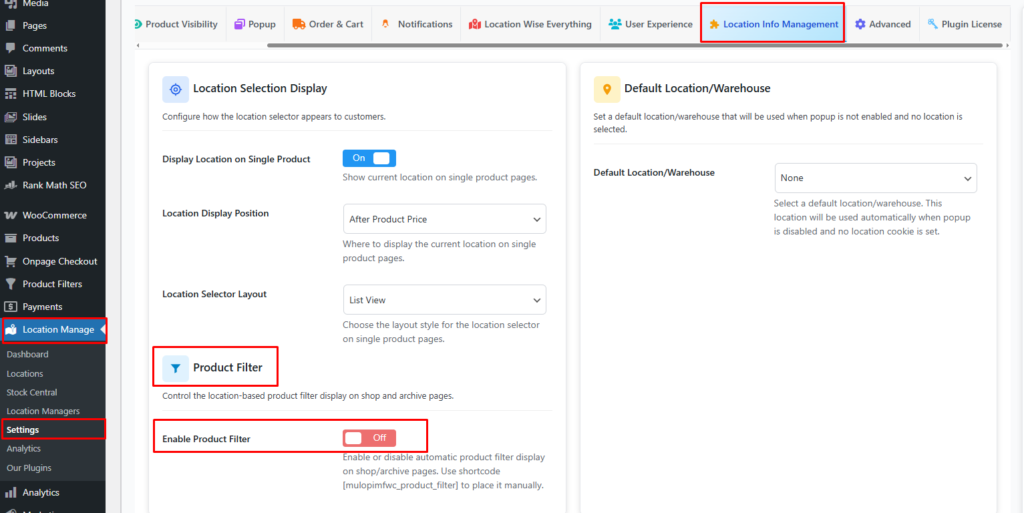
Manual Placement:
If the filter is disabled or you want to control its placement, you can insert it manually using the shortcode below:
[mulopimfwc_product_filter]
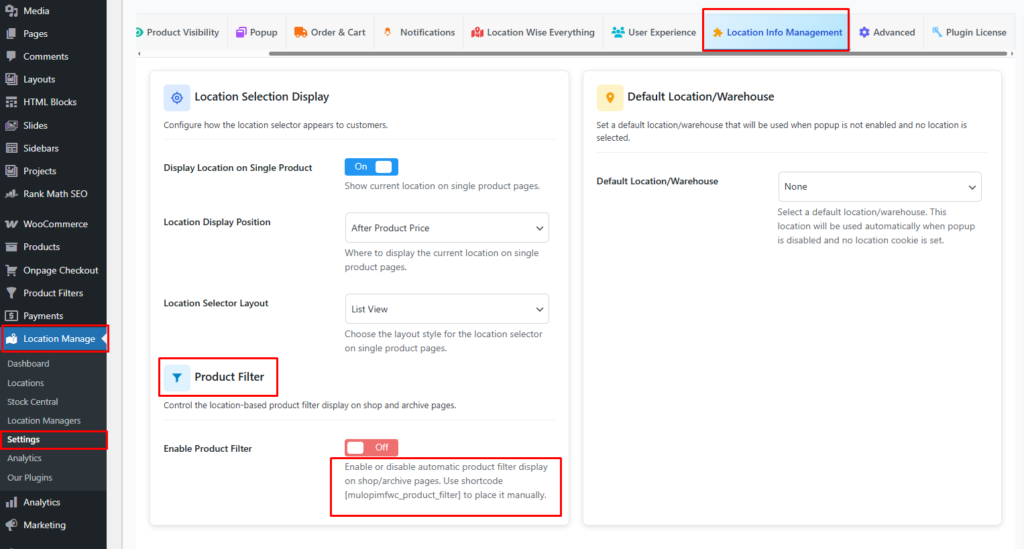
Use Case:
Ideal for themes or layouts where you want full control over where the product filter appears.