Step 1: Install the Plugin
Before configuring the Disable Cart Page feature, ensure the plugin is installed. For detailed installation steps, please visit the [Installation Guide Documentation Page].
Step 2: Enable Disable Cart Page
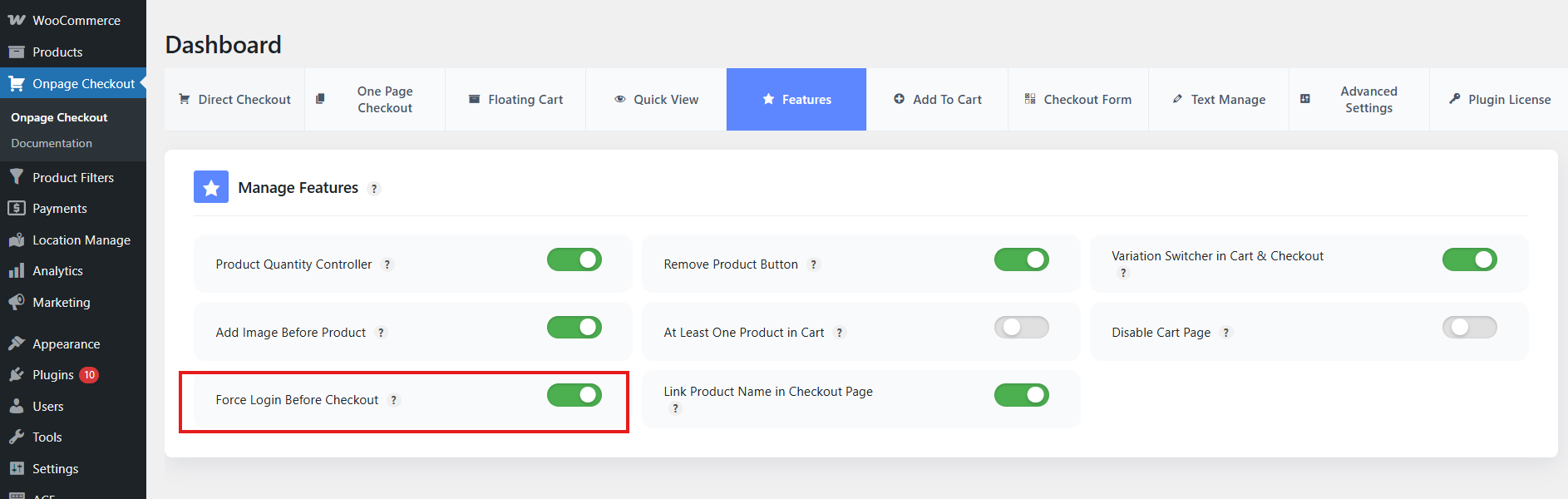
- Log in to your WordPress admin dashboard.
- Go to Onpage Checkout.
- Click on Features.
- Turn on the Force Login Before Checkout option.
This documentation provides a brief guide for enabling the Disable Cart Page feature in the One Page Quick Checkout for WooCommerce. For further assistance, please refer to our support section or contact our support team.